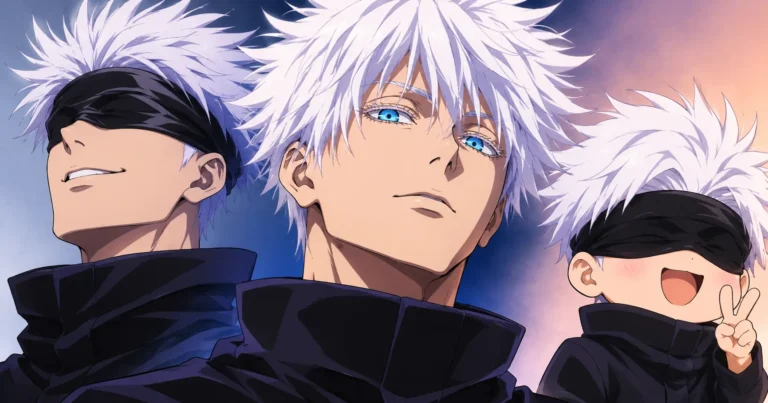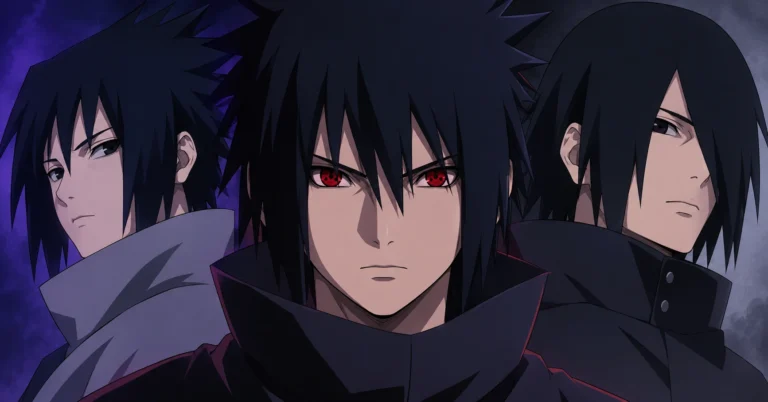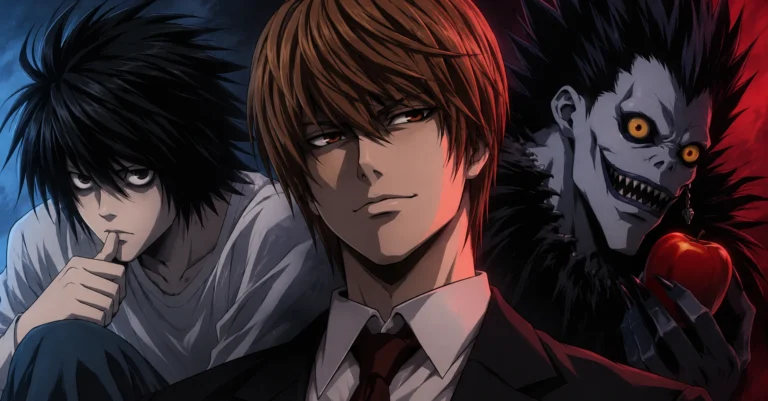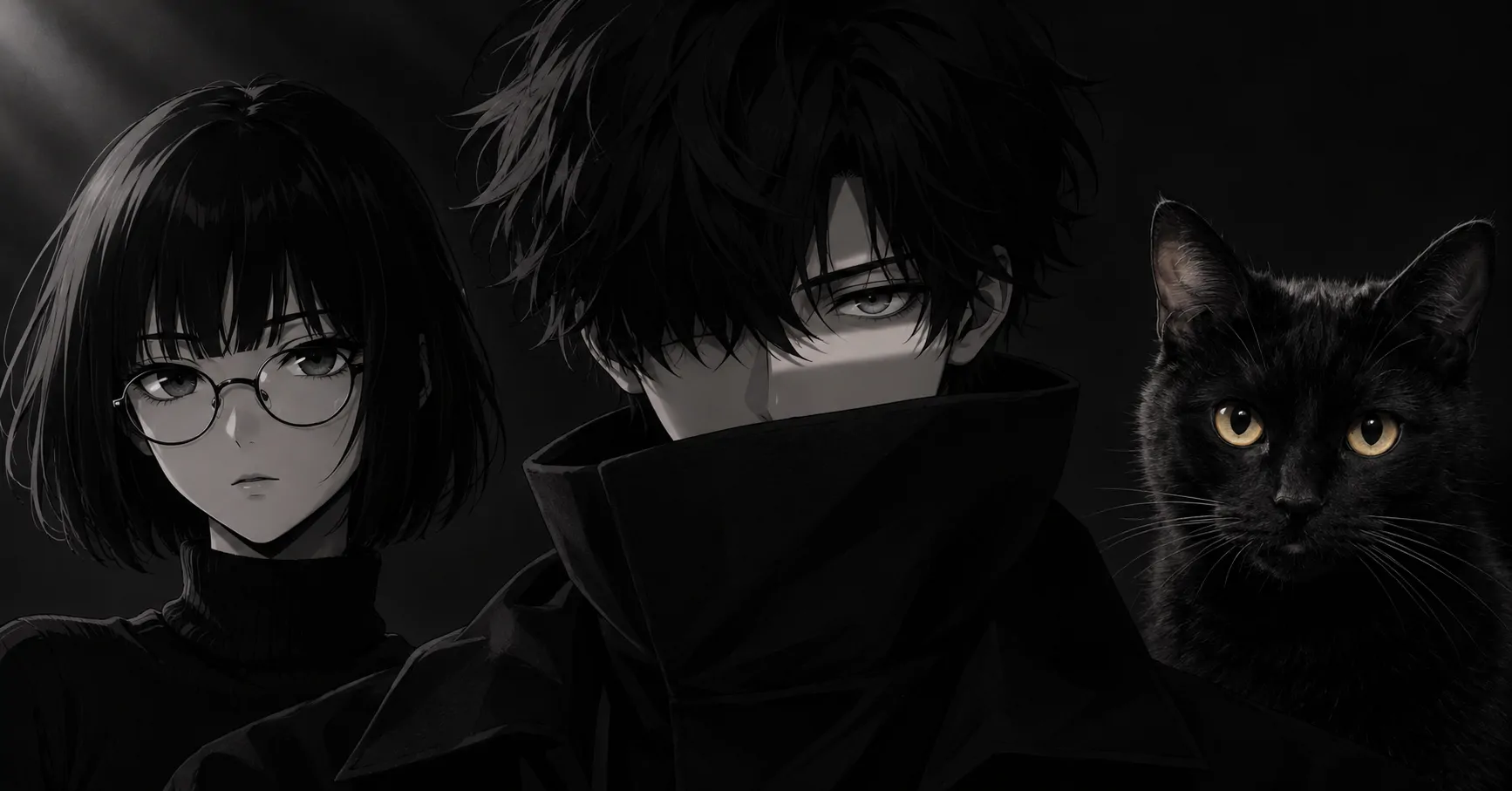
Searching for the right Dark PFP for your profile? This collection brings together 48 ideas built around deep shadows, clear expressions and small details you can still see inside a circle. Explore Dark Anime PFP and Dark Aesthetic PFP styles, plus separate groups for boys, girls, sad moods, cats and matching pictures. Most designs keep the face close, with enough light around the eyes to stop it disappearing.
You can choose sharp manga lines, soft grey shading or a small red accent against black. Some pictures feel guarded and serious. Others use sleepy eyes, gentle expressions or a curious cat to keep the mood quiet rather than harsh.
These dark profile pictures suit chat accounts, gaming profiles and personal pages without needing a busy background. Try a bold portrait for Discord, a softer face for Instagram or a coordinated pair with a friend. Start with the expression you like, then choose the colour and detail around it.
Editor’s Favourites
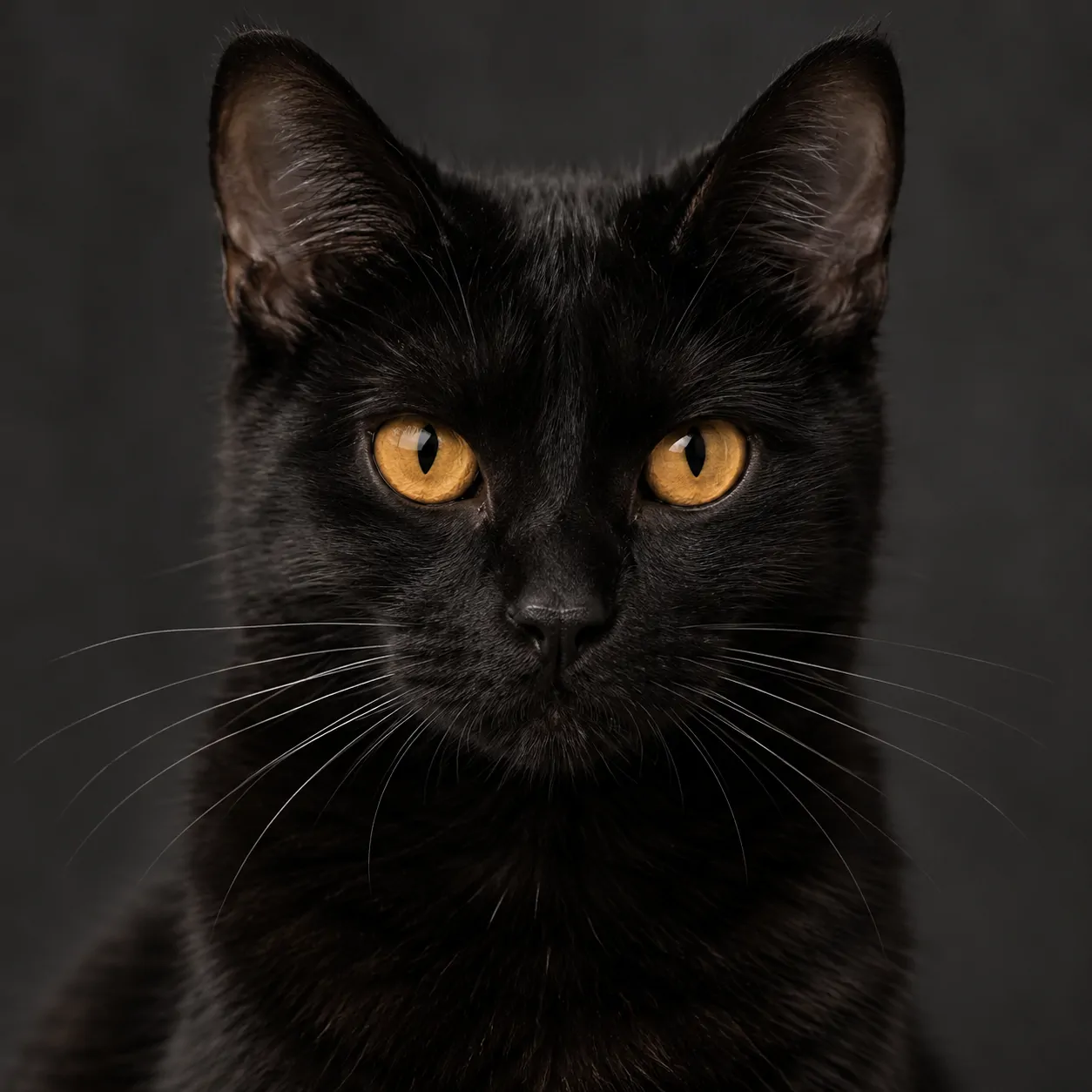
These Dark PFP ideas cover shadowed anime portraits, monochrome faces, a mysterious silhouette and a black cat. Each keeps one clear feature near the centre.
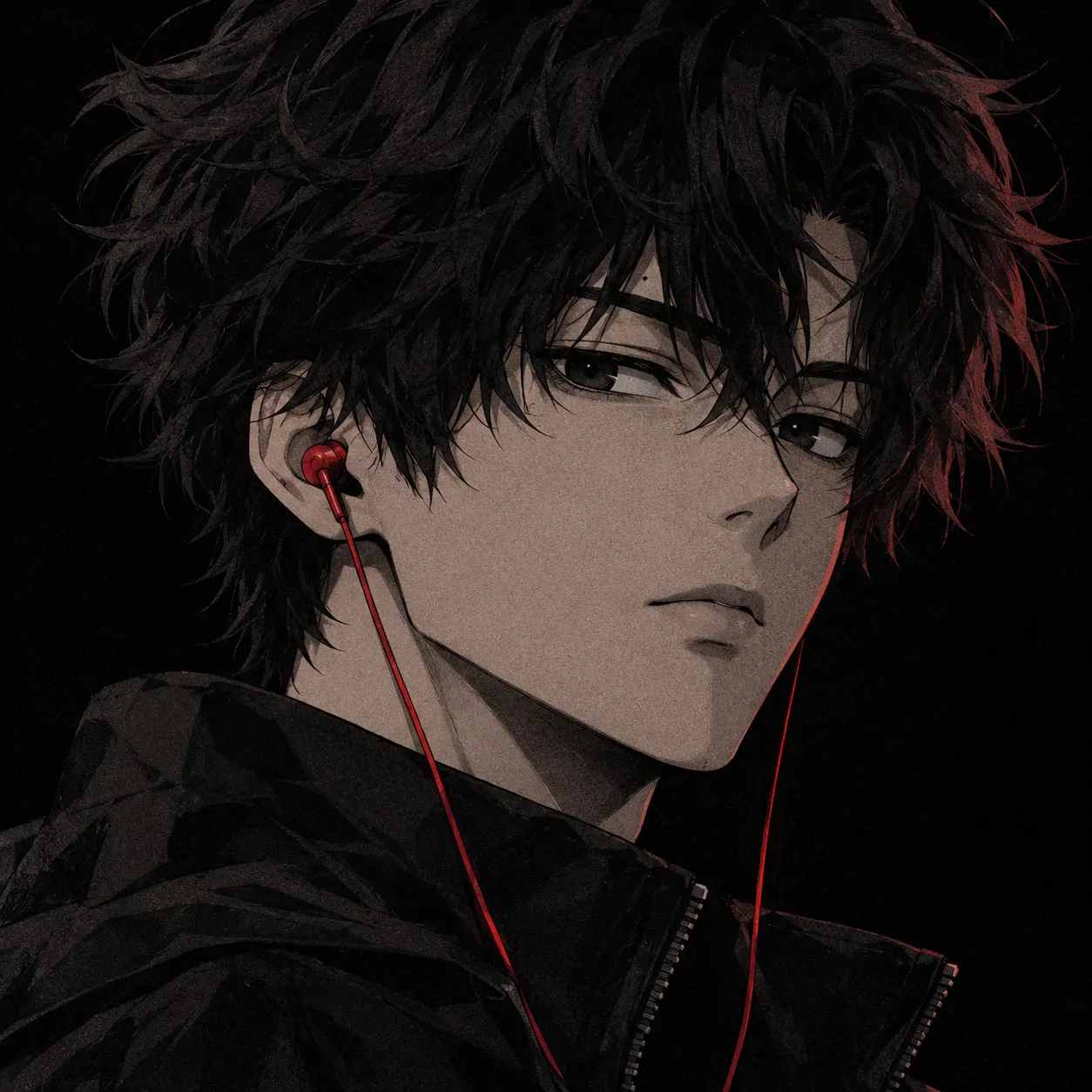
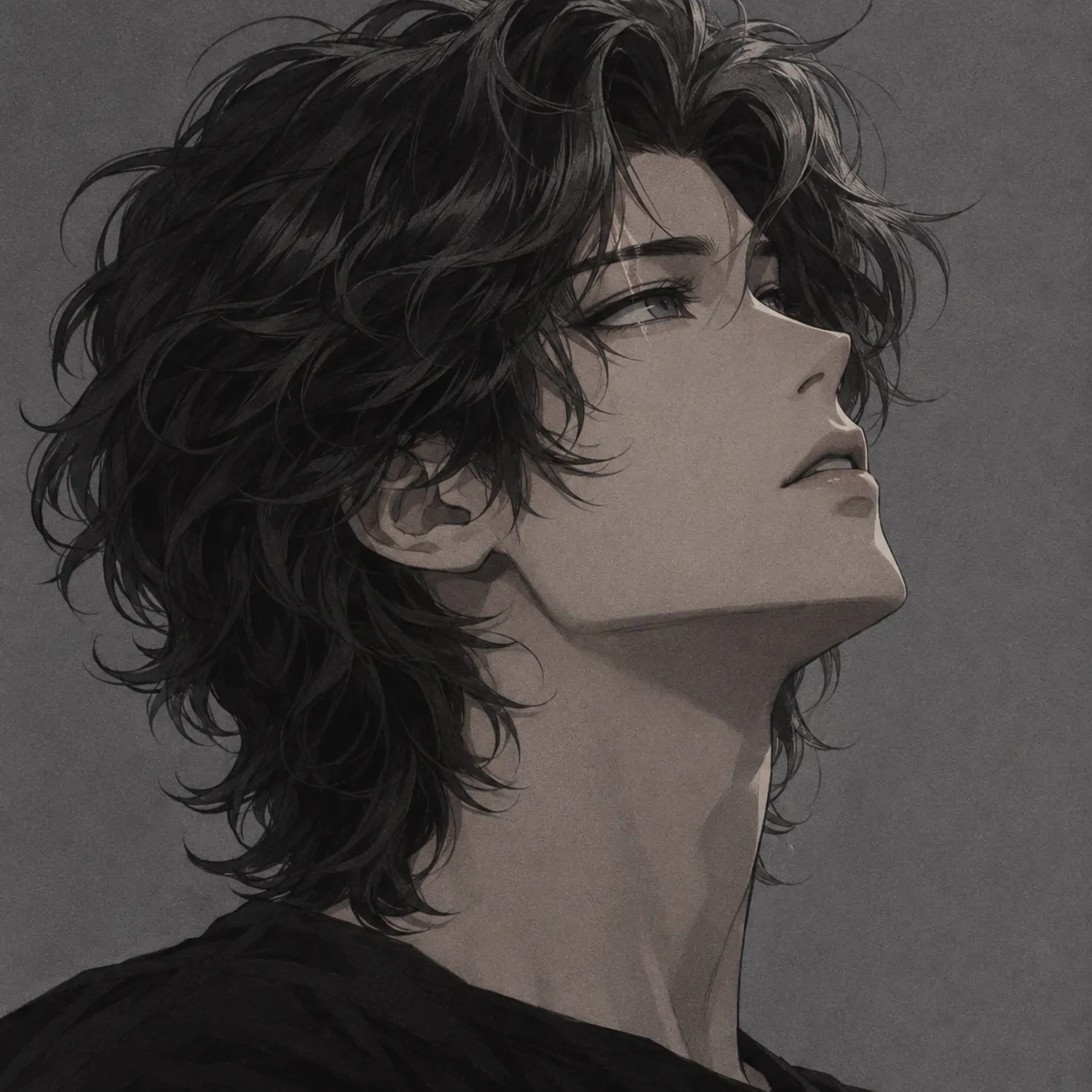
Dark Anime PFP
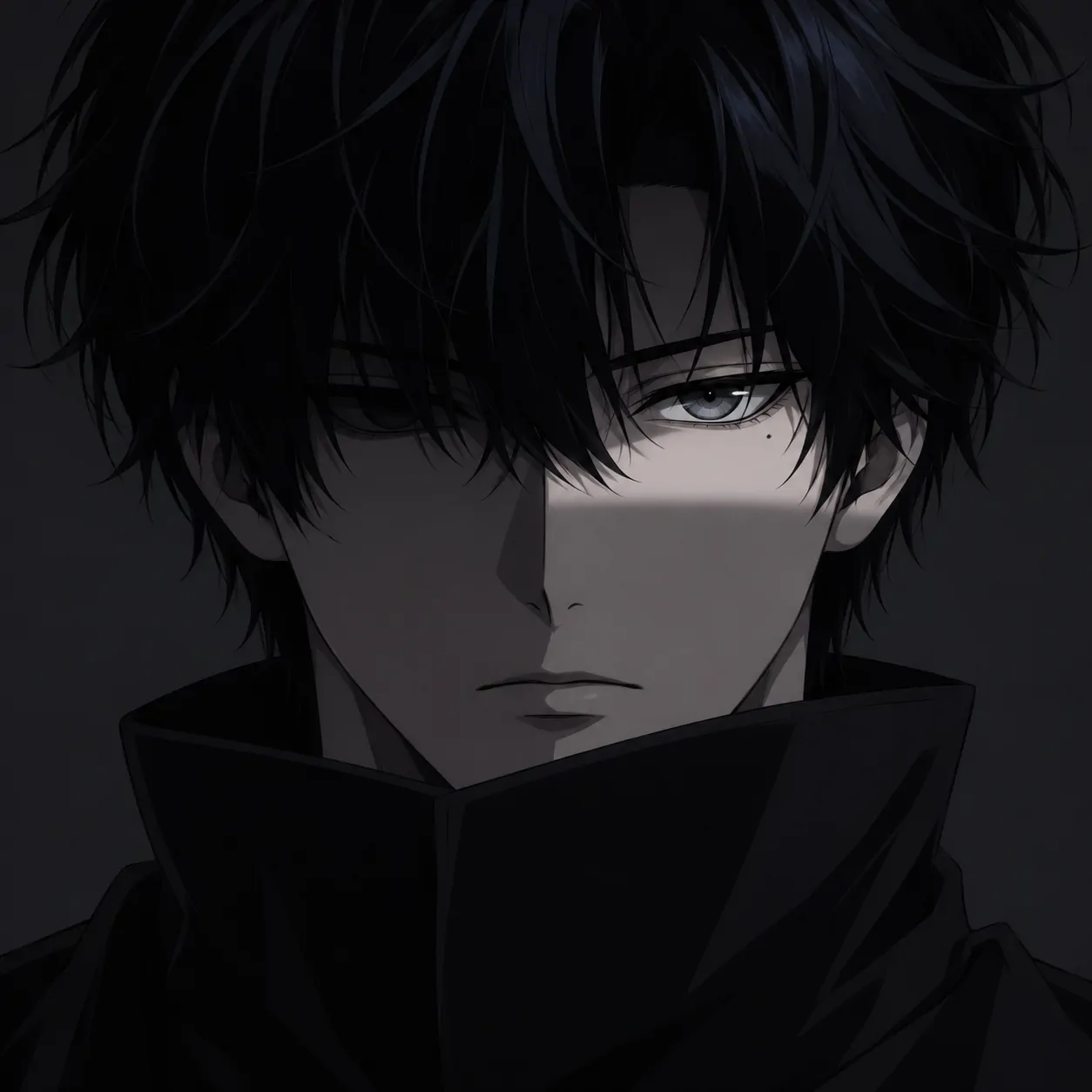
Dark Anime PFP designs use expressive eyes, strong ink shapes and close framing. These six portraits range from guarded stillness to a sharp, confident stare.
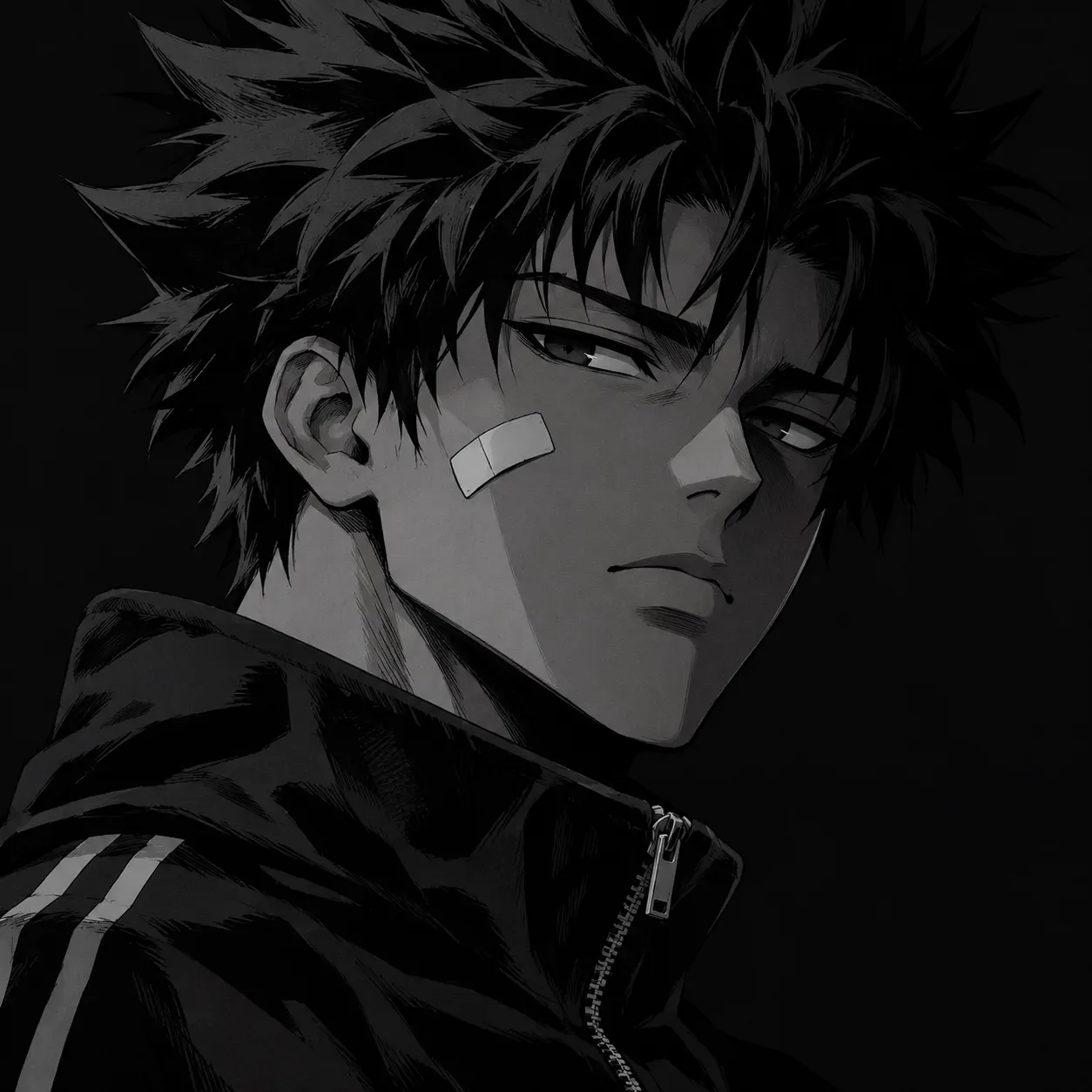
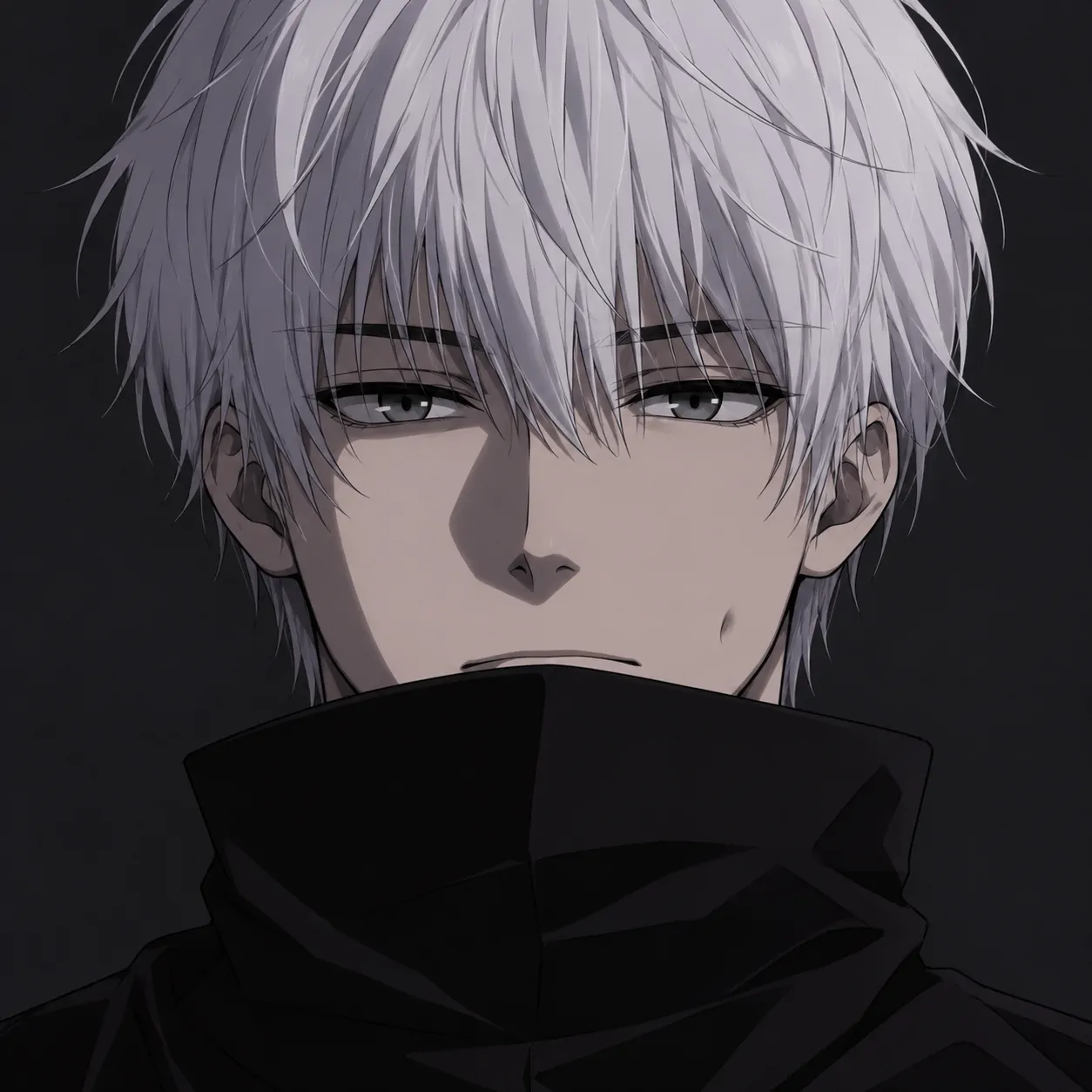
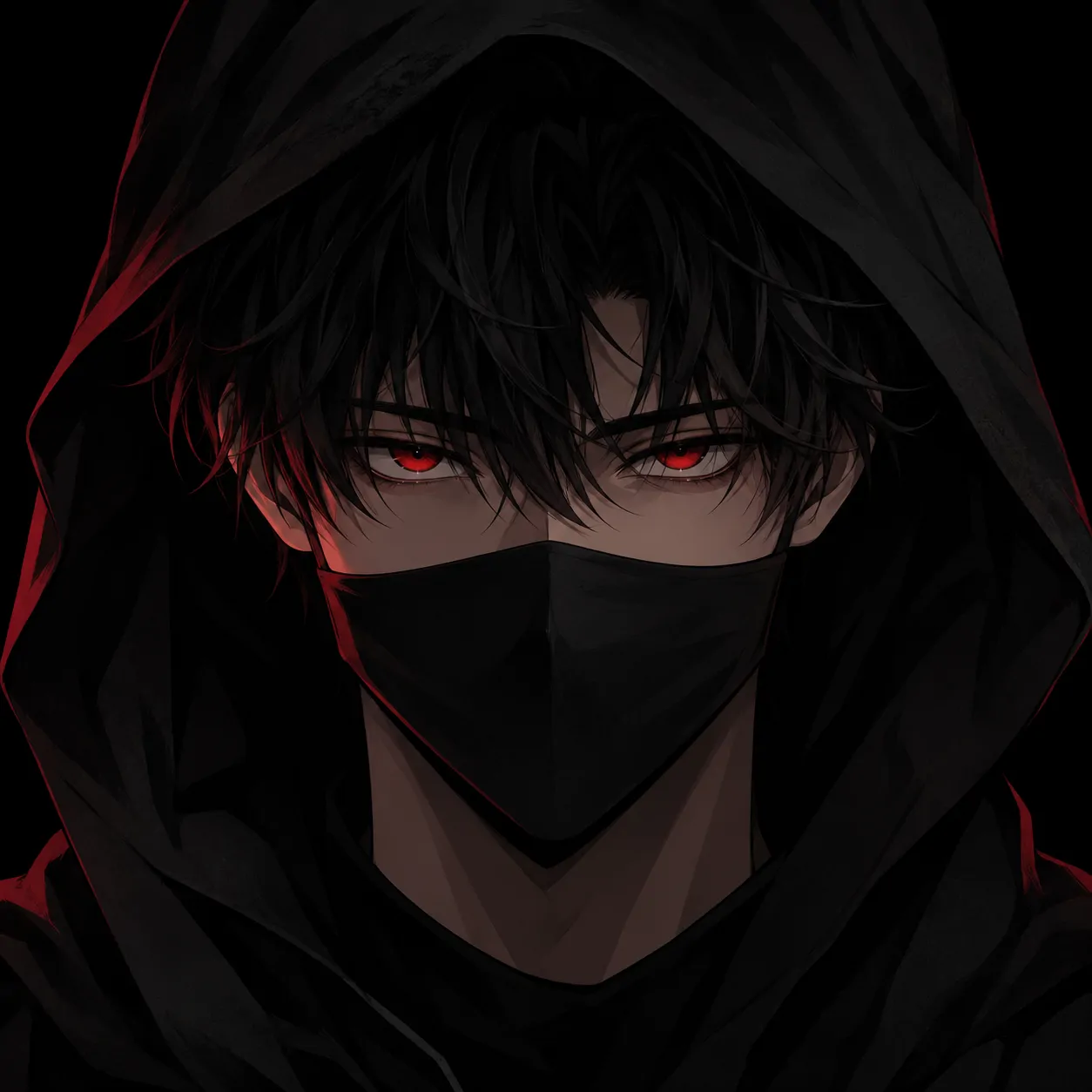
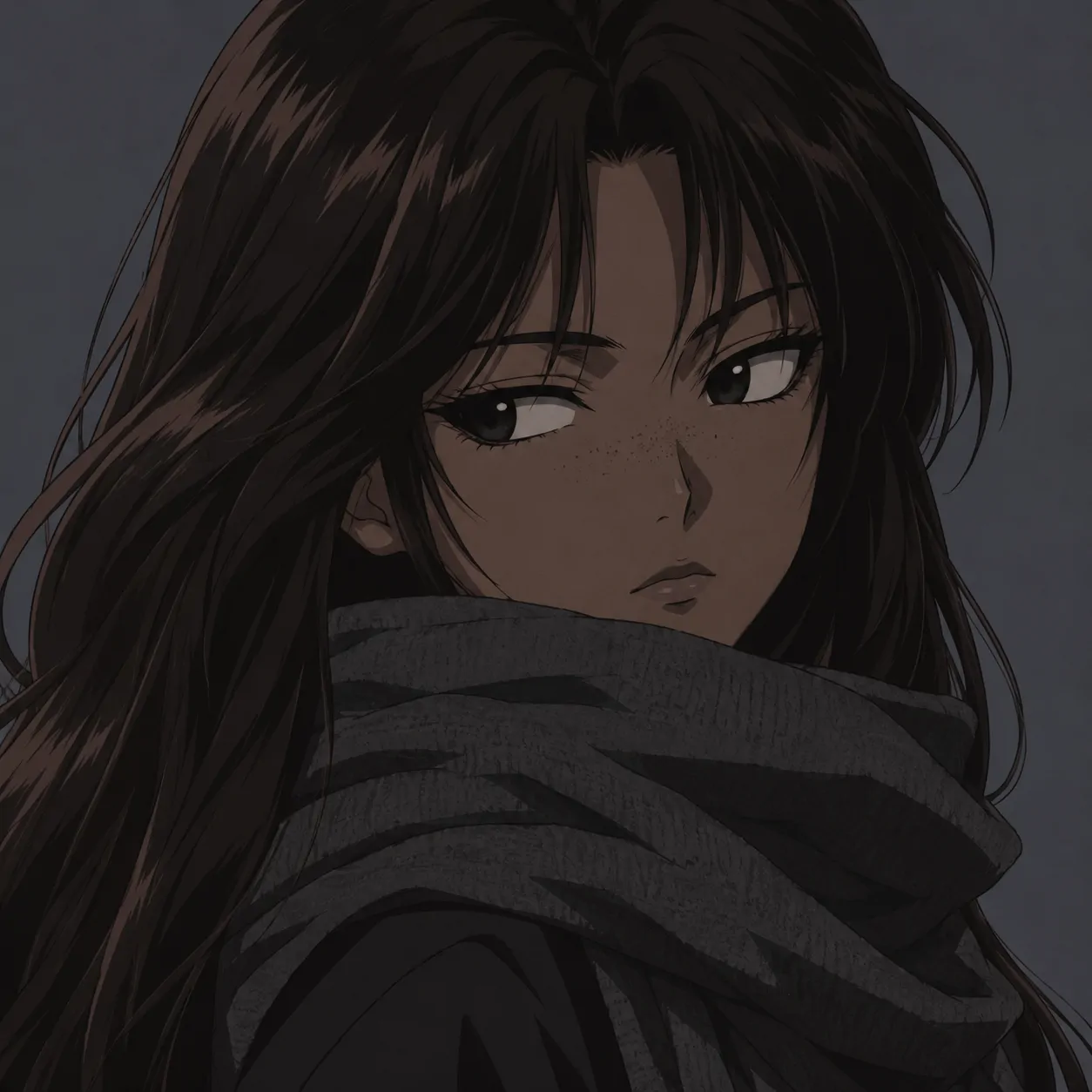
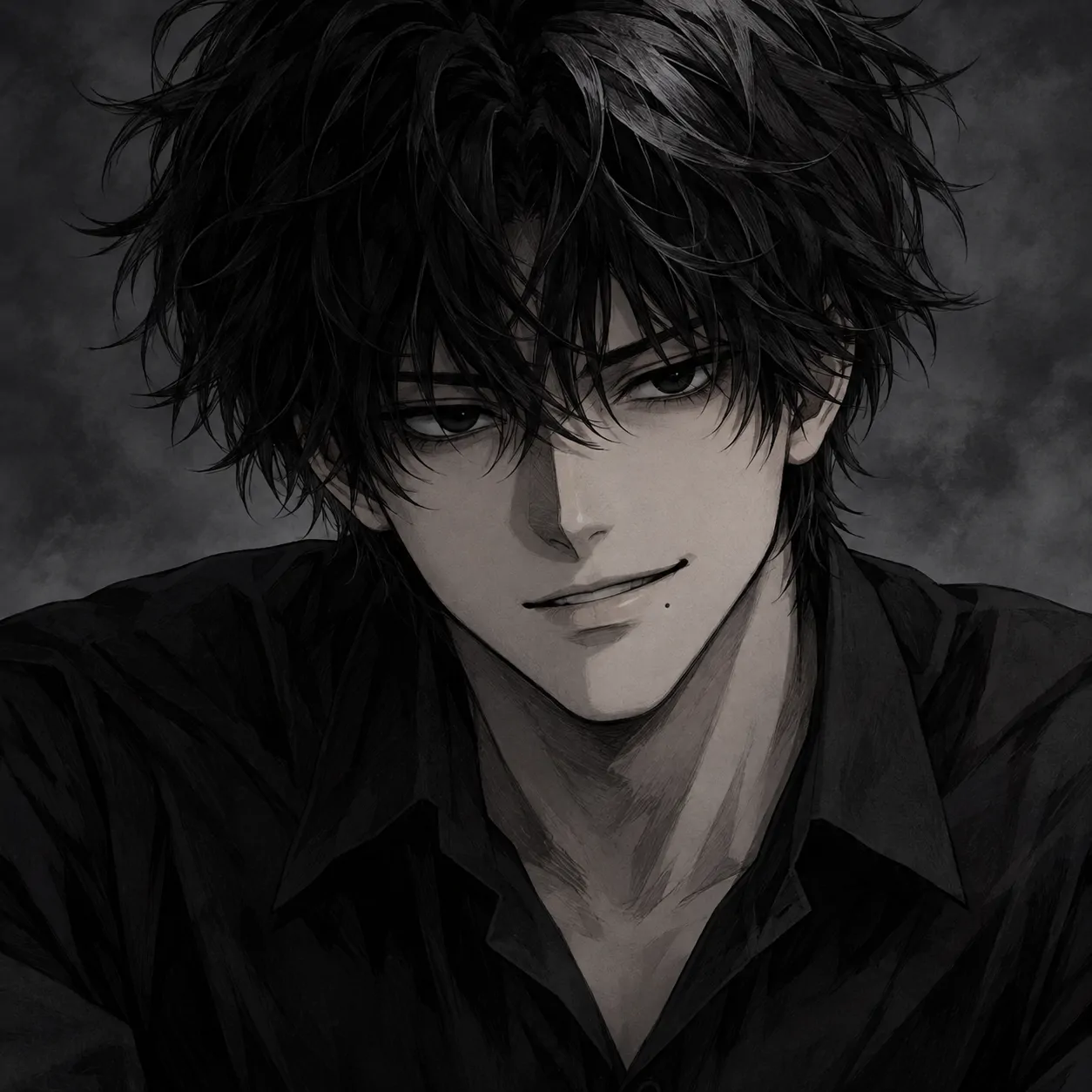
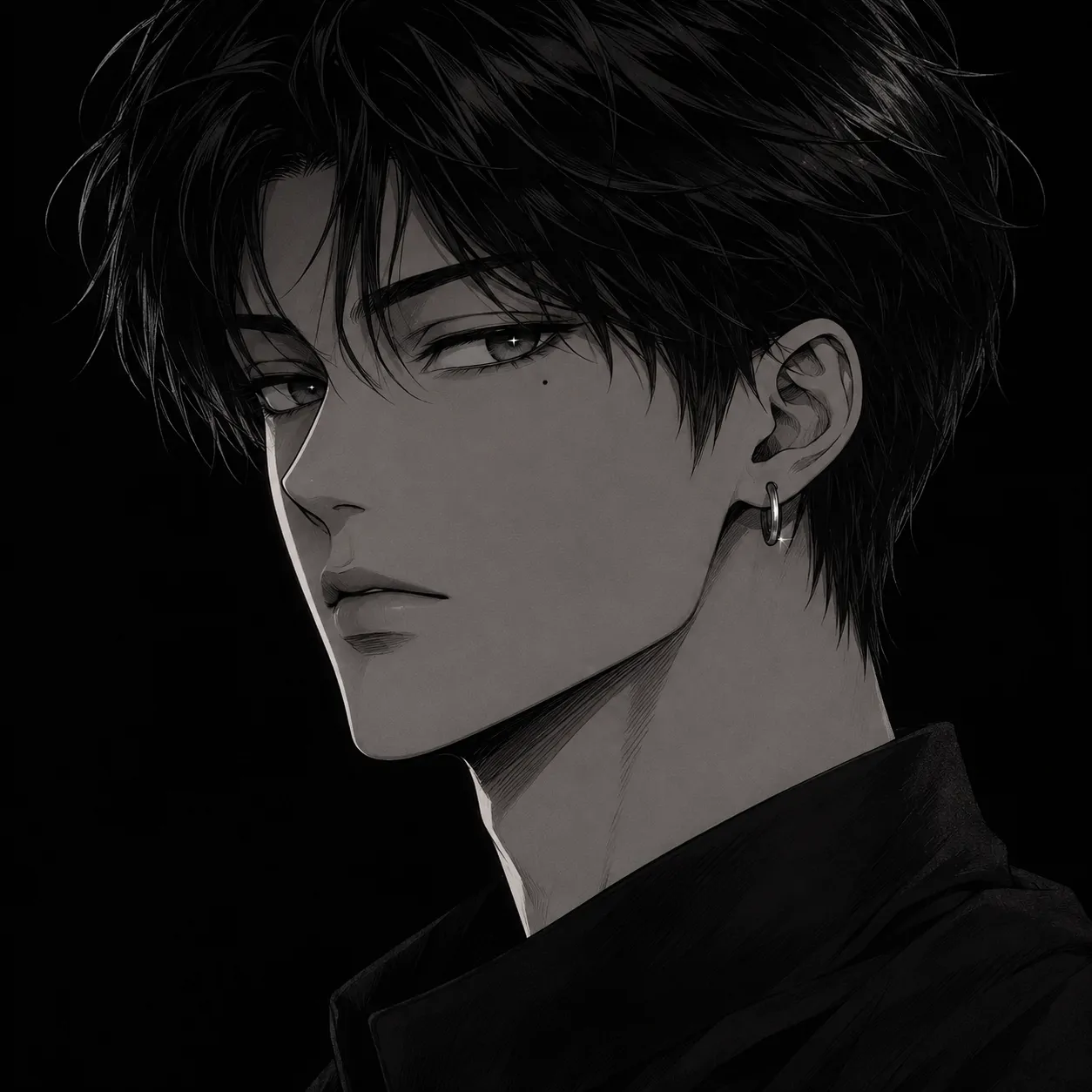
Strong black shapes help this style stay readable. Hair, collars and shadows form the dark areas, while the eyes and cheek provide a lighter centre. Manga-style hatching uses groups of short lines to suggest shade. Here, those lines stay away from the smallest facial details.
The six portraits change more than hair colour. You get a guarded stare, a calm expression, a covered mouth and a slight smile. Dark Anime PFP artwork can feel intense without adding blood, weapons or a crowded action scene. One clear expression often says enough.
Choose this group if you like illustrated faces with a firm outline. Before saving your choice, view it at the size of a chat icon. If the eye and mouth merge into one dark patch, choose a portrait with a clearer cheek highlight instead.
Dark Aesthetic PFP
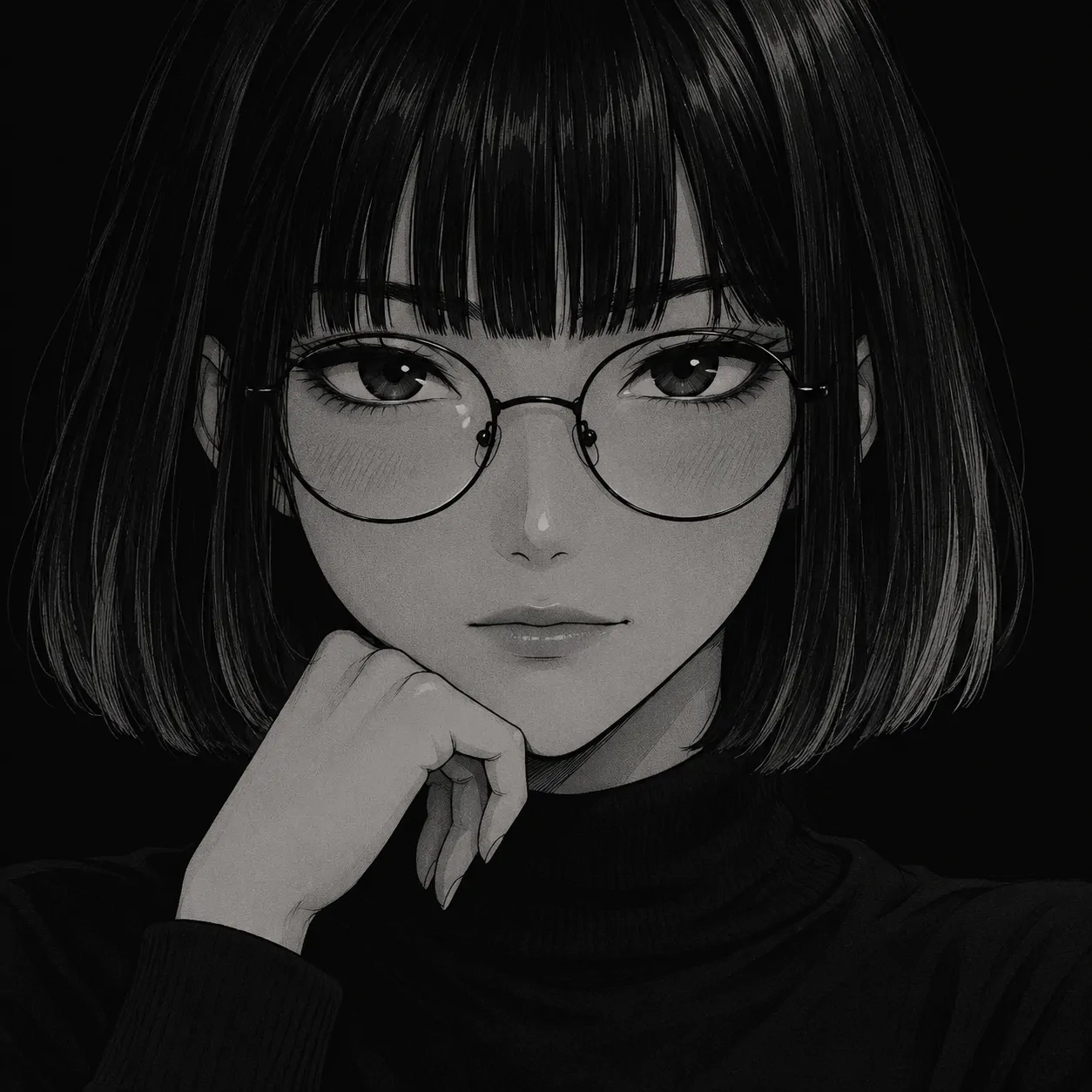
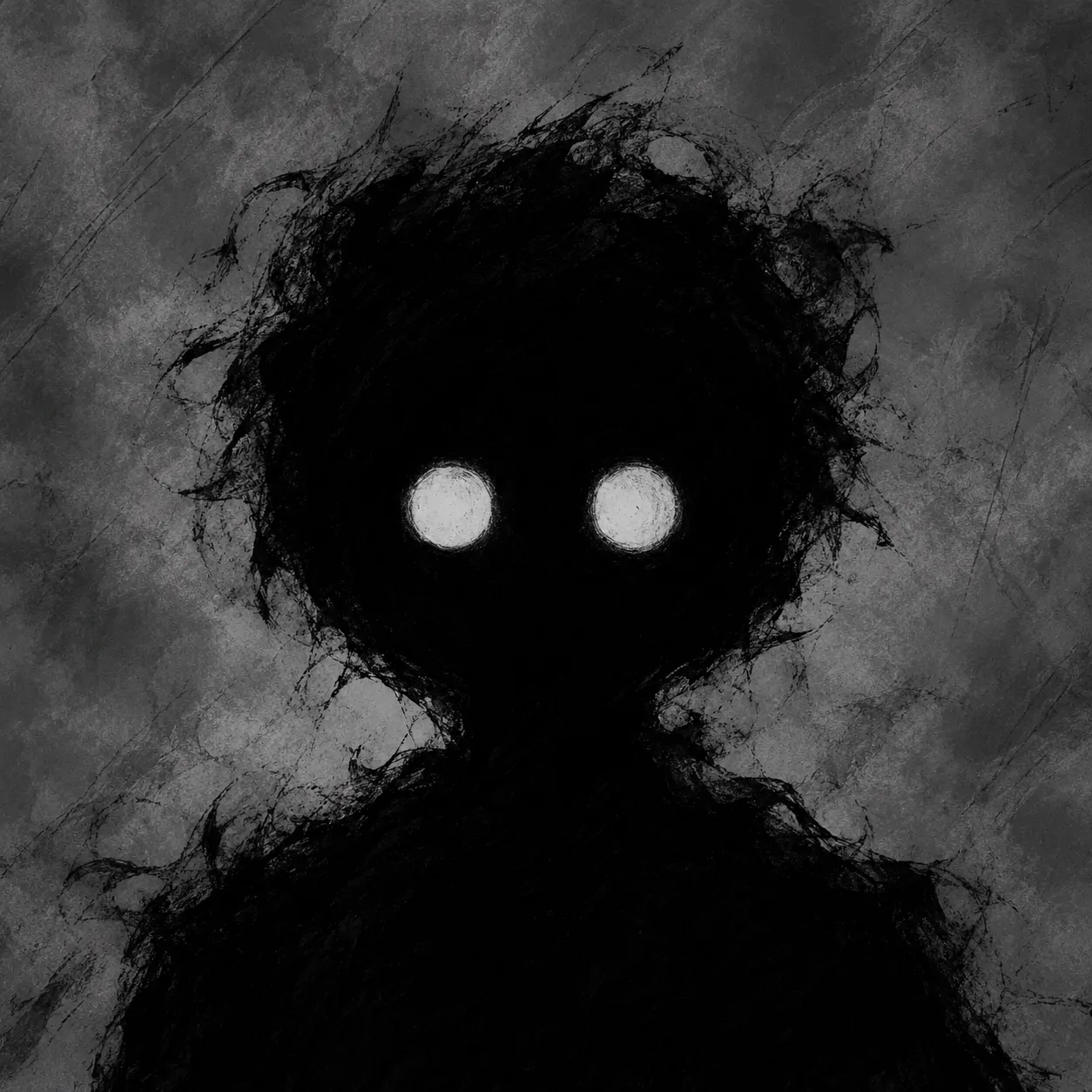
Dark Aesthetic PFP pictures feel quieter through soft grey shading, restrained details and balanced shadows. This set includes reflective faces and two simple illustrated figures.
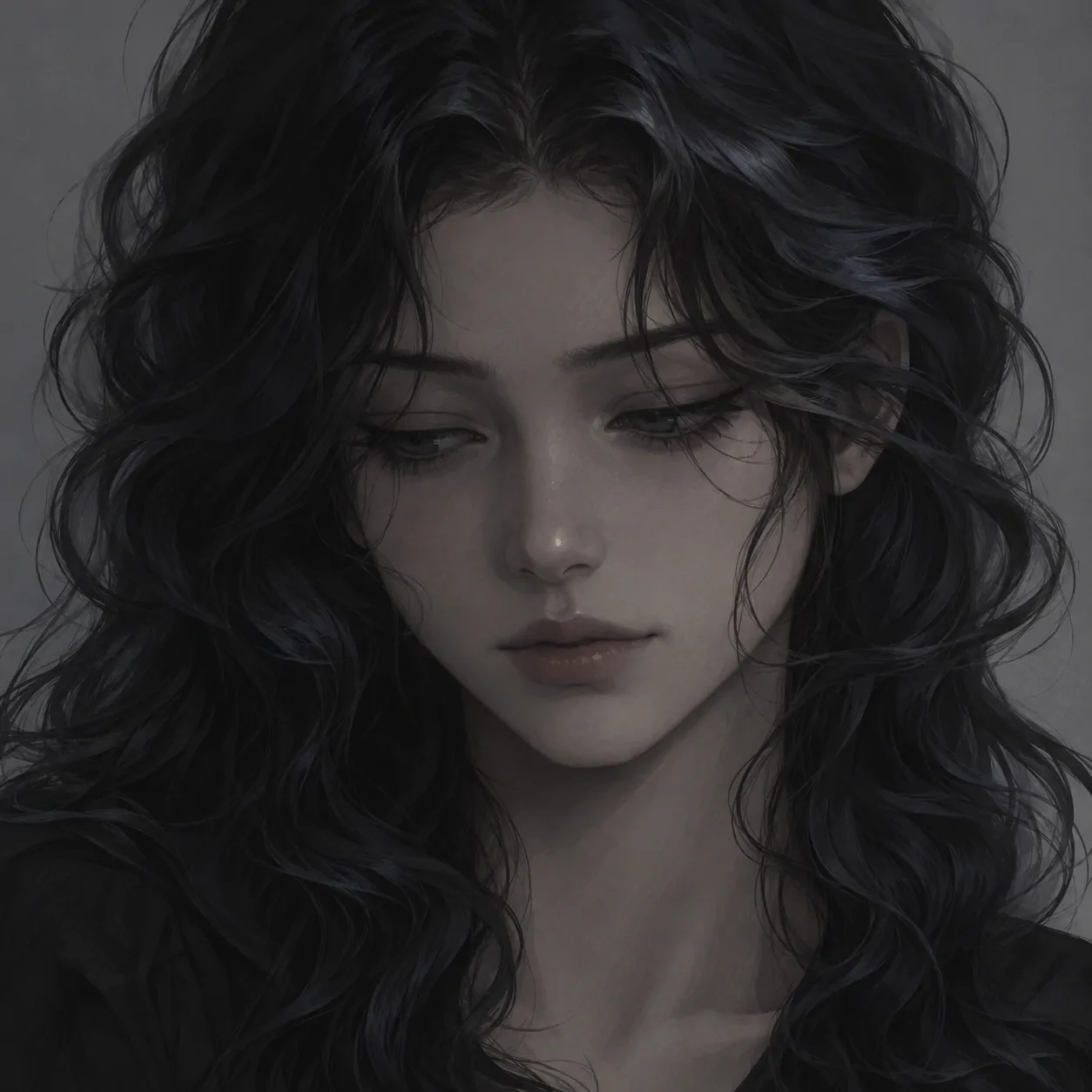
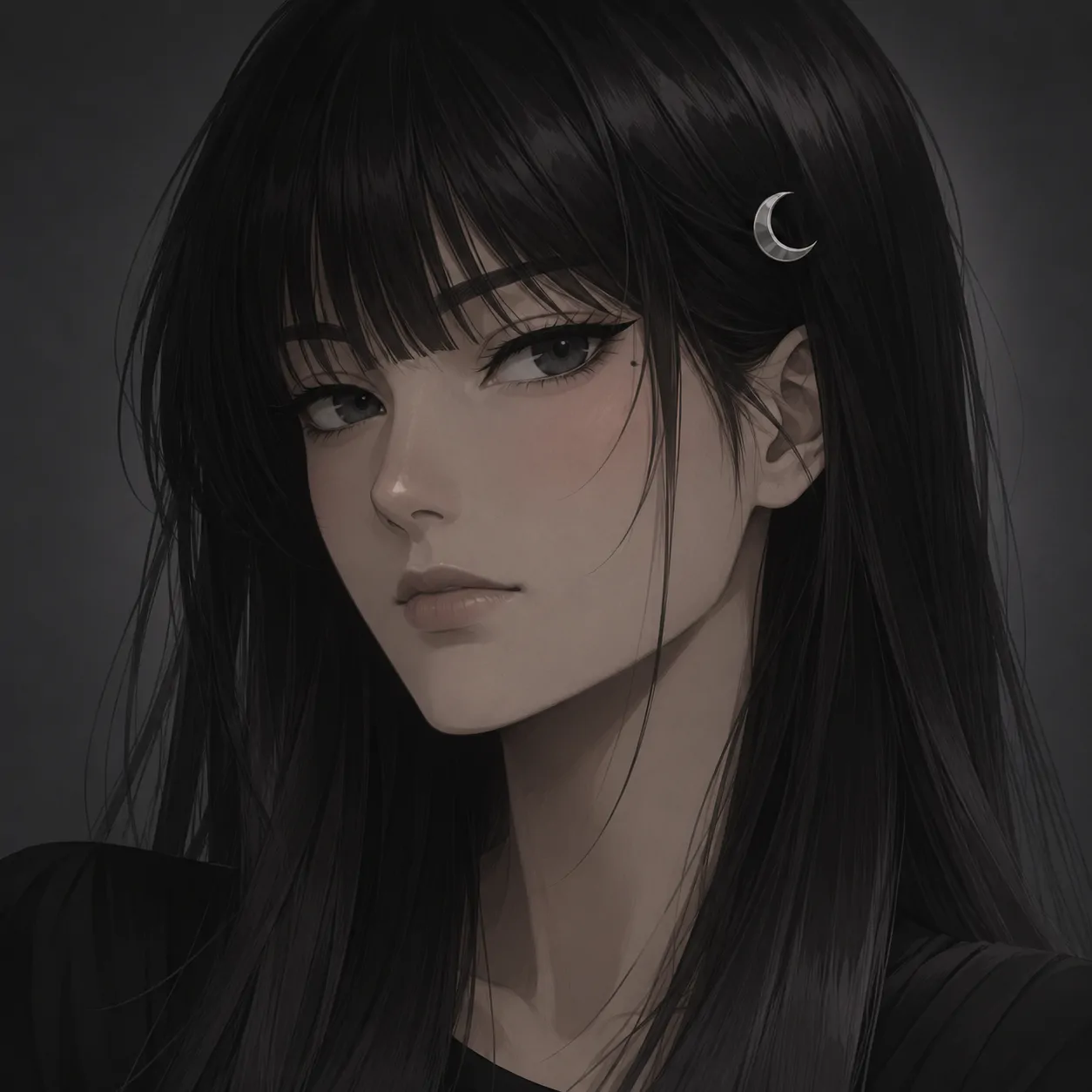
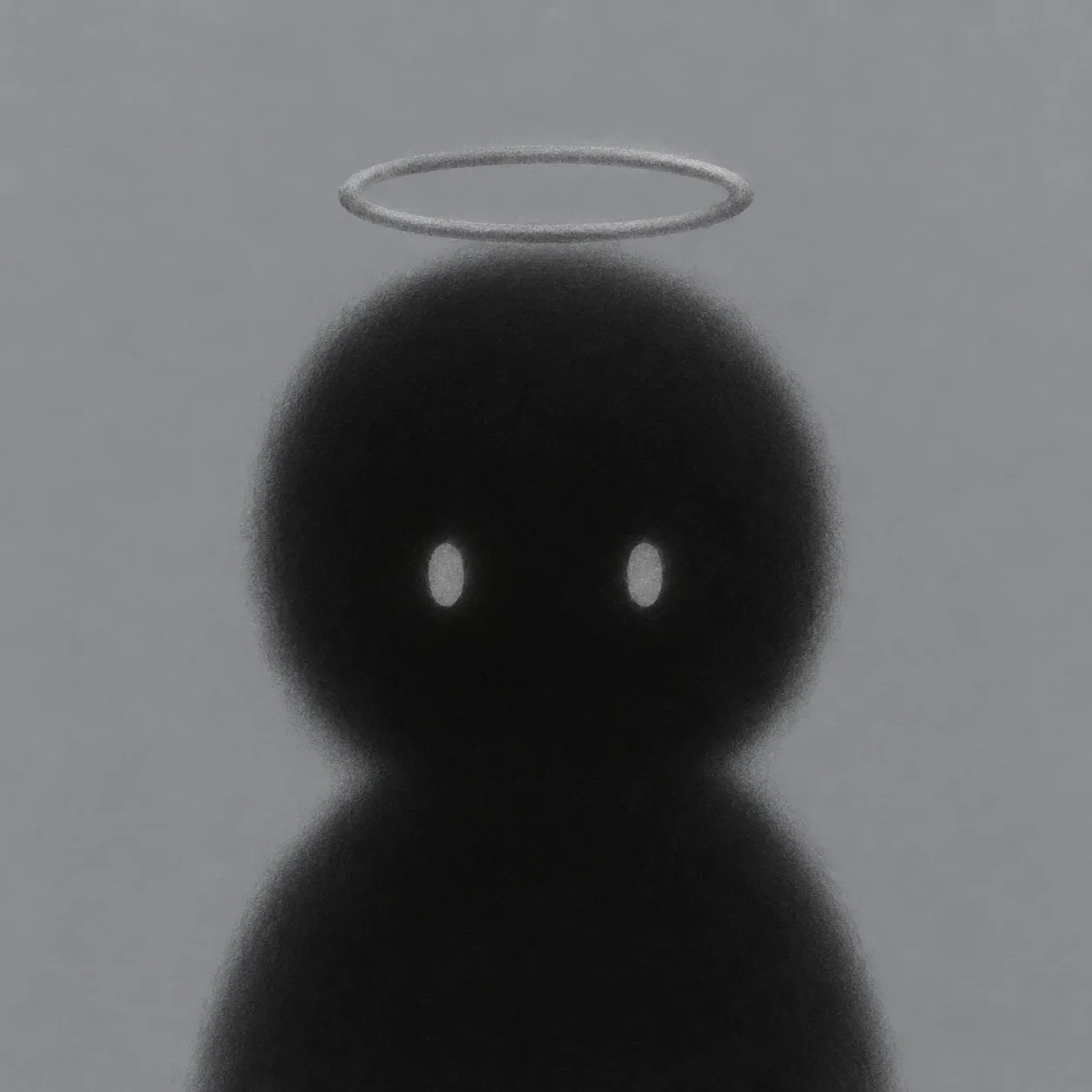
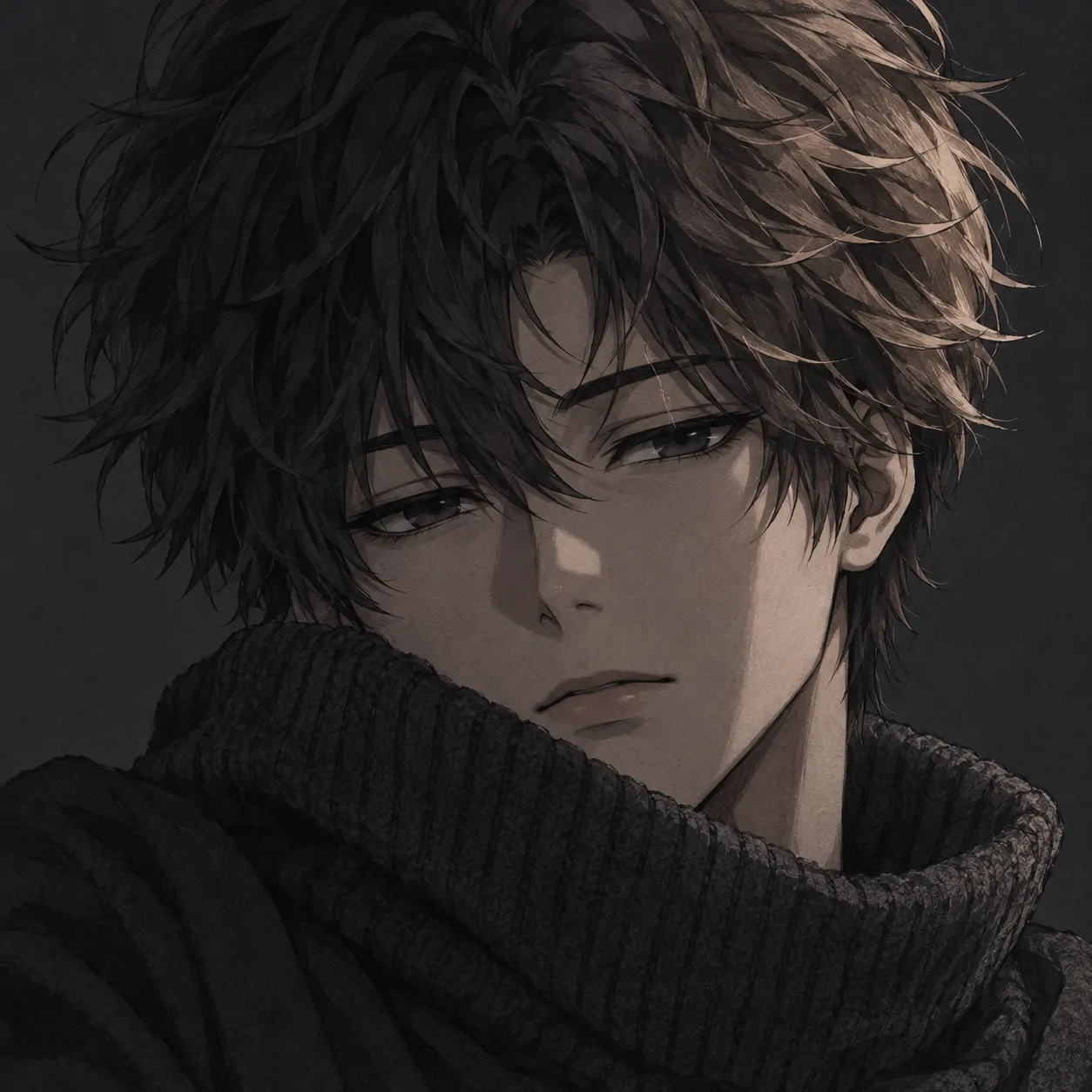
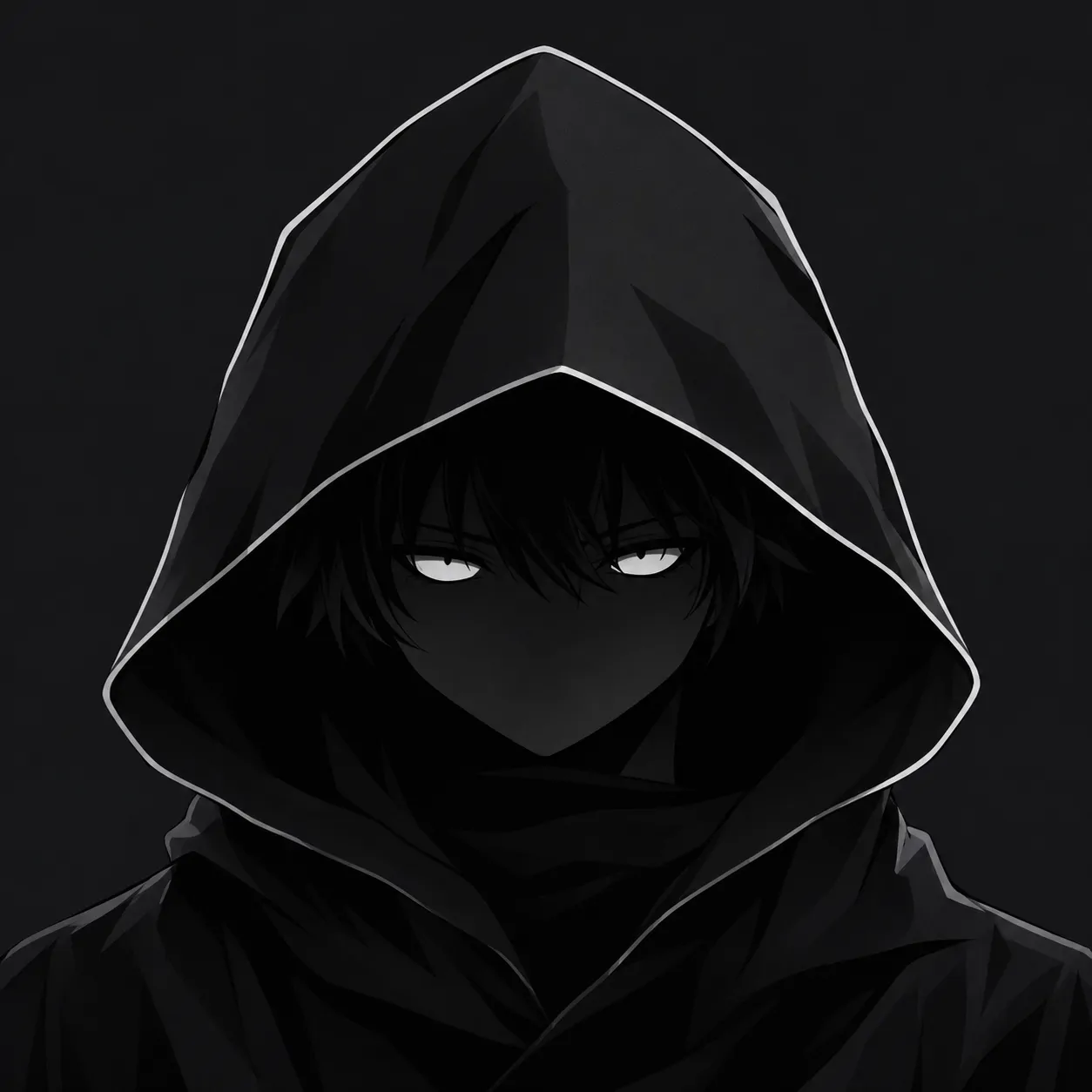
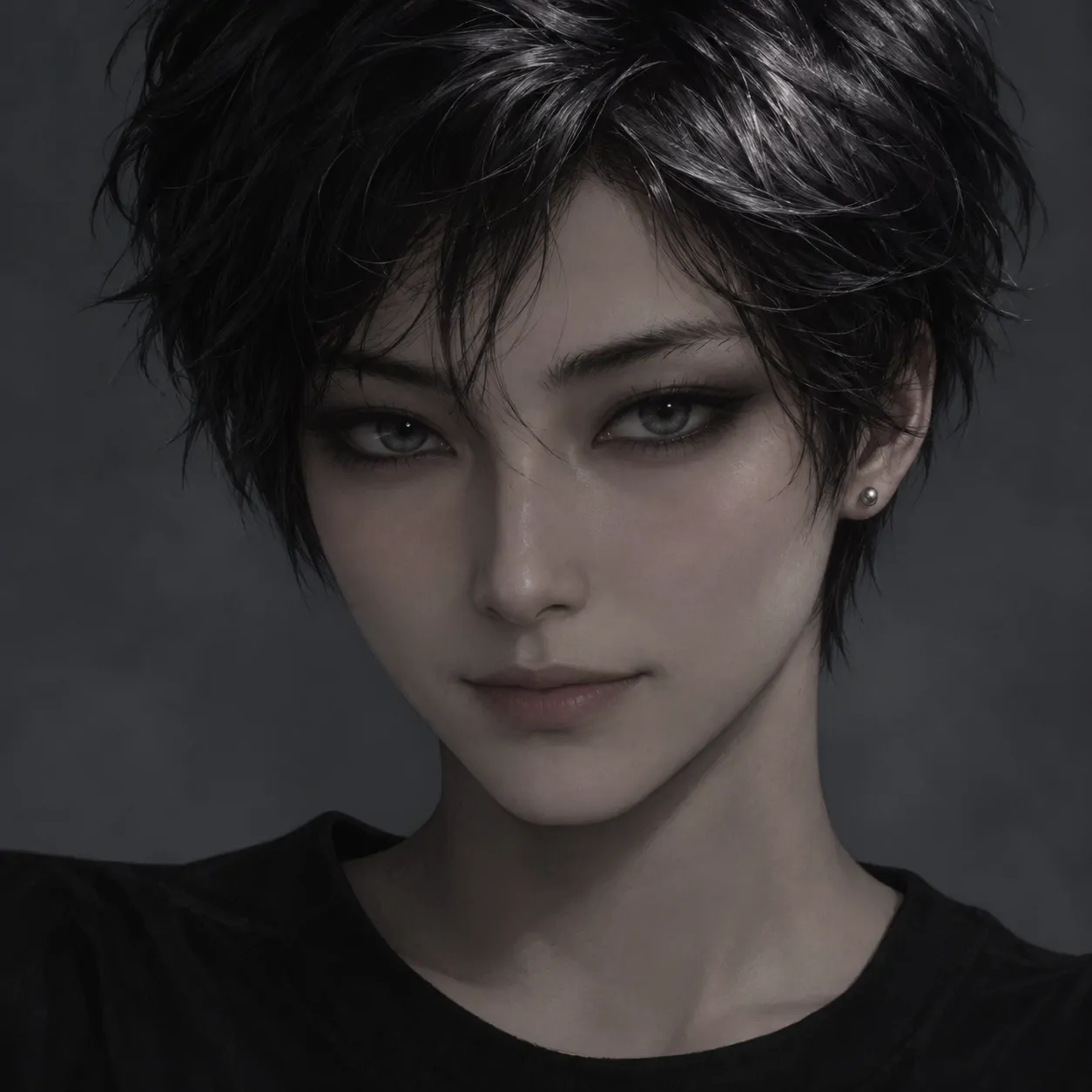
Soft edges separate this group from the firmer anime portraits. Hair fades into the background, but the face keeps a visible outline. Charcoal, graphite and ash grey are different enough to build depth without bright colour. A small silver detail gives your eye somewhere to settle.
Dark Aesthetic PFP choices suit a profile that feels quiet rather than confrontational. The knitted collar adds texture, while the crescent clip gives a cleaner shape. The shadow figures offer less personal detail. Neither needs an empty landscape or a distant subject to create a calm mood.
Keep the rest of your profile simple with this group. A charcoal banner with one pale detail will support the picture without repeating every feature. If you use a busy header, choose the plainest portrait here so your face remains the first thing people notice.
Dark PFP Boy
Dark PFP Boy portraits bring together black layers, guarded expressions and small silver details. These six anime faces use different hairstyles, headwear and gestures.
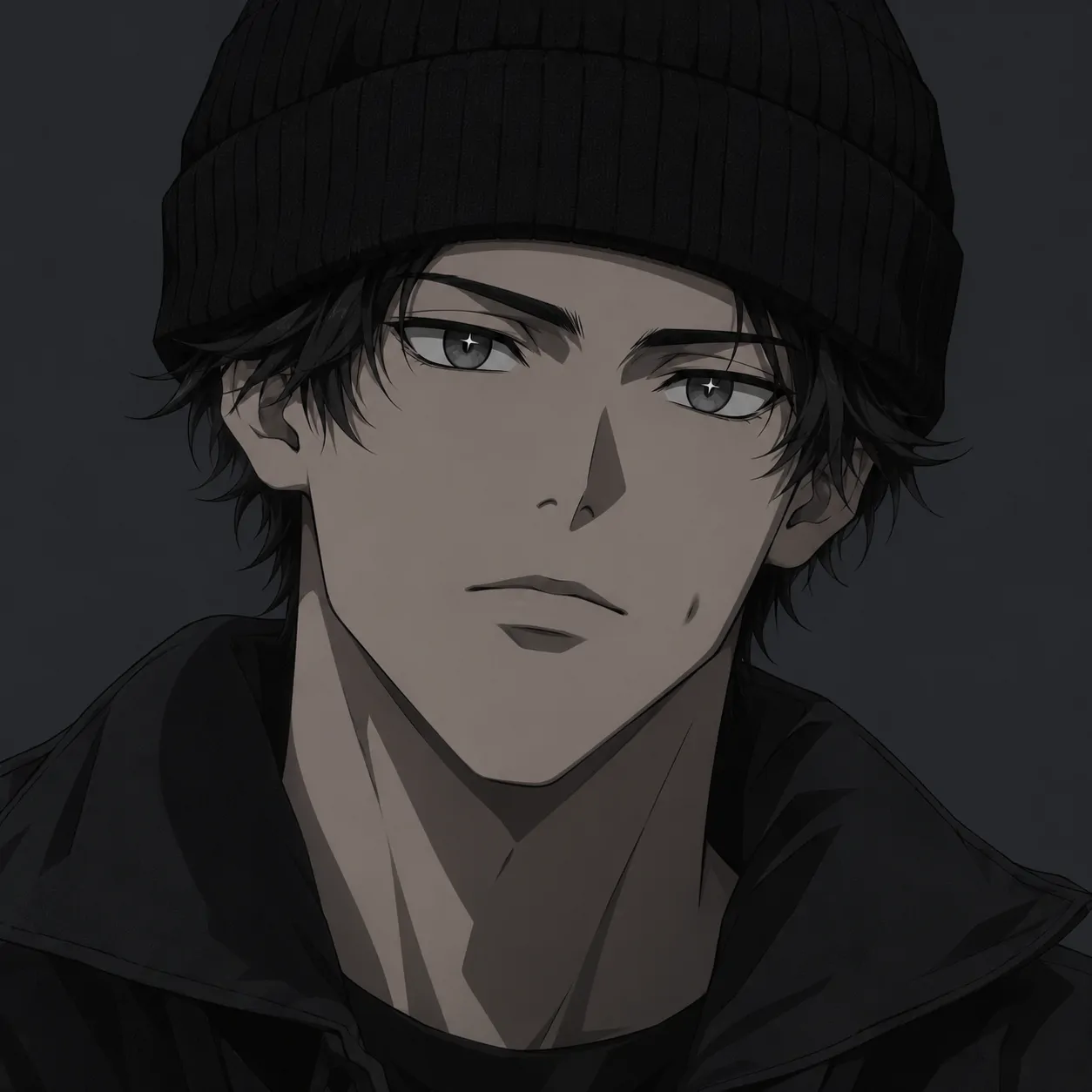
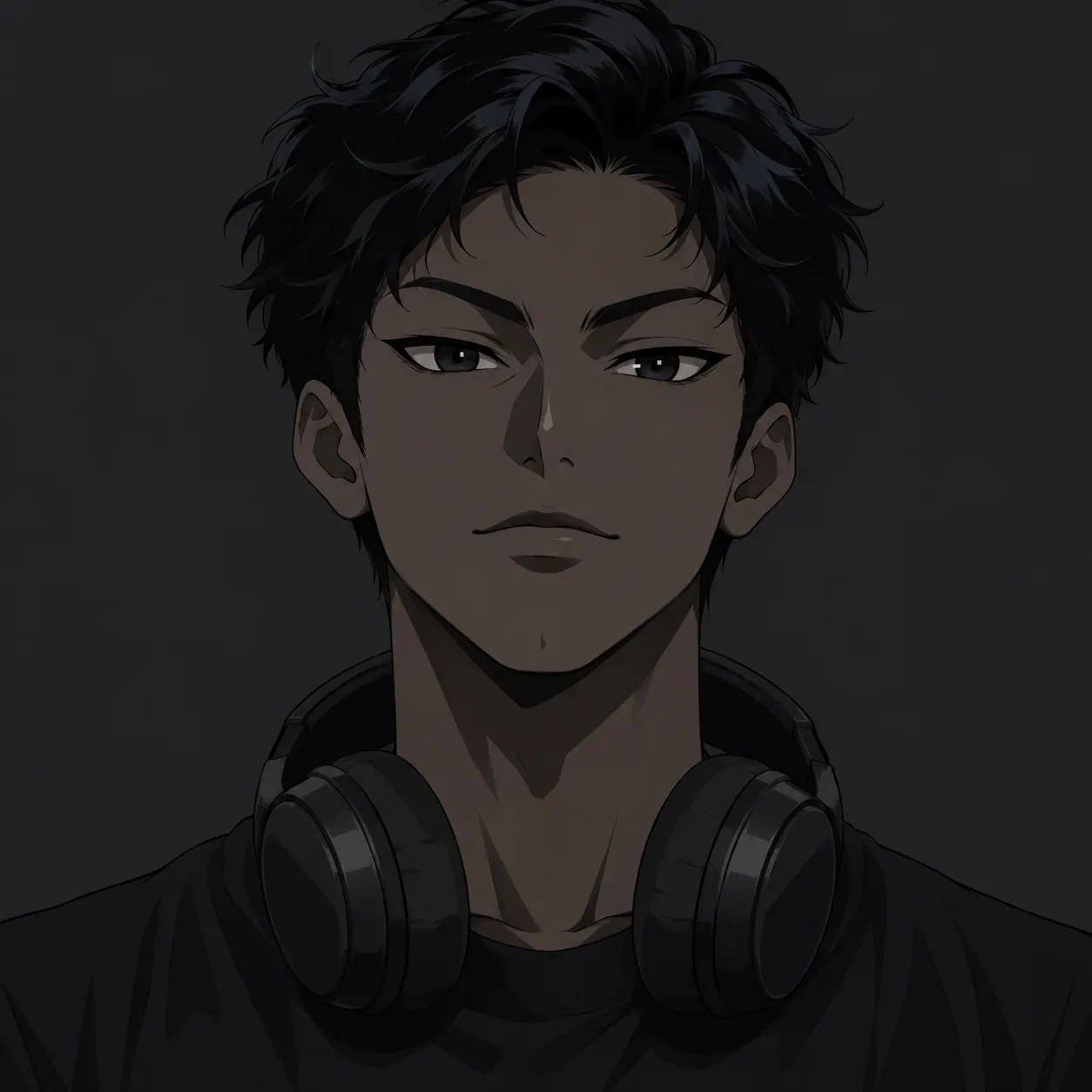
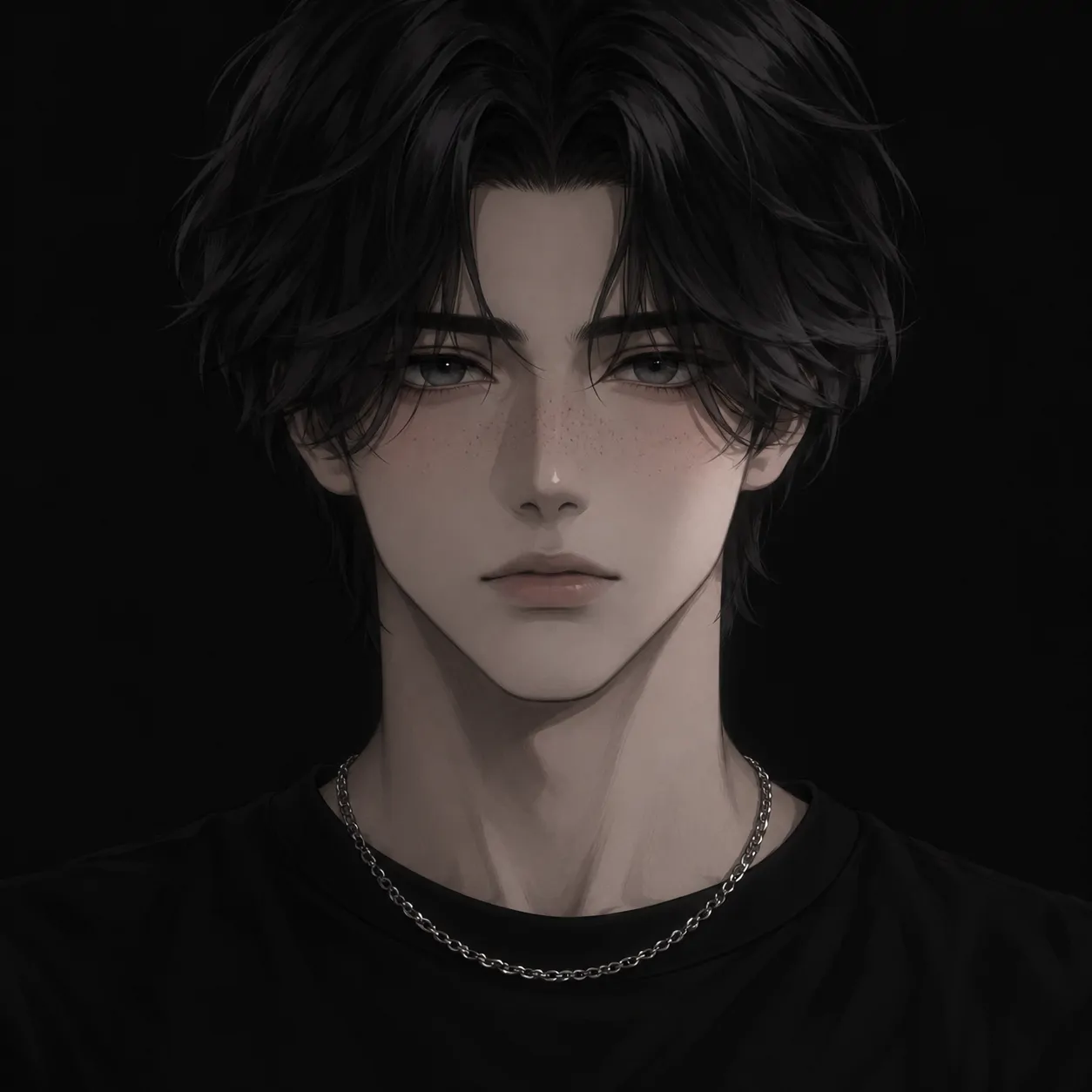
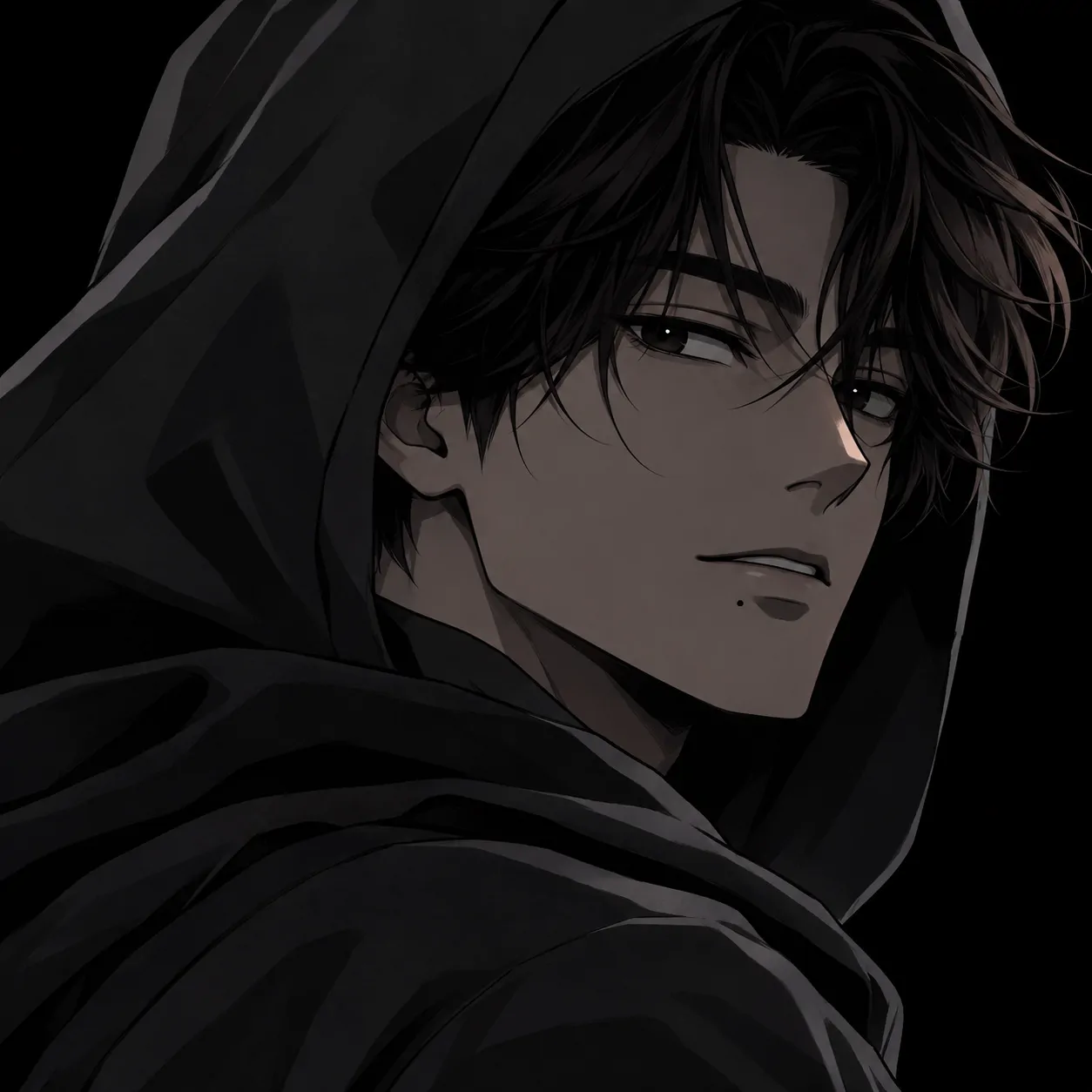
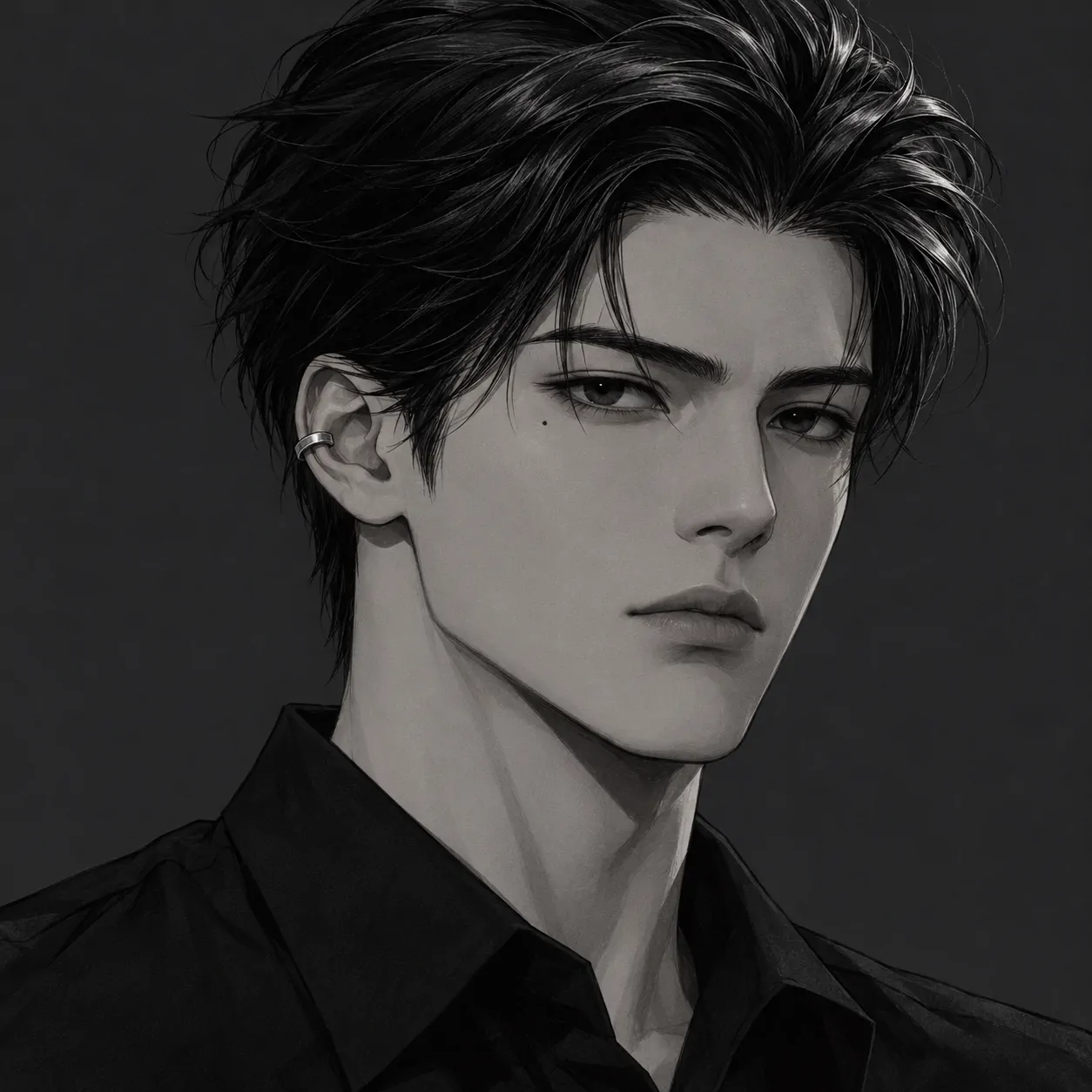
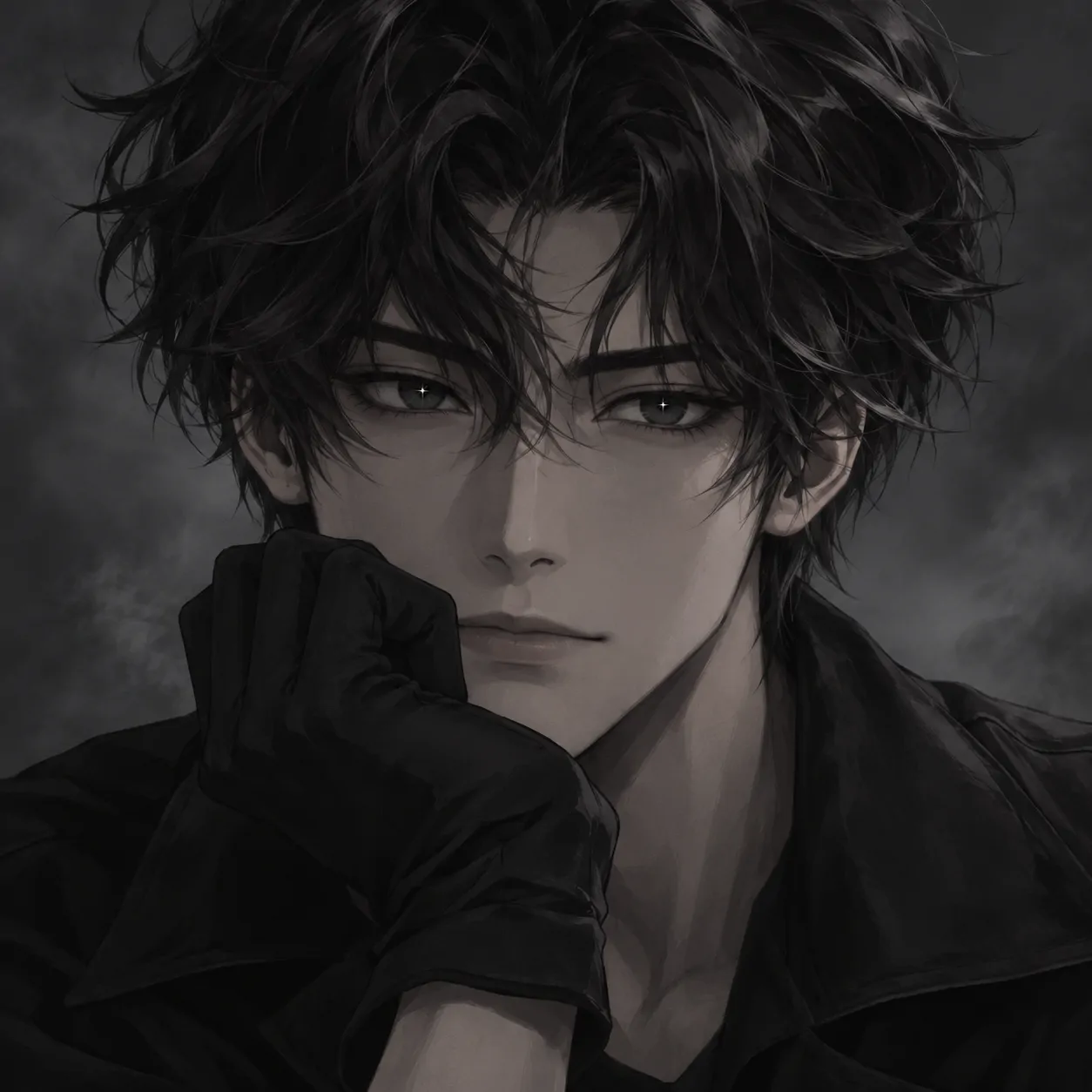
Black clothing gives these portraits a shared base, but the necklines change their shape. A high hood creates a broad frame. A plain shirt leaves more room around the jaw. Silver jewellery provides a small light area, which is useful when most of the clothing stays close to black.
You can choose a relaxed face without losing the darker style. The headphones and curtain hair feel casual, while the shoulder glance adds a little movement. Dark PFP Boy artwork does not need a hidden face. Clear brows and visible eyes make each expression easier to understand.
For a cleaner result, avoid placing your username across the face when sharing the picture elsewhere. Keep any profile decorations outside the portrait. If your account uses a bright accent colour, repeat it in the banner rather than adding several colours to the face.
Dark PFP Girl
Dark PFP Girl artwork pairs clear eyes with black hair, simple accessories and shaded clothing. These portraits move between reserved, curious and gently confident expressions.
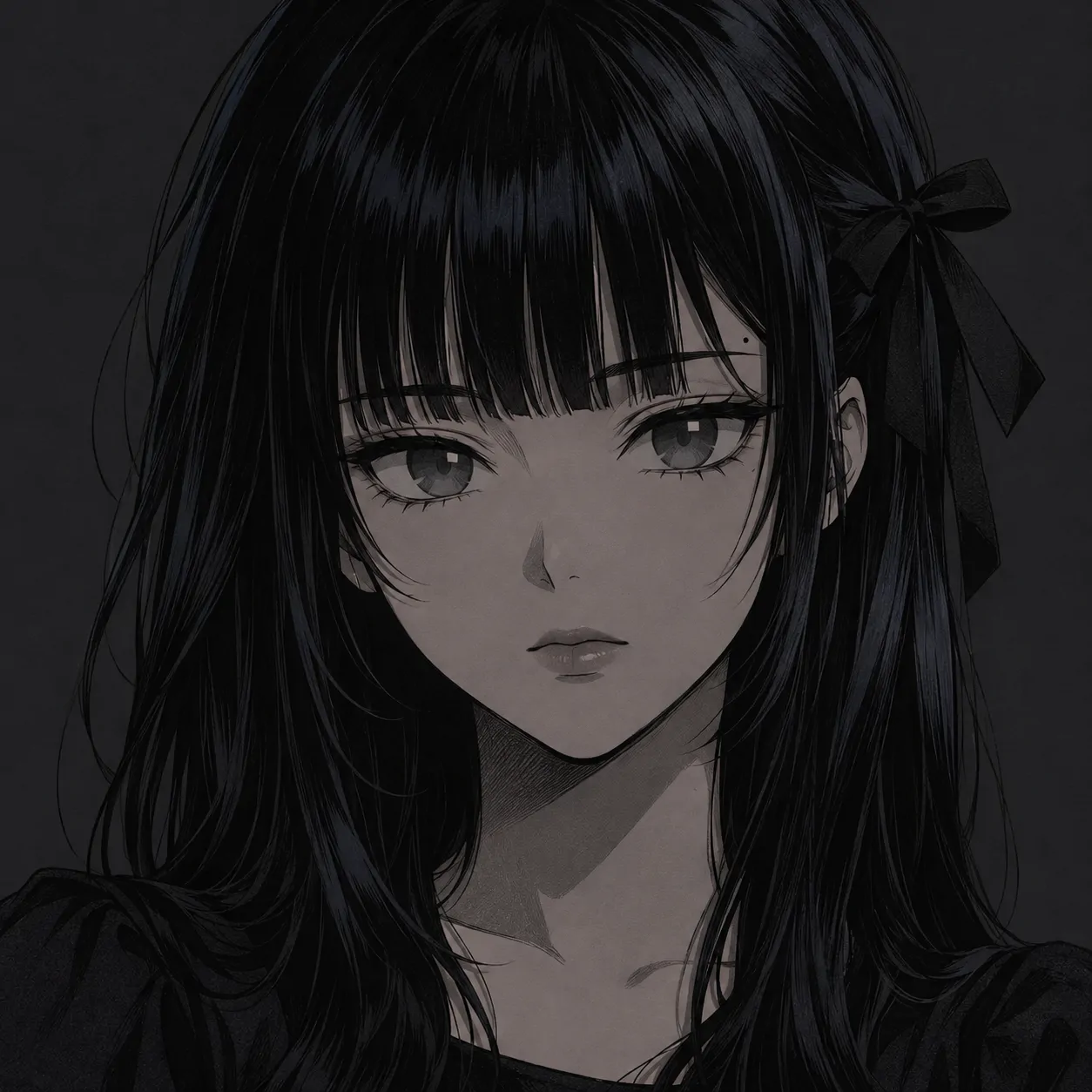
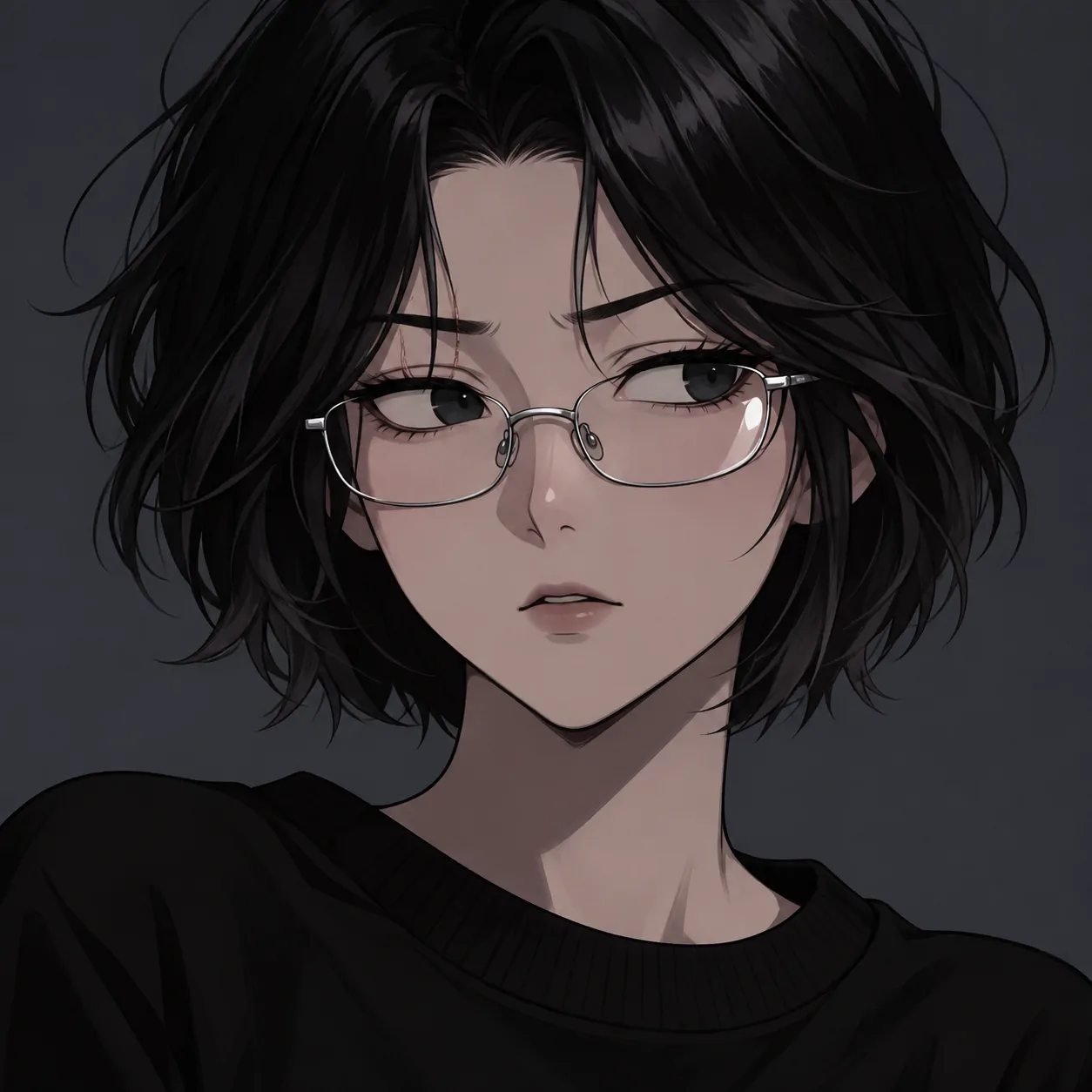
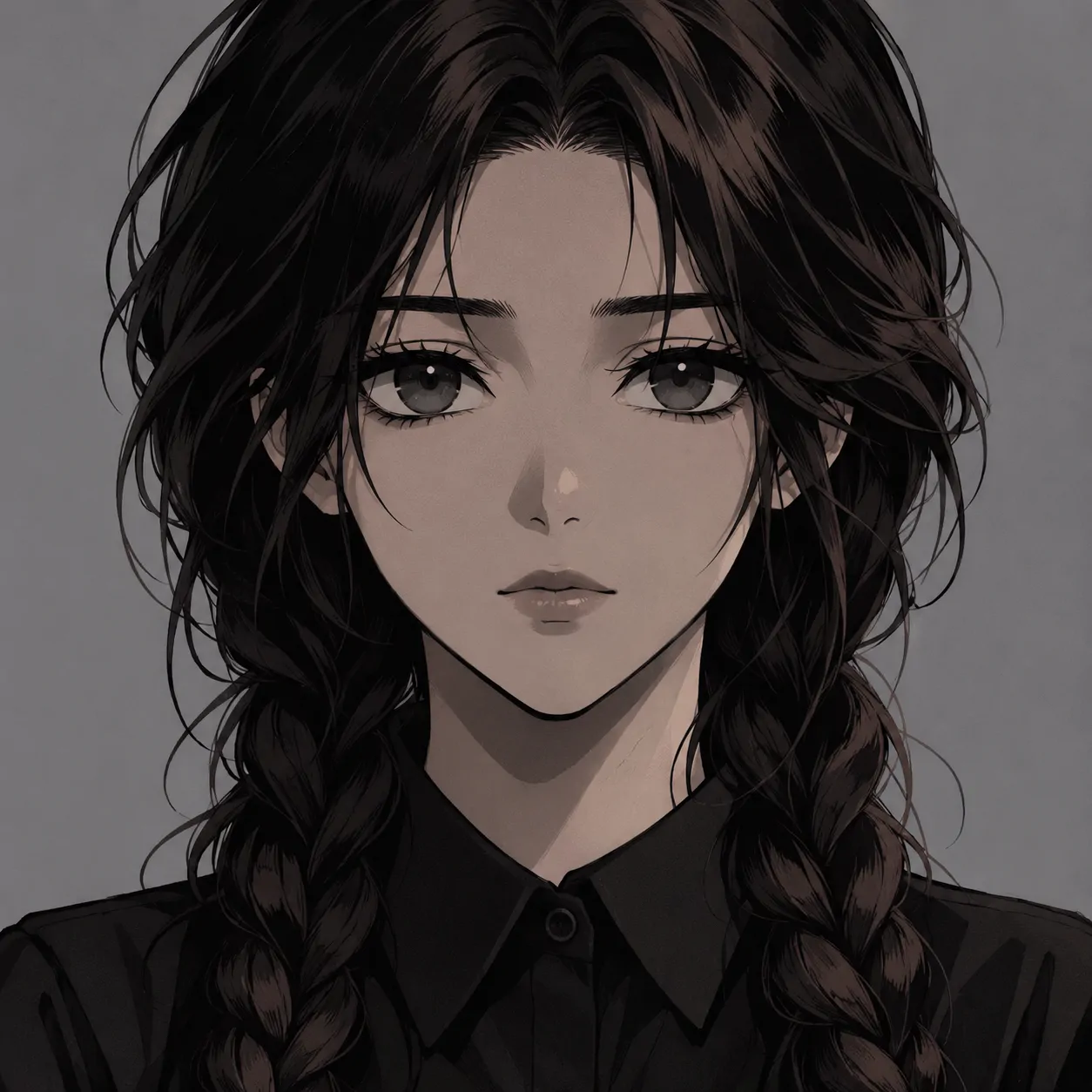
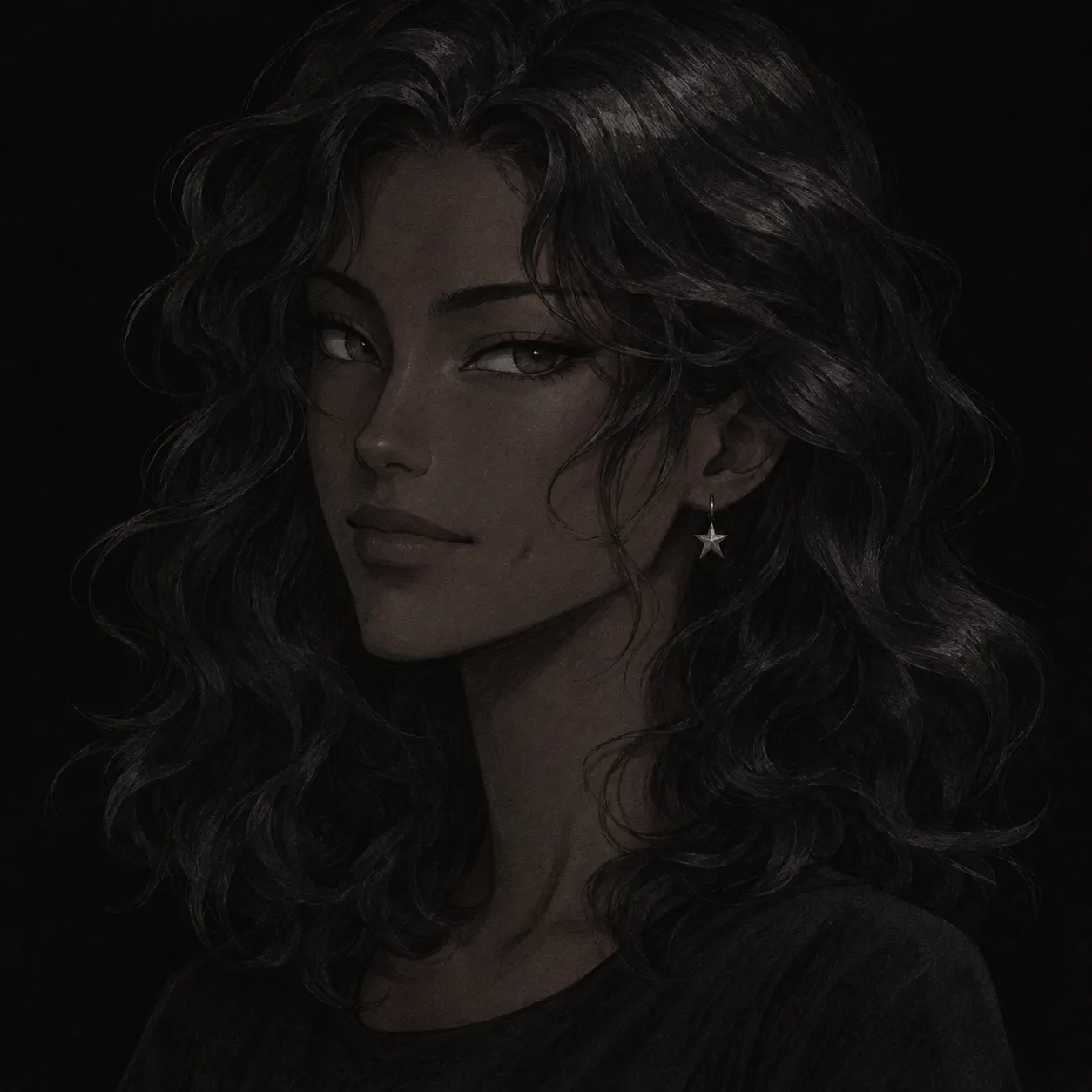
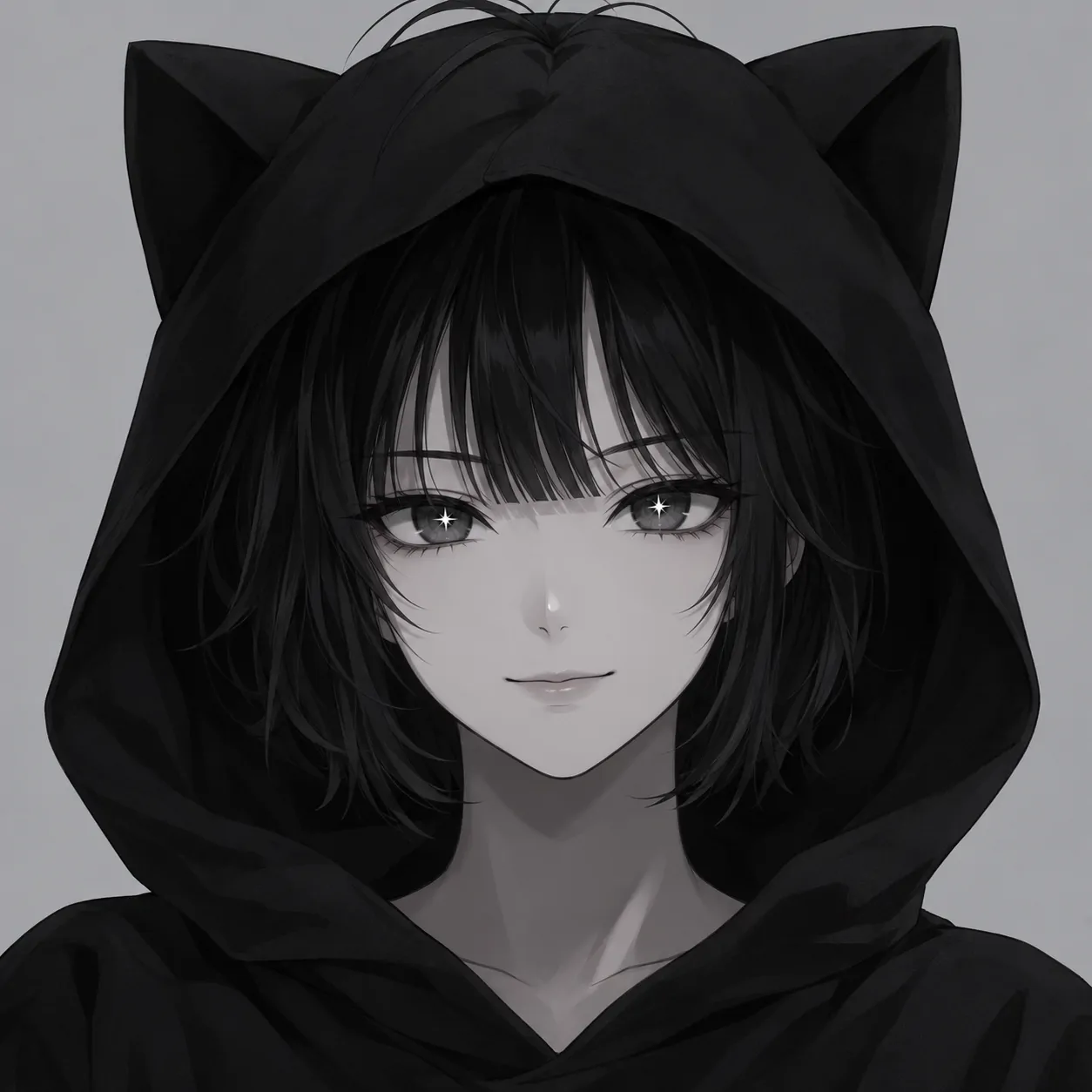
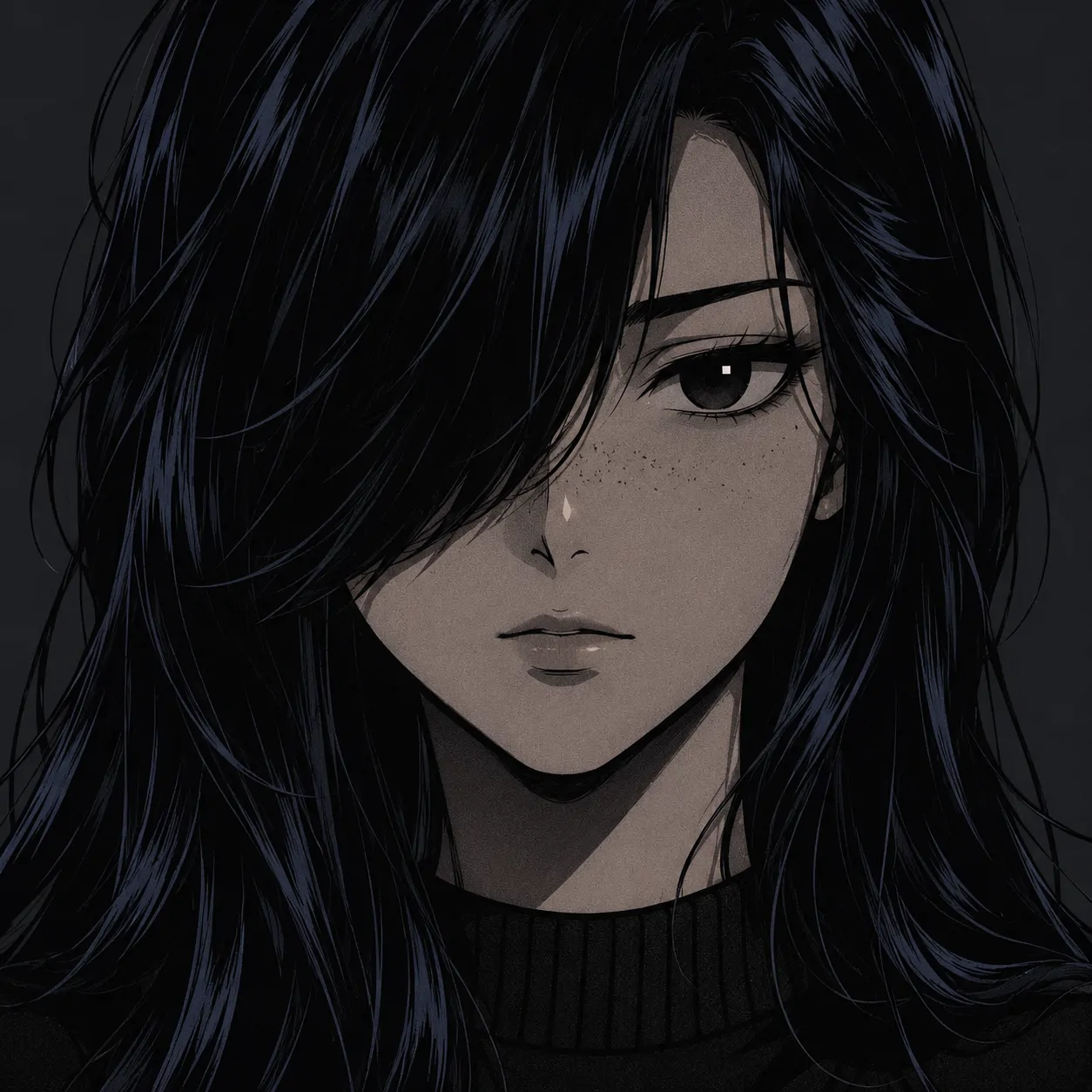
Hair accessories can change a portrait without adding a complicated setting. A ribbon creates rounded loops, while a star earring gives one small point of light. Thin glasses add another line around the eyes. Keeping each accessory separate from the darkest hair helps its shape remain visible.
This Dark PFP Girl set stays focused on everyday clothing and expressive faces. The braids feel neat, the hood feels gentle and the side fringe feels more guarded. You can pick the expression first, then decide how much detail you want around it. None needs a dramatic pose.
Check that the circle preview leaves room around ribbons and hood tips. Those details should support the face, not become the only recognisable shapes. If an accessory disappears, a slightly wider view can help more than increasing the brightness across the whole picture.
Dark PFP Sad
Dark PFP Sad pictures use lowered eyes, quiet gestures and grey shadows. These six anime portraits suggest reflection without turning the face into an unreadable shape.
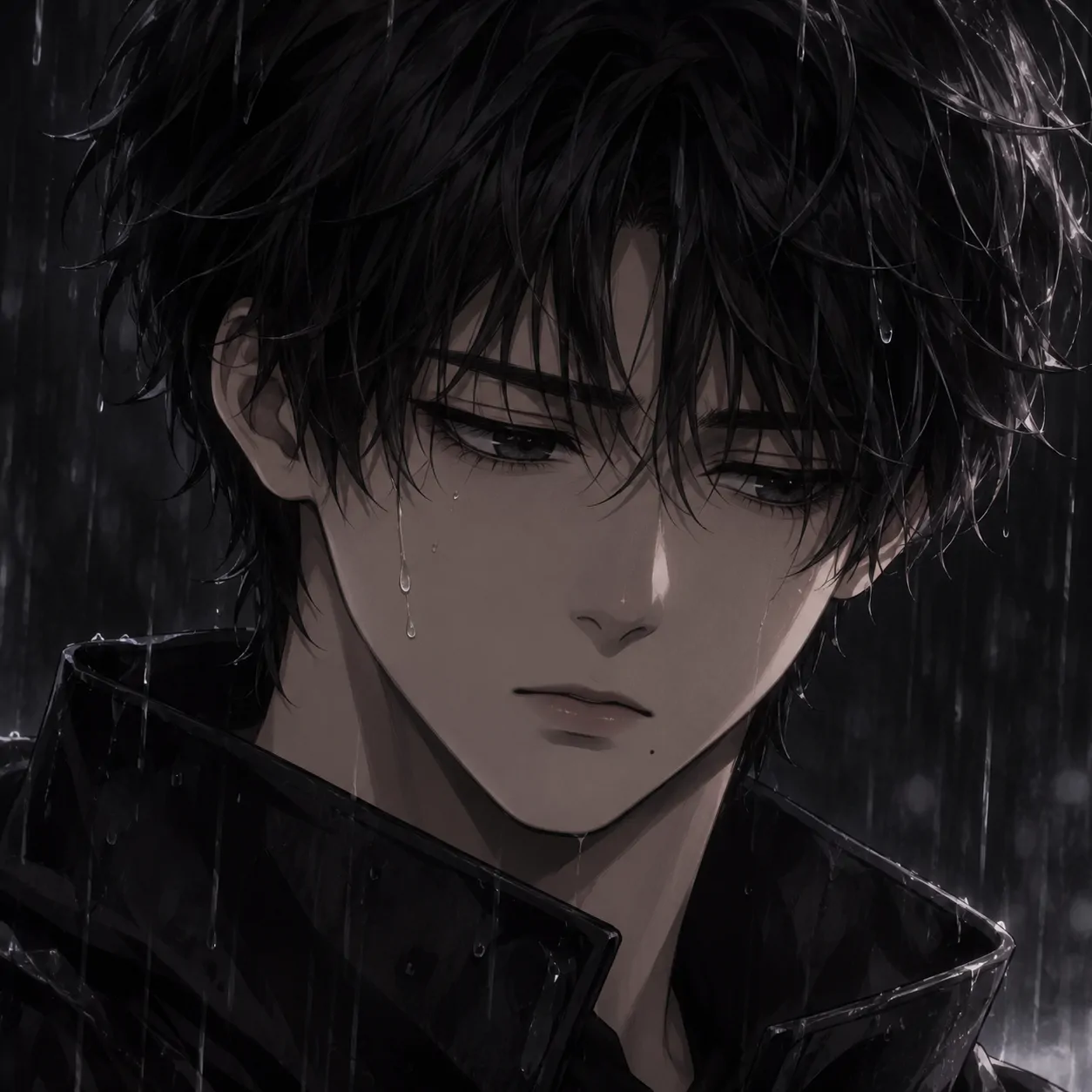
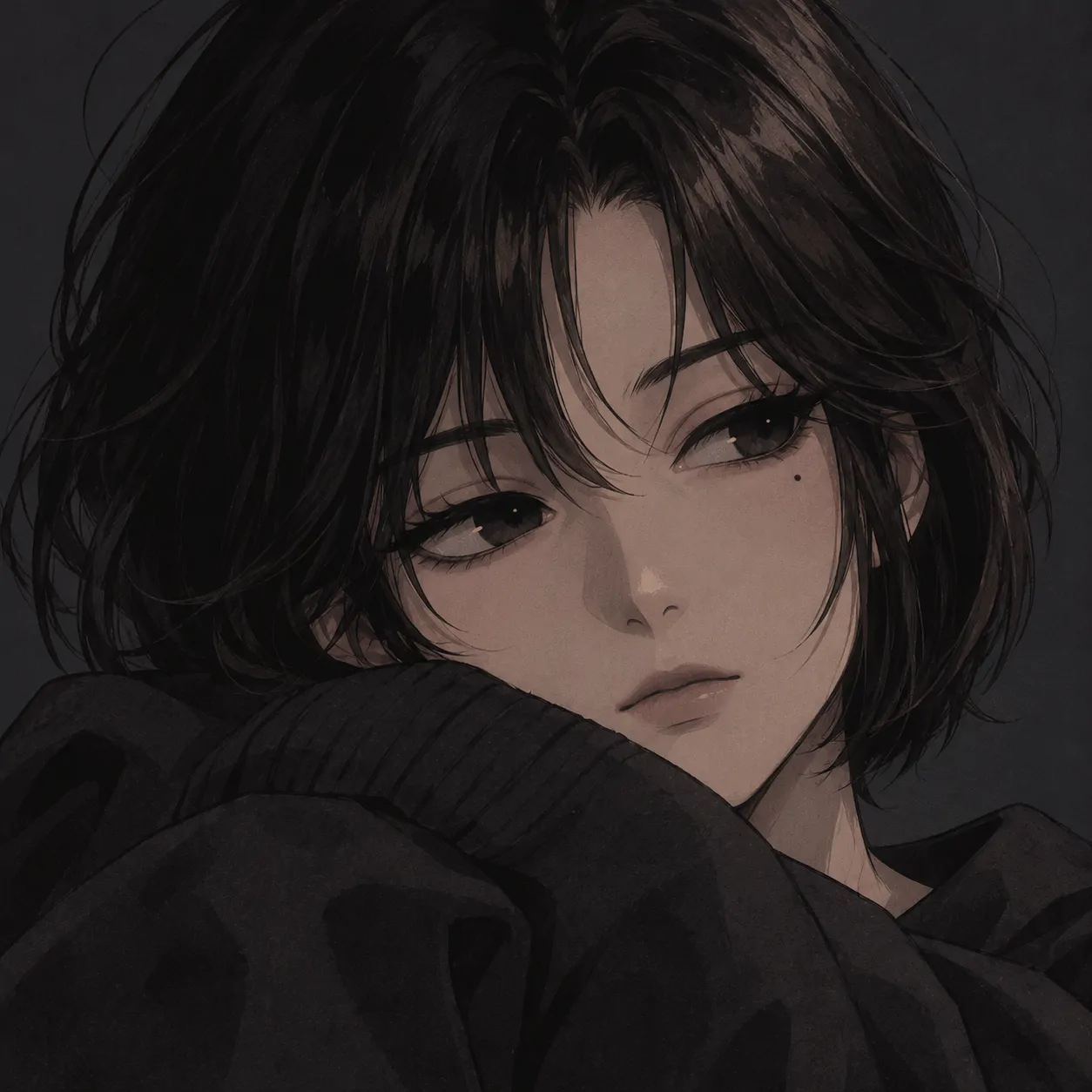
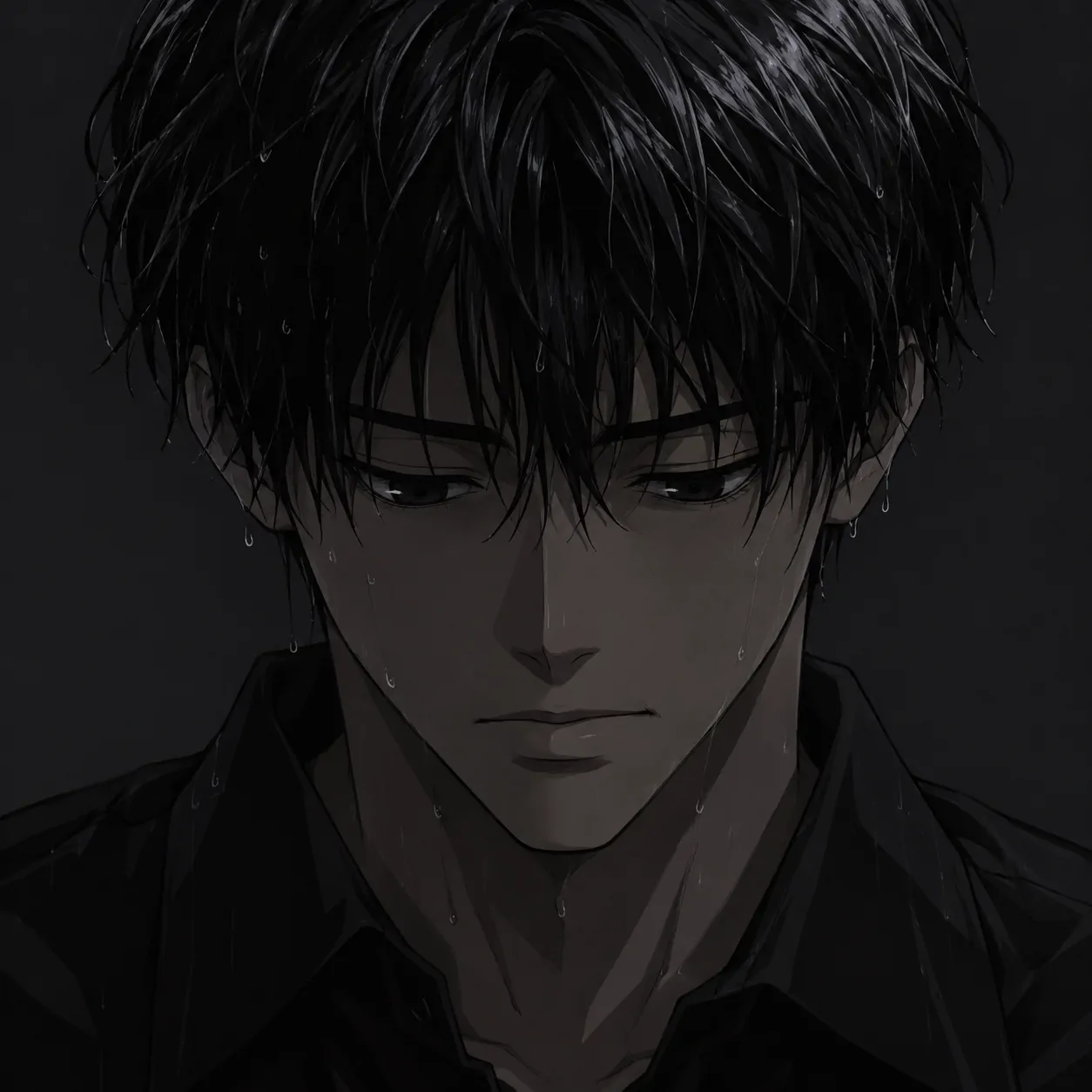
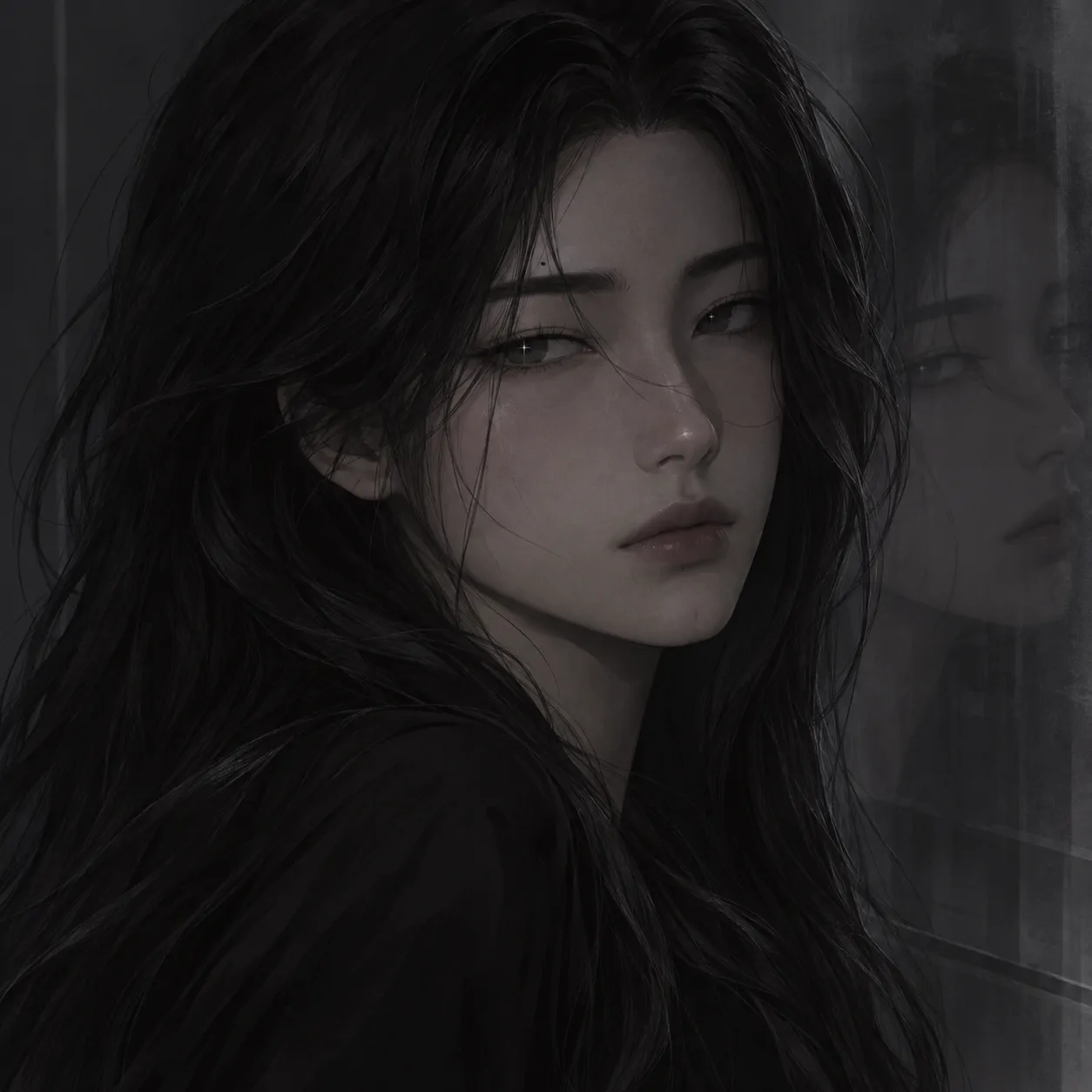
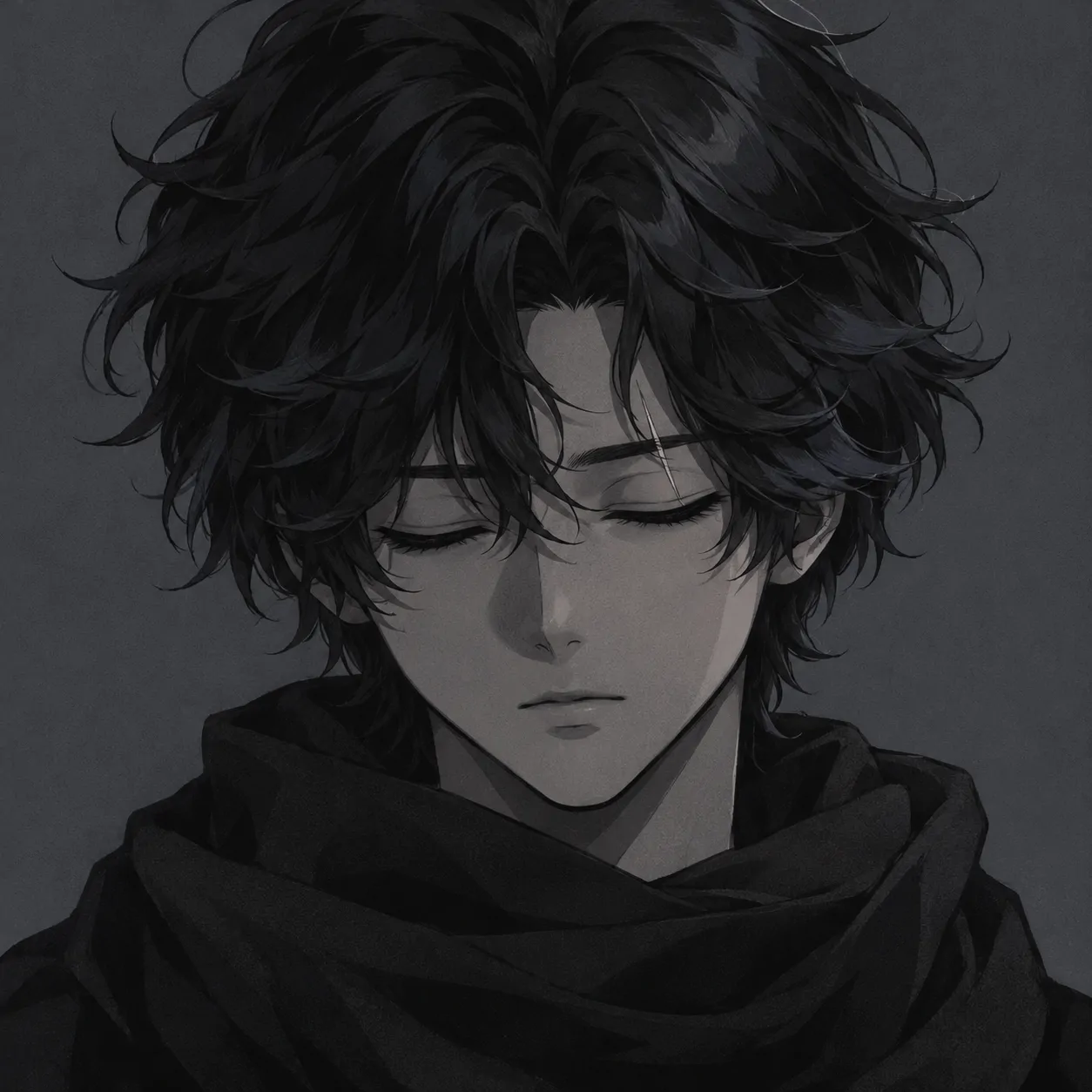
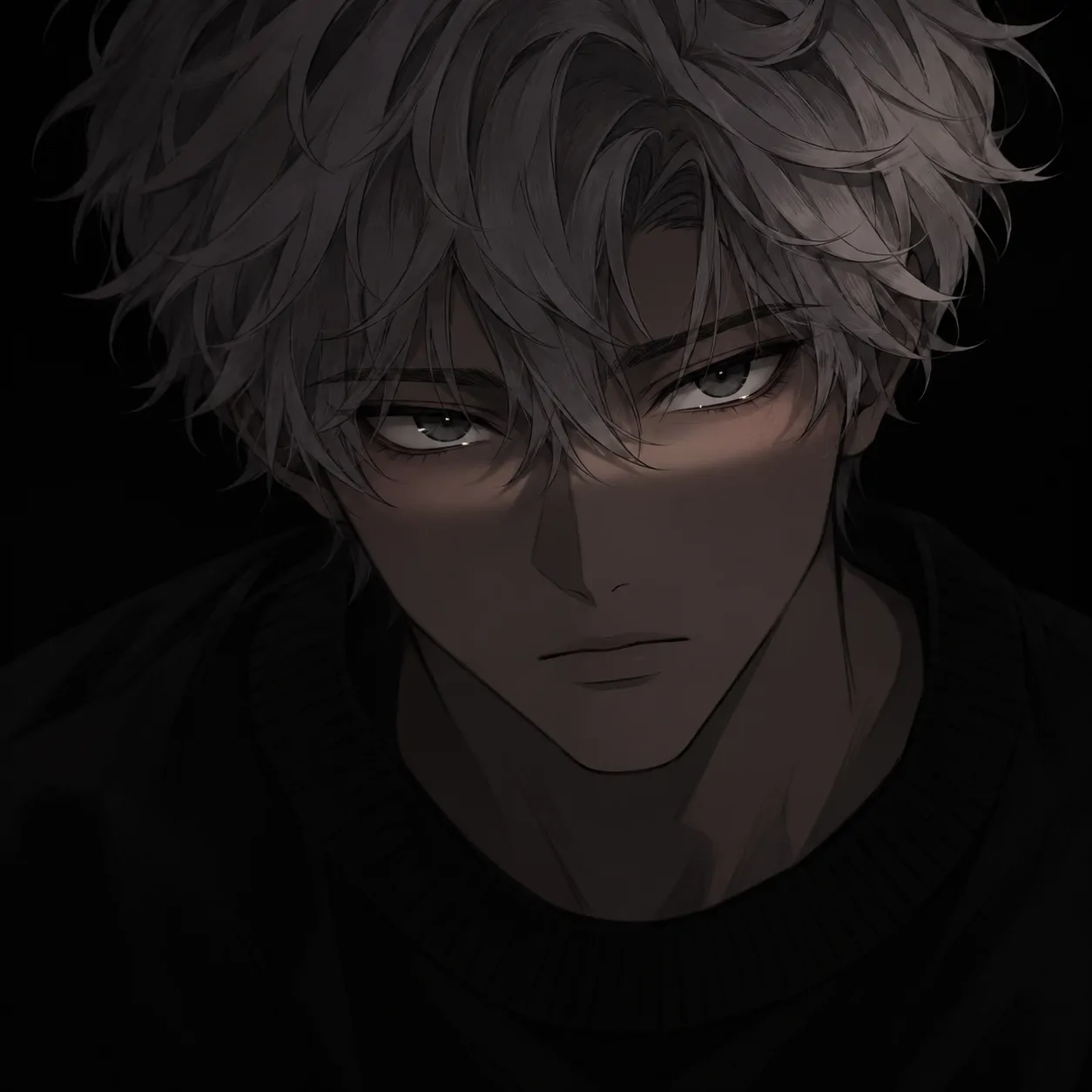
A sad-looking portrait can stay simple. Lowered eyelids, a resting hand or a loose scarf can suggest tiredness without heavy tears. Grey shading also gives you more room to show the face than pure black. The brightest detail should still sit near the eyes or cheek.
These Dark PFP Sad choices use different kinds of stillness. Rain adds texture, while closed eyes remove the direct stare. The glass reflection gives a distant feeling without placing a tiny person inside a large scene. Each picture keeps the subject close enough for a small profile circle.
Choose the mood that feels comfortable for your account. A reflective picture does not need to explain your feelings to other people. For a softer overall page, pair the portrait with a plain grey banner rather than another heavily shadowed face or a block of dramatic text.
Dark PFP Cat
Dark PFP Cat images replace sharp human expressions with bright eyes, dark fur and simple whisker lines. This group includes photo-style cats and softly drawn versions.
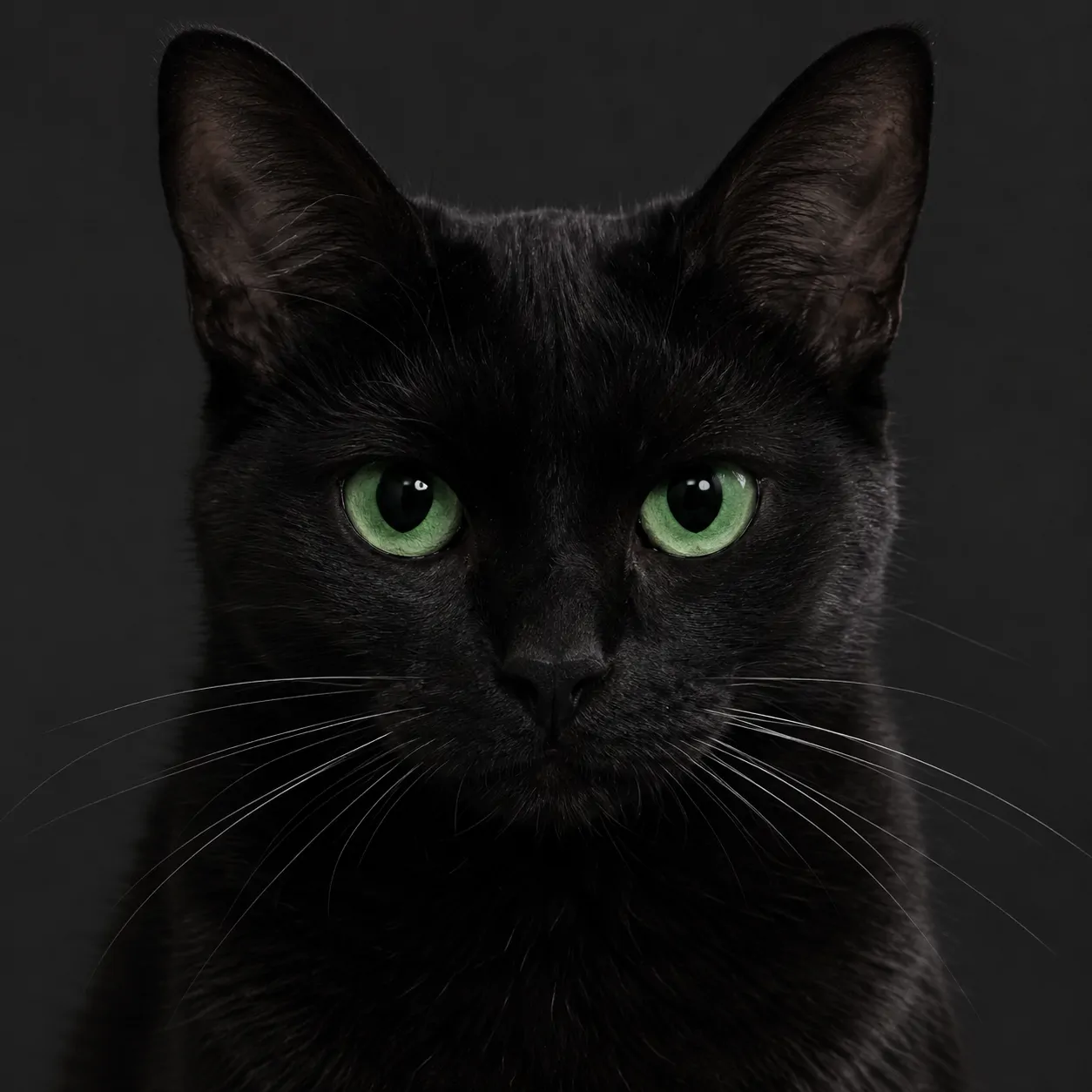
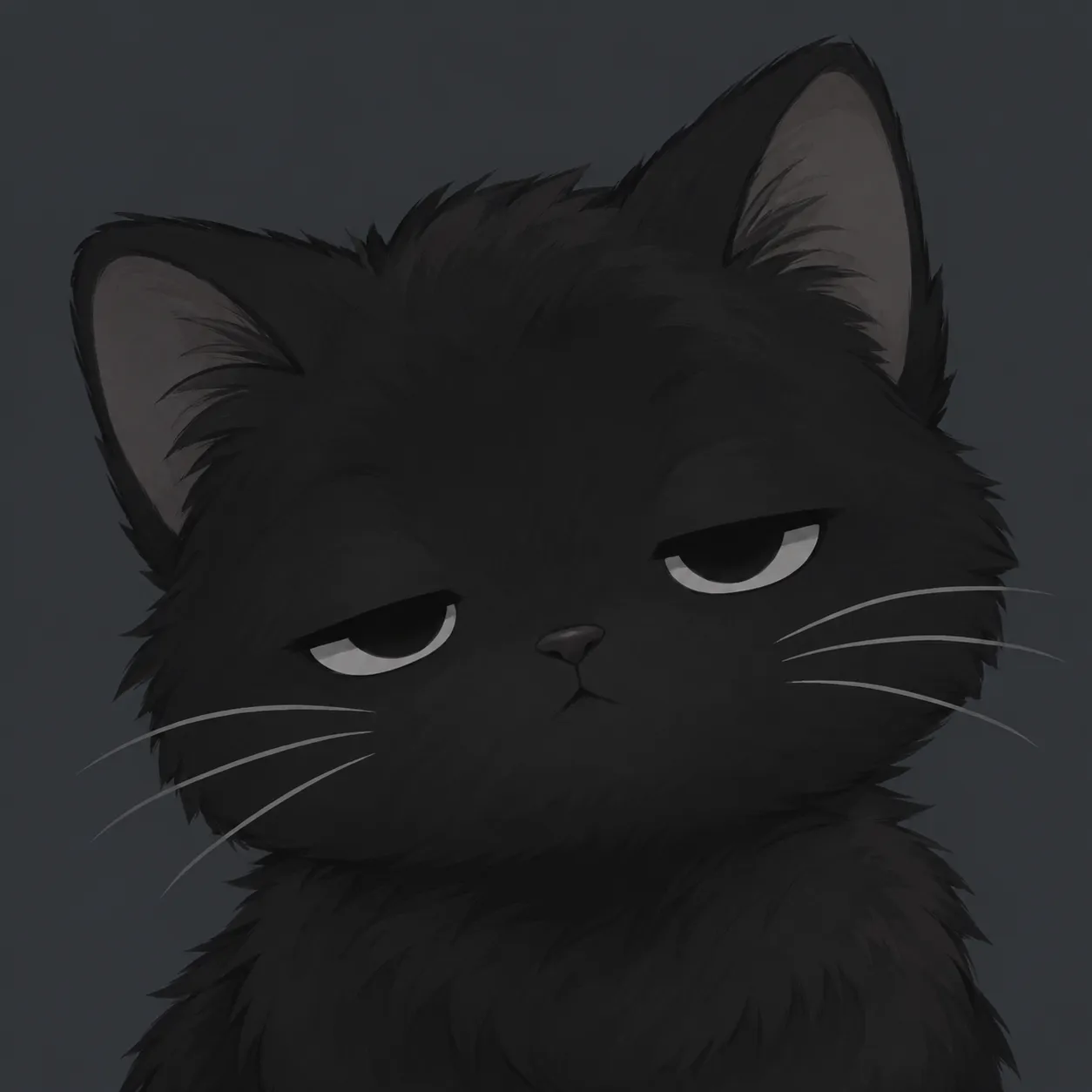
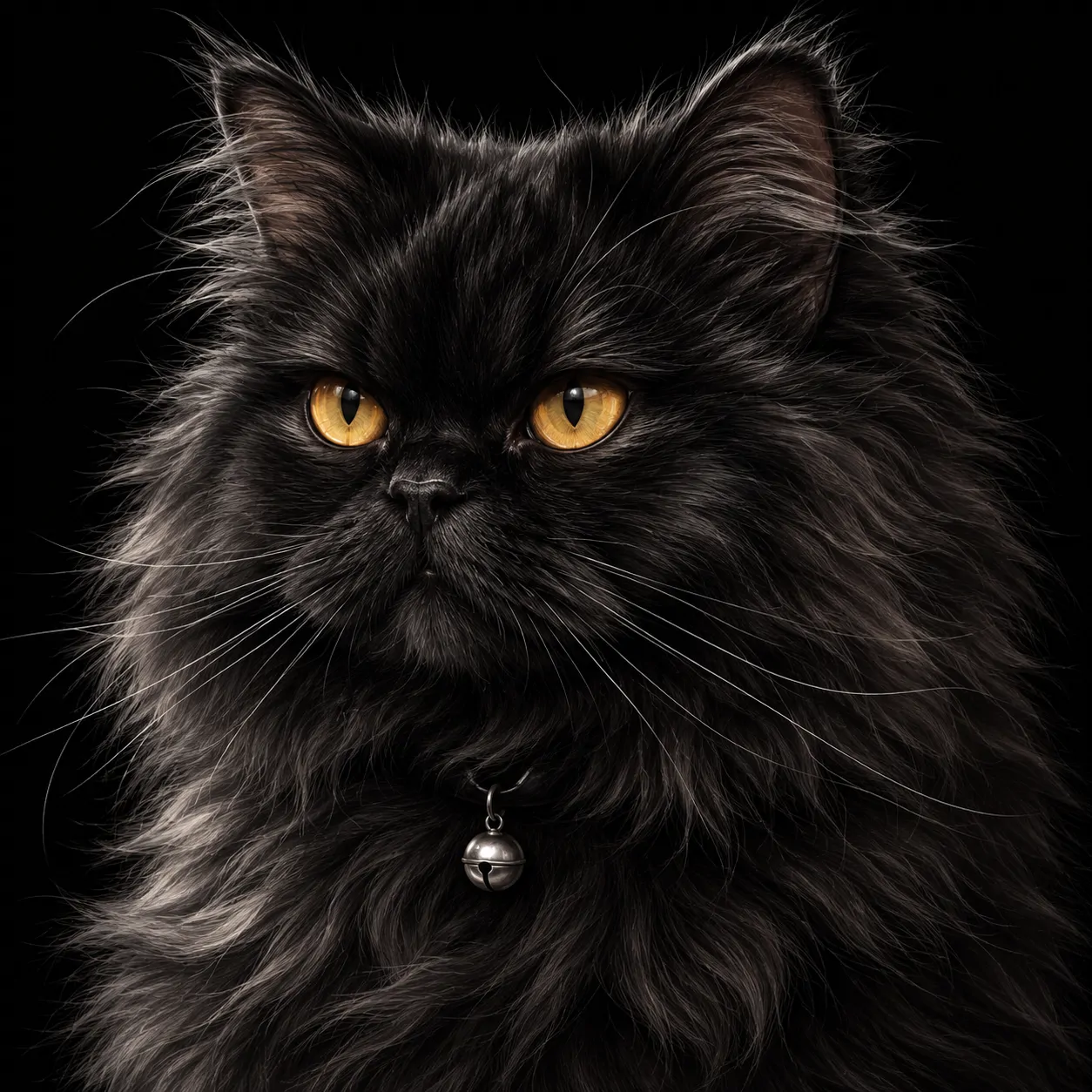
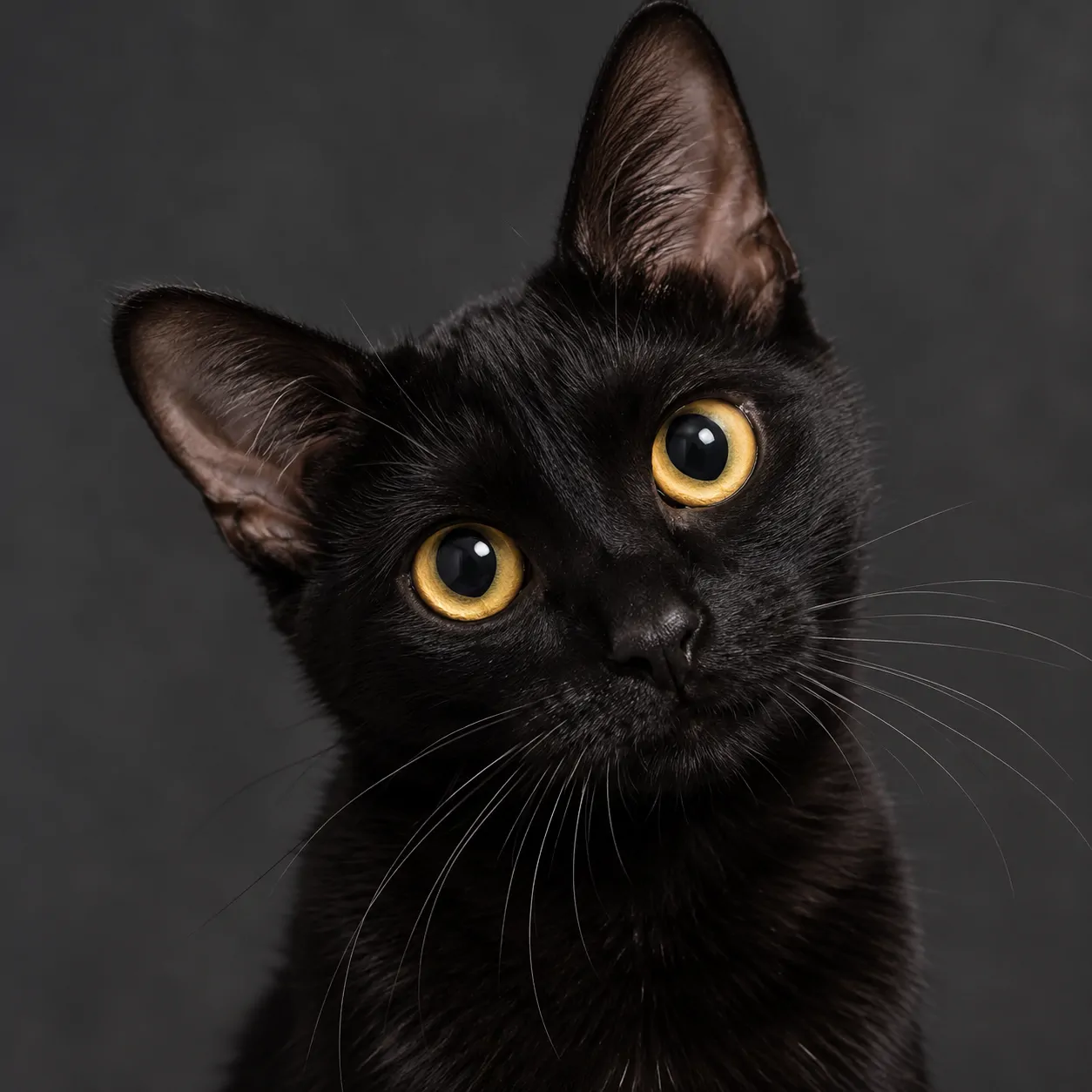
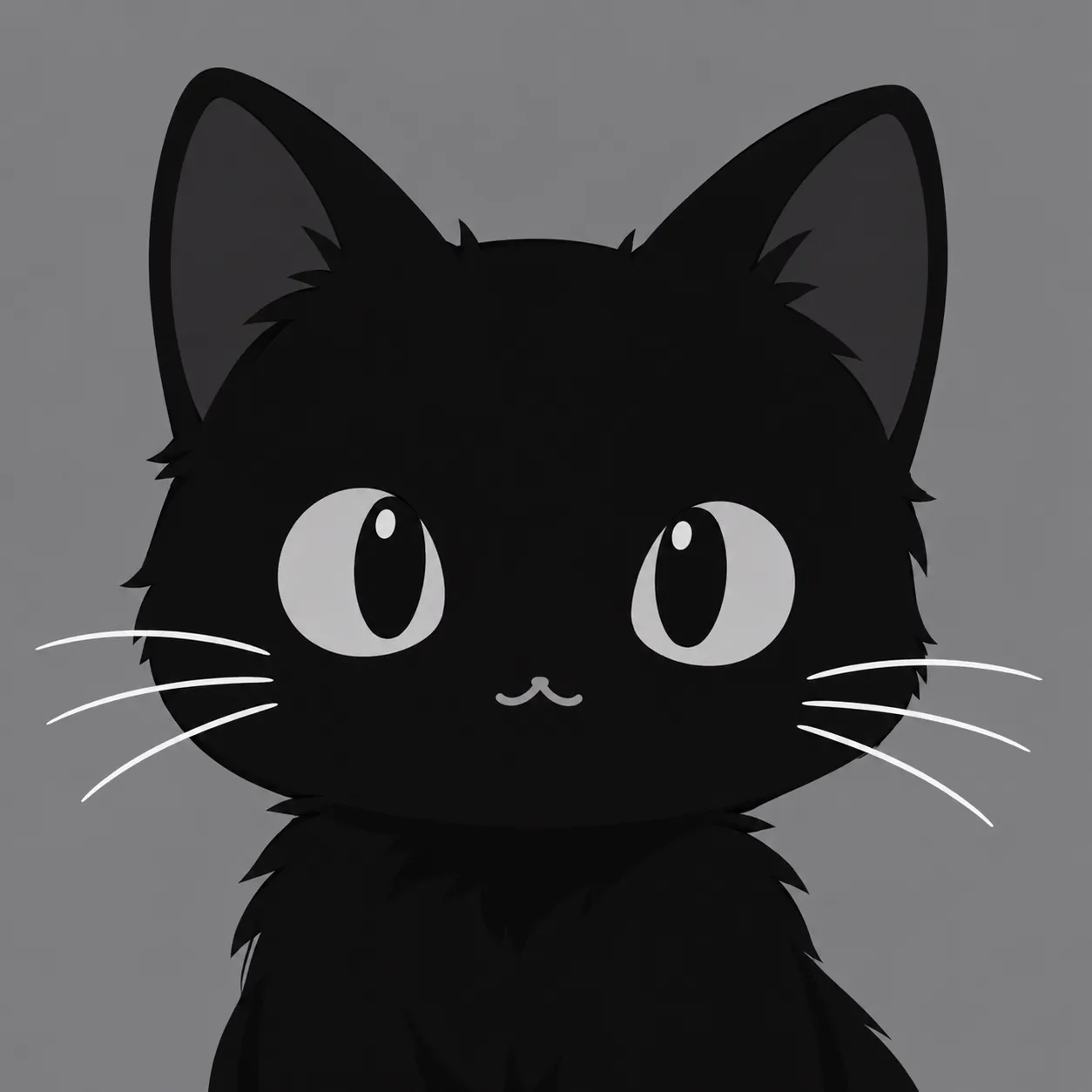
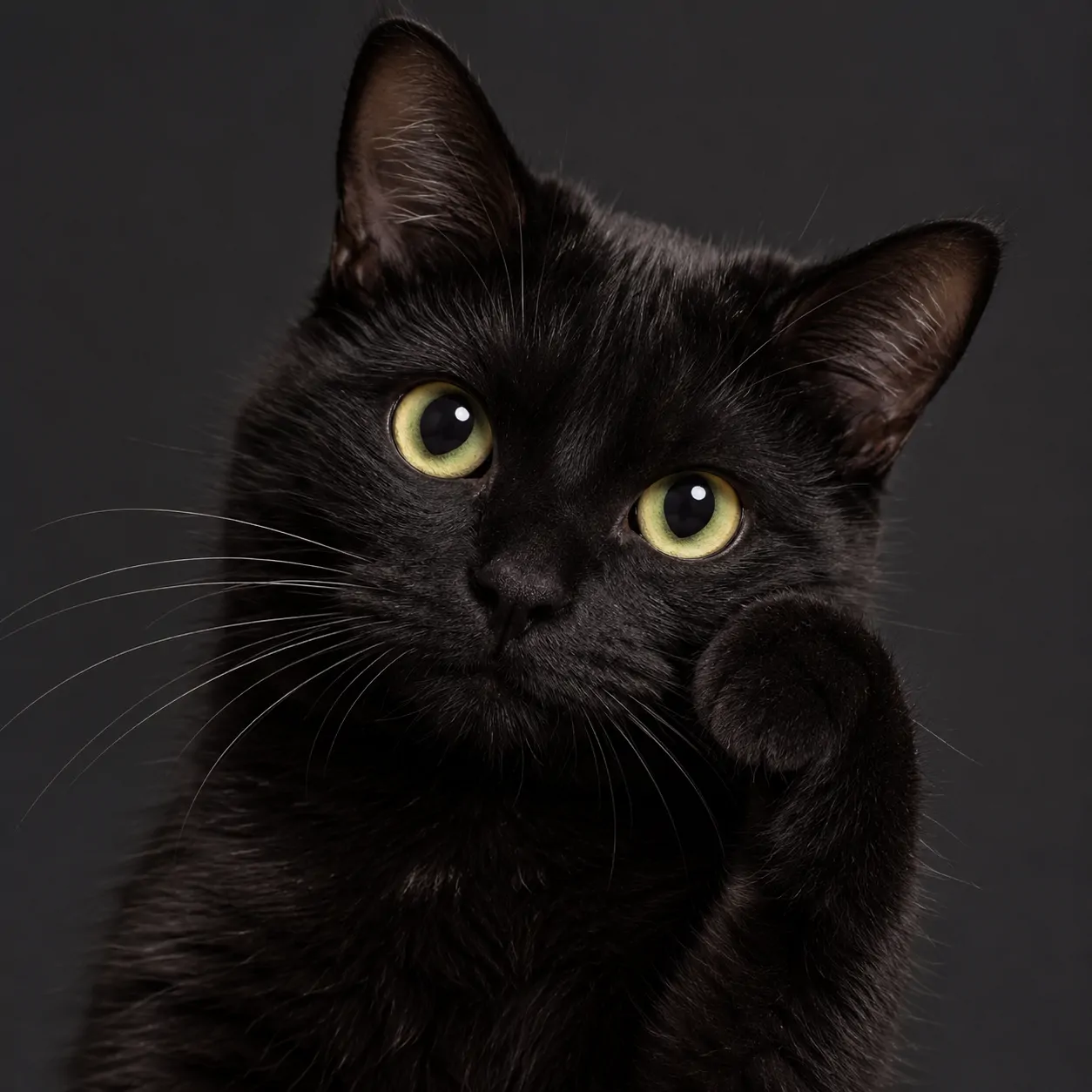
Black fur needs small changes in tone to show its shape. A grey edge can separate an ear from the background. Pale whiskers help define the muzzle without making the whole coat look grey. The photo-style portraits use these details, while the cartoons simplify them into clear lines.
Dark PFP Cat pictures can feel mysterious, sleepy or quietly playful. The green-eyed cat gives a direct stare. The tilted head feels curious, and the raised paw adds a little movement. Drawn versions offer simpler features if you prefer a softer account picture over a detailed animal portrait.
Choose a view that keeps both ears comfortably inside the circle. A very close face may lose the outline that makes it read as a cat. For your banner, repeat the eye colour in one small detail rather than filling the whole header with bright green or gold.
Dark PFP Matching
Dark PFP Matching sets use shared colours and small repeated details. These six separate portraits form three pairs, with complete faces and coordinated poses.
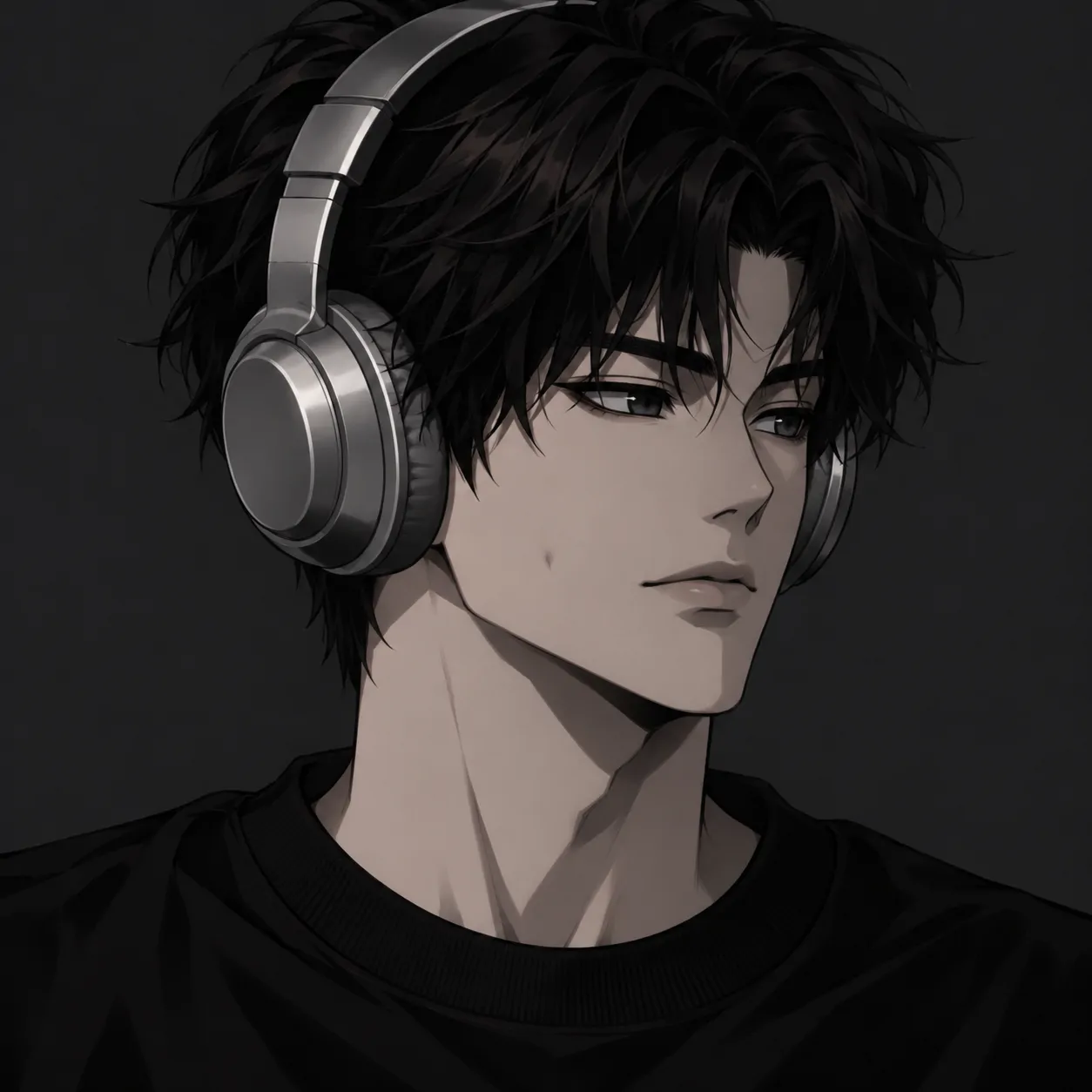
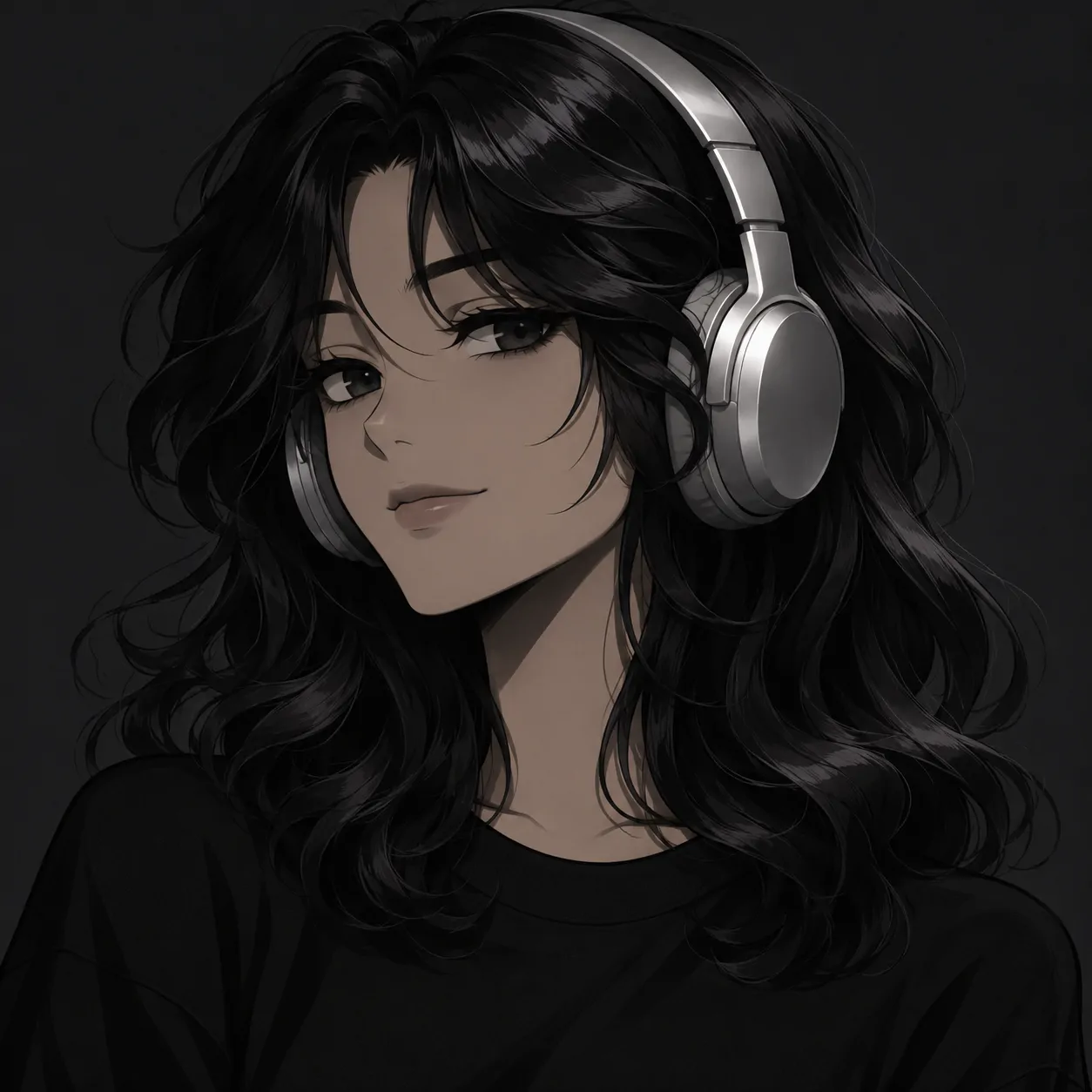
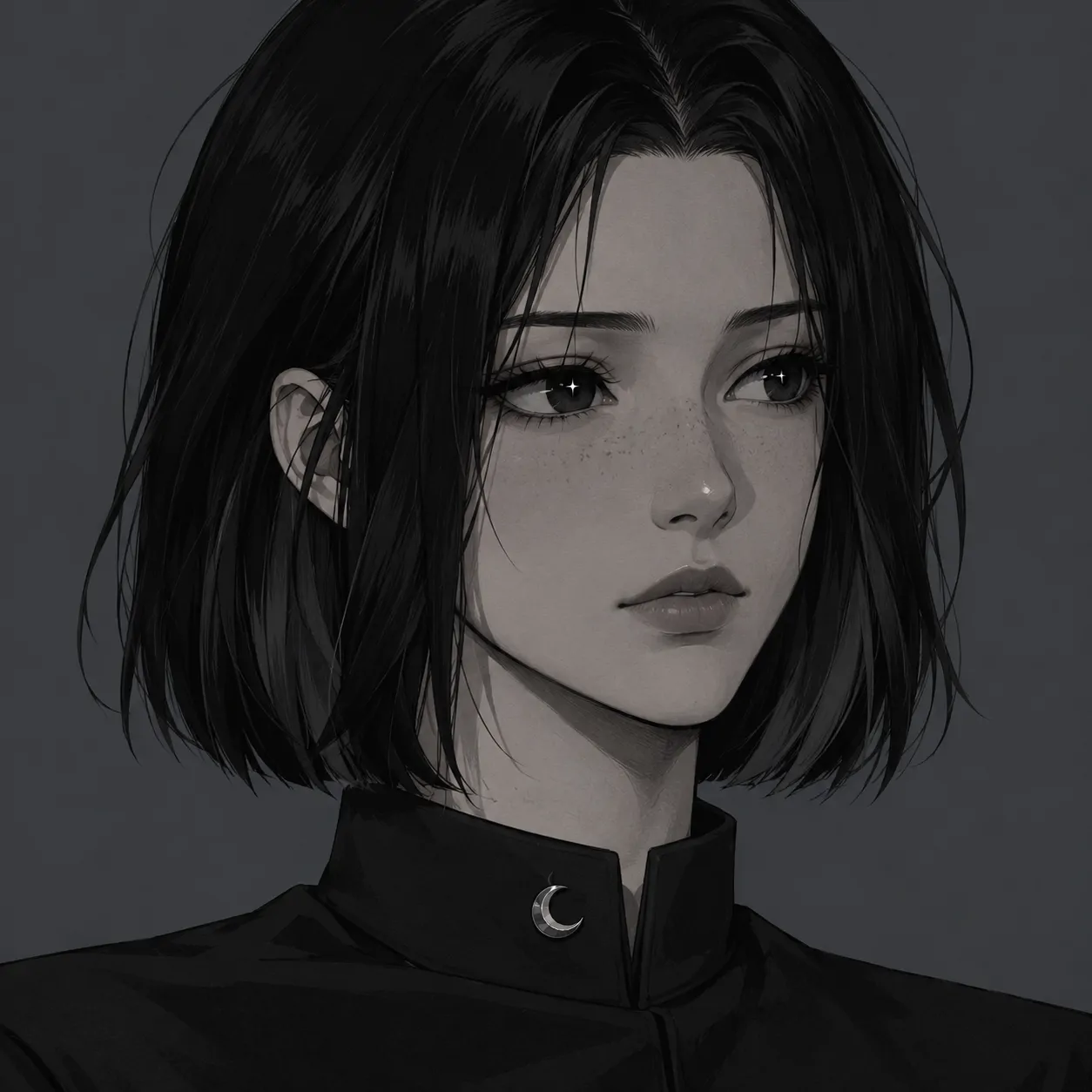
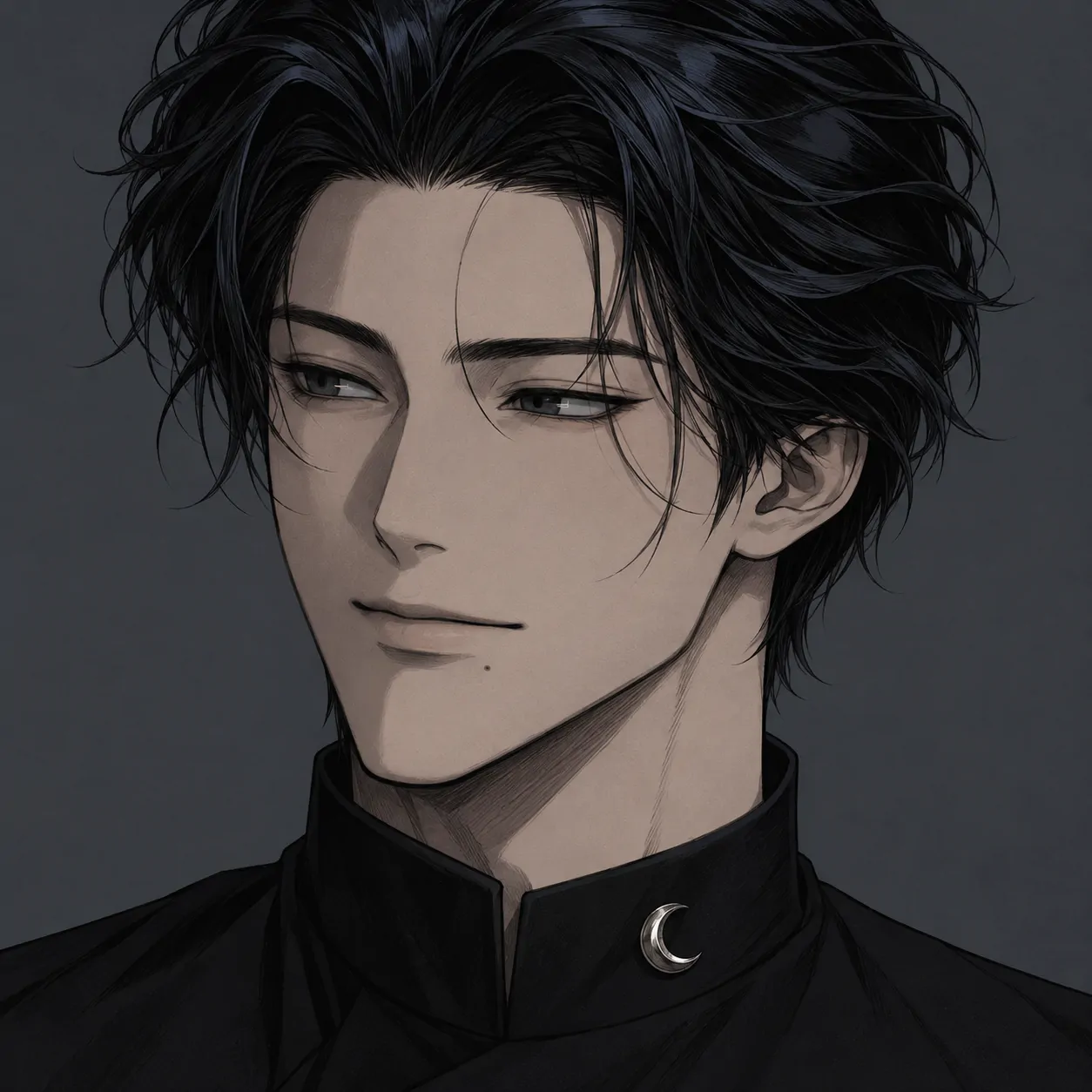
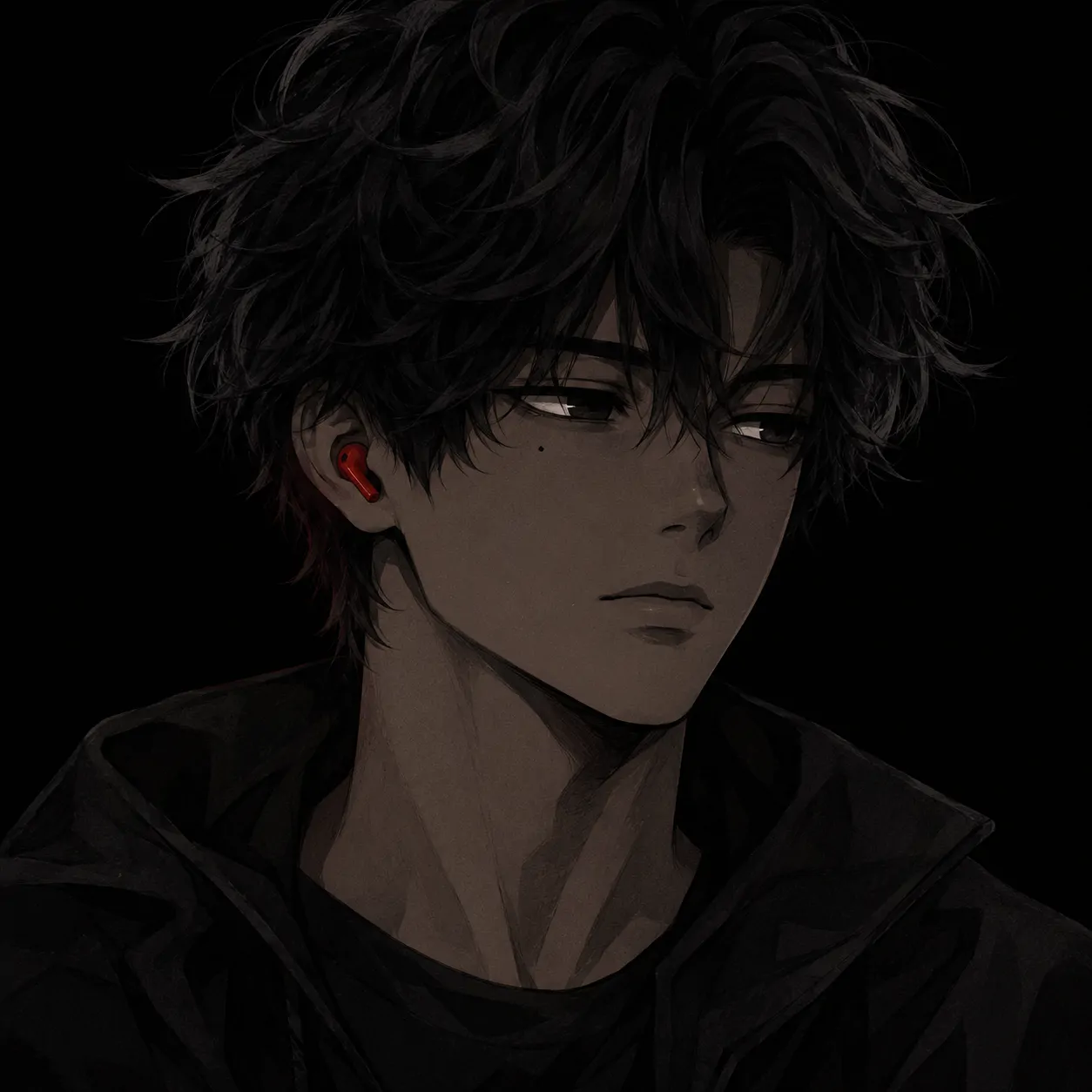
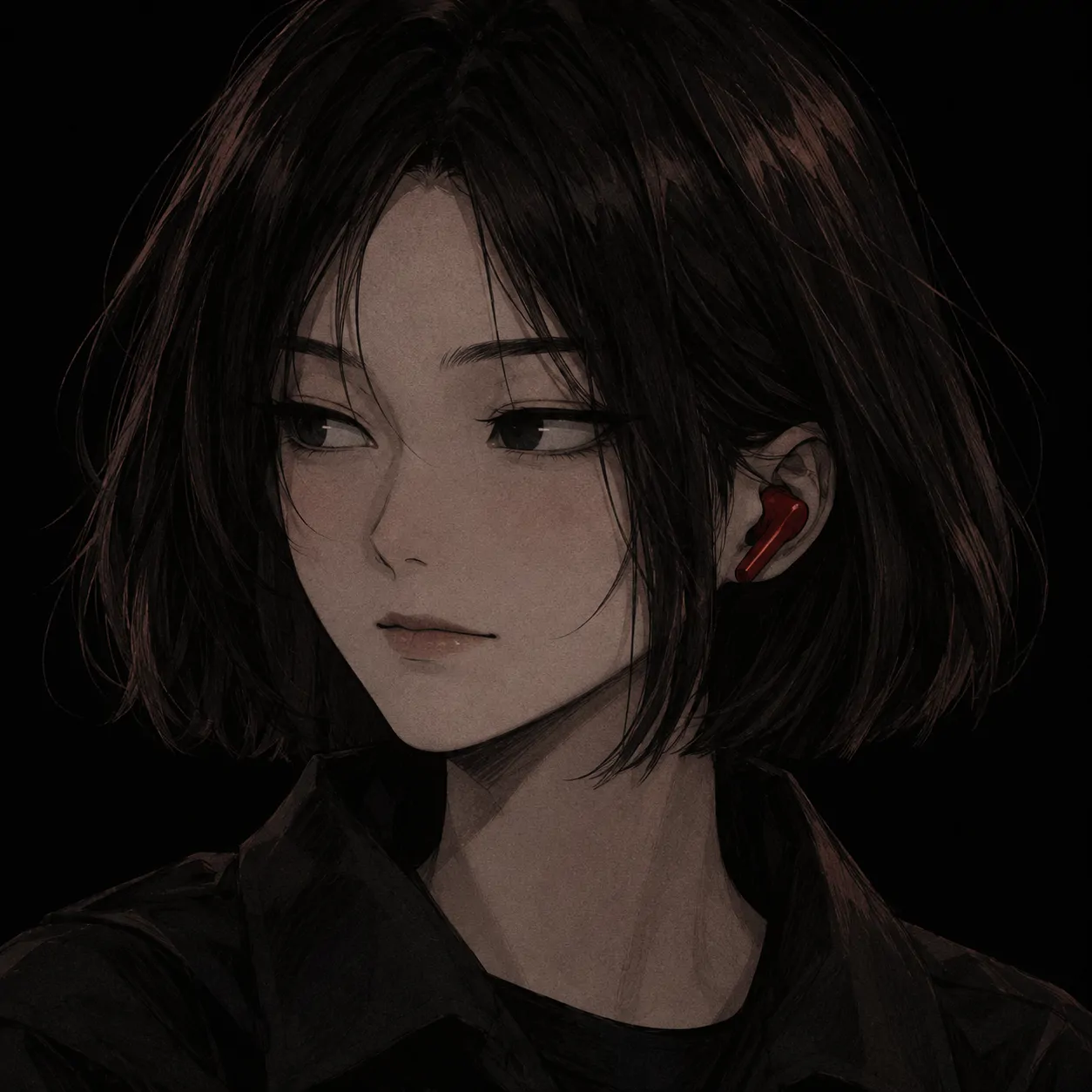
A shared accessory can connect two pictures more clearly than identical faces. Silver headphones, crescent pins and red earbuds give these sets a small repeated feature. Mirrored poses also help the connection. Each person still gets a complete portrait rather than a cut face or half of a larger picture.
The first pair shares silver headphones, the second shares crescent pins, and the third uses red earbuds. Dark PFP Matching choices work for friends or partners because the link stays visual. The faces remain calm and separate, with no romantic gesture needed to explain the pair.
Use the same zoom level when setting both pictures. If one face looks much larger, the shared styling becomes harder to notice. You can also choose a common banner colour, but leave some plain space so the paired portraits remain the clearest part of each profile.
How to Use Your Dark PFP
| Platform | Recommended upload size | How it is shown |
| Discord | At least 128 × 128 px (512 × 512 px keeps it sharp) | Circle |
| 320 × 320 px | Circle | |
| TikTok | At least 200 × 200 px | Circle |
| X (Twitter) | 400 × 400 px | Circle |
| No official size (640 × 640 px works well) | Circle |
Keep the face centred and leave a little room around the hair, ears or hood. Check the circular preview before confirming your upload. Save the picture in full quality rather than taking a screenshot of a small preview. A larger source gives you more room to adjust the position without losing the eyes or soft hair detail.
For this style, check the darkest parts on both a light and dark screen theme. The face should remain visible without turning every shadow grey. Pair your picture with a banner or wallpaper that repeats one accent, such as silver, muted red or amber. Keep that background simpler than the portrait so the two images do not compete.
Find Your Mood
Your Dark PFP can feel sharp, quiet, thoughtful or gently playful. Anime portraits bring strong expressions, while aesthetic styles use softer shading and fewer details. The boy and girl groups offer different hair and accessories. Sad portraits stay reflective, cats add a softer face, and matching sets give two profiles a shared detail.
Start with the eyes, then check the outline inside a small circle. A visible cheek, ear or collar can stop dark hair from blending into the background. Save a favourite that still feels clear at chat size, and keep one matching colour for the rest of your profile.
Want more deep-toned icons? The Black PFP collection keeps things simple and bold, and the Emo PFP gallery adds moodier styles. For mysterious, faceless looks, see our newest Unknown PFP gallery.
FAQ
Which colours work best with a Dark PFP?
Charcoal, slate grey and black give you a simple base. Silver, muted red, amber or pale blue can add one clear highlight. Keep the accent small enough that the face remains the main subject.
Do dark avatars work better on Discord?
They can work well, but clear contrast matters more than the platform. Choose a face with visible eyes and an outline that does not disappear against the surrounding screen. Check the circular preview at a small size.
Can a dark aesthetic profile still feel friendly?
Yes, a relaxed mouth, curious eyes or a sleepy cat can make it feel gentle. Soft grey shading also feels less severe than a fully hidden face. You do not need a wide smile to keep the picture approachable.
What makes a dark profile picture look high quality?
A clear subject, visible facial details and clean edges make the biggest difference. Save a full-quality version and avoid enlarging a tiny preview. Dark areas should show useful shape rather than becoming one flat patch.
Can I use a sad-looking avatar without seeming too negative?
Yes, you can choose a reflective expression without making a statement about your mood. Lowered eyes or a resting pose can feel quiet rather than distressed. A plain grey banner can keep the overall page balanced.
Should my avatar match my content theme?
It can, but it does not need to repeat every colour or detail. One shared accent usually gives the page enough connection. For matching accounts, use a coordinated pair while keeping each face complete and easy to recognise.