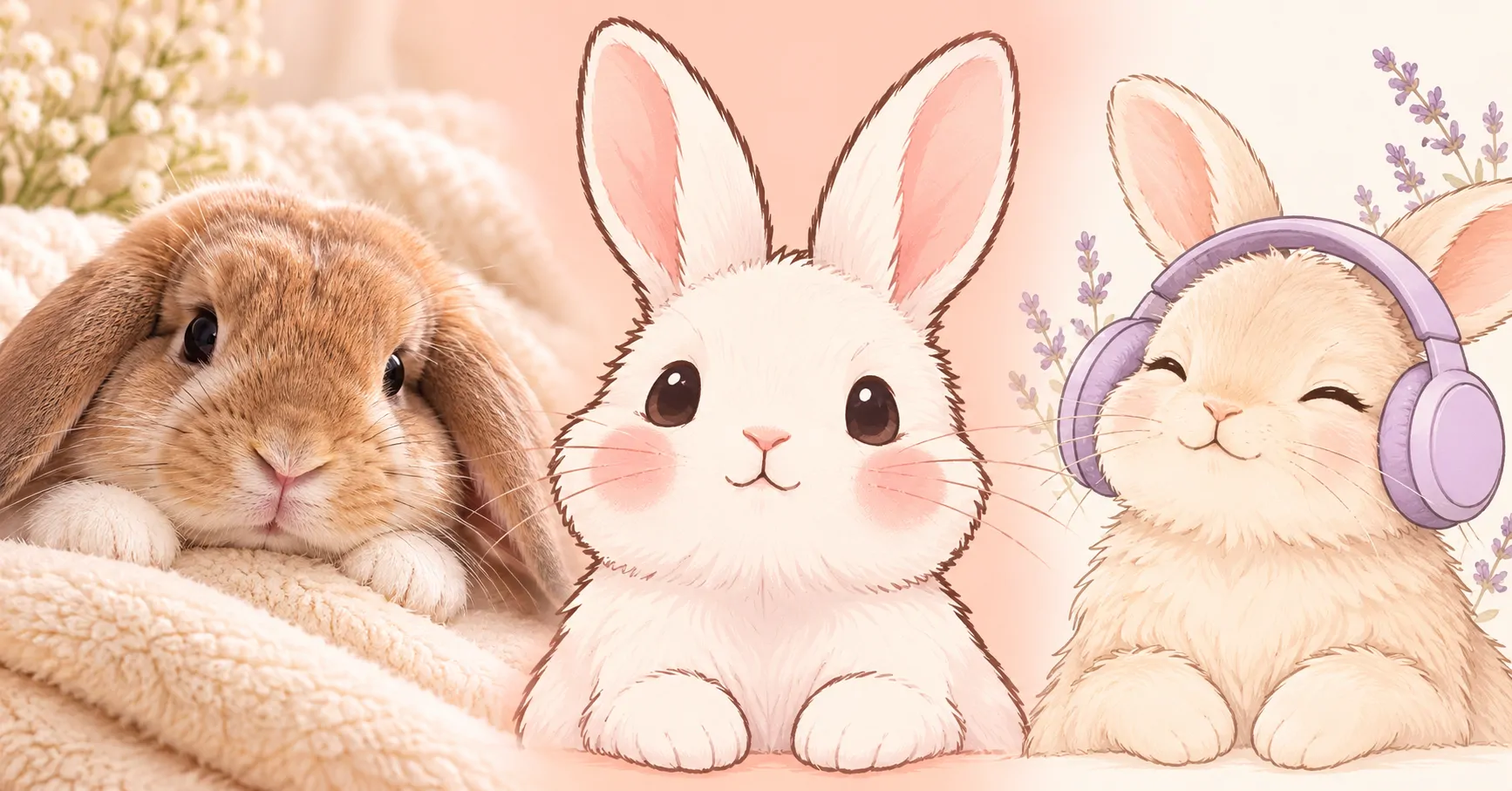
Looking for a Bunny PFP with a soft, aesthetic feel? This gallery brings together 48 picture ideas with clear faces, rounded shapes, and simple backgrounds. Explore cute, aesthetic, cartoon, and anime styles. You will also find pink, white, and matching options.
Some pictures focus on fluffy rabbits, folded ears, and curious expressions. Others use clean drawings, small bows, headphones, or cheerful cheeks. Choose a rabbit profile picture that feels calm, playful, or quietly funny. The mix gives you different ways to shape your profile without adding a busy background.
These bunny avatars suit a Discord account, an Instagram profile, or a friendly chat icon. Start with a face you can recognise at a glance. Then compare the colours with your profile theme.
Editor’s Favourites
Start with these six Bunny PFP ideas, from fluffy rabbit portraits to simple illustrated faces. Each keeps the expression clear without filling the background.
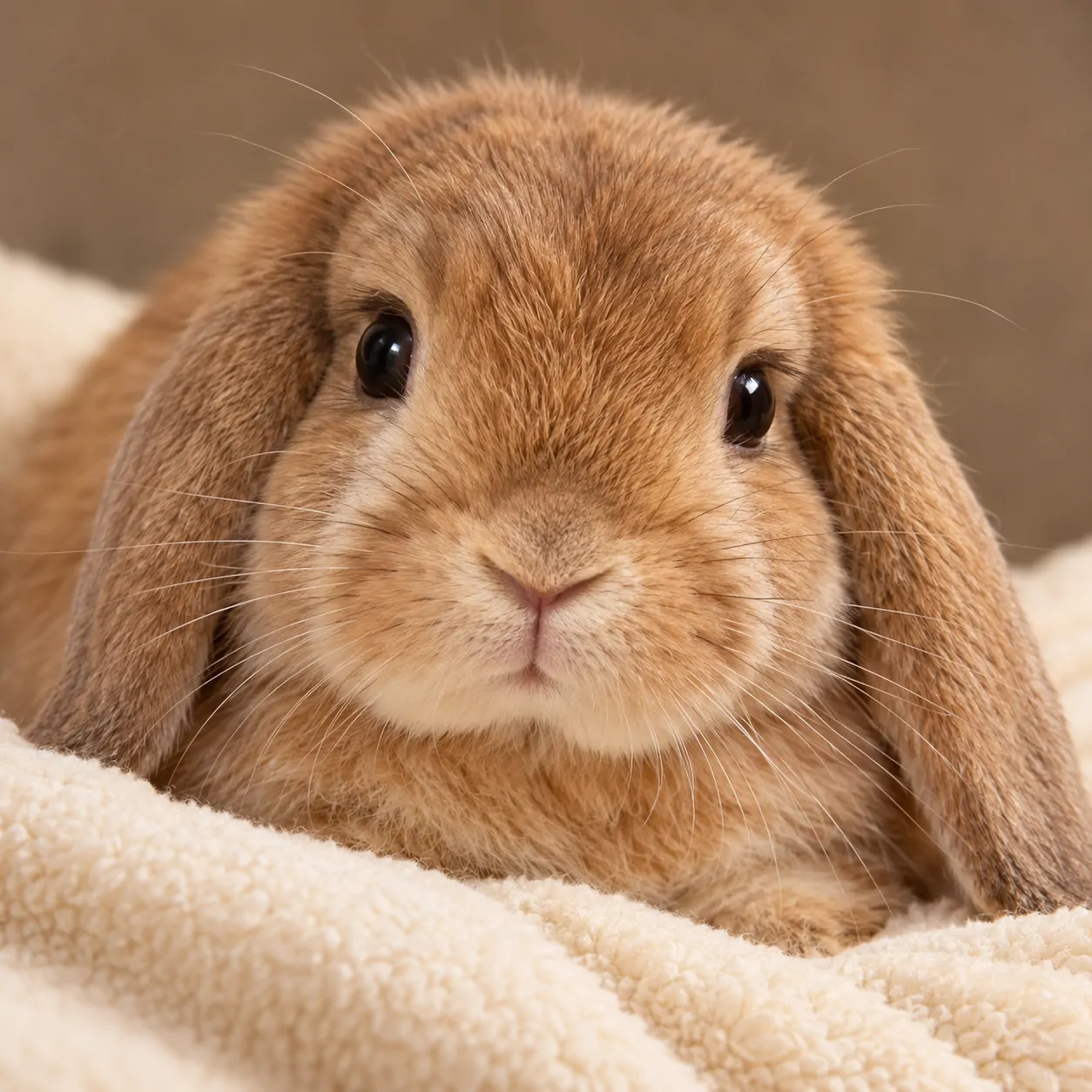
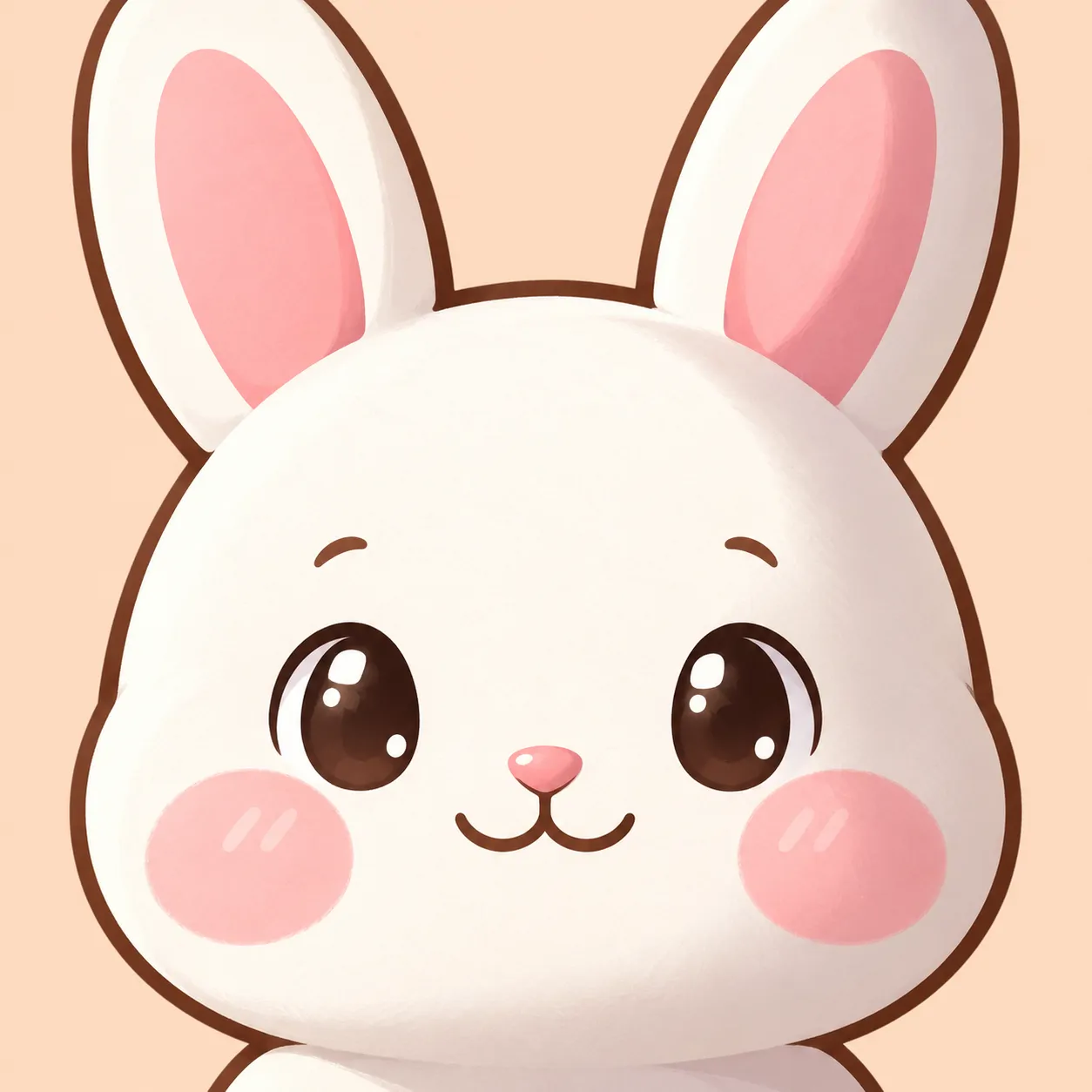
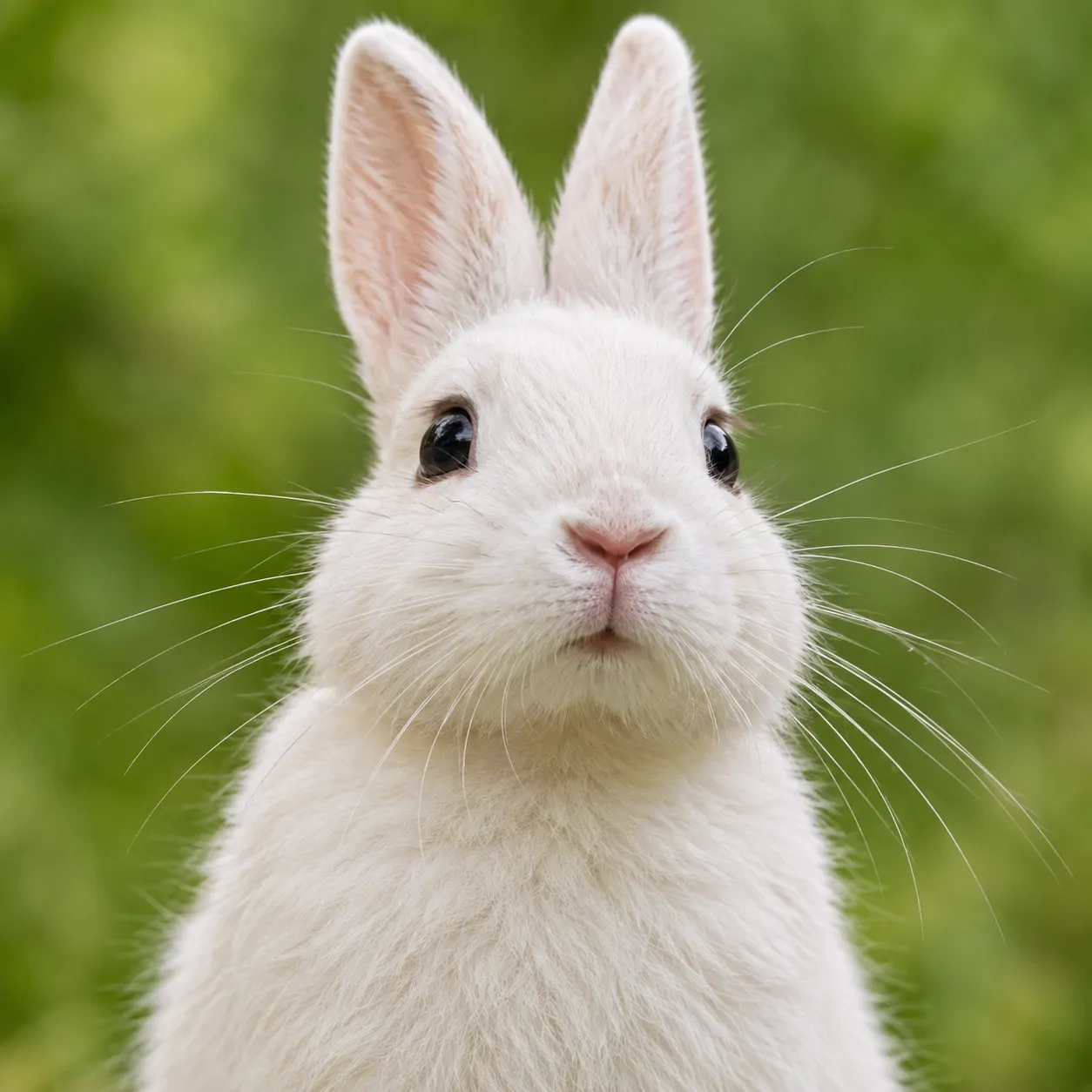
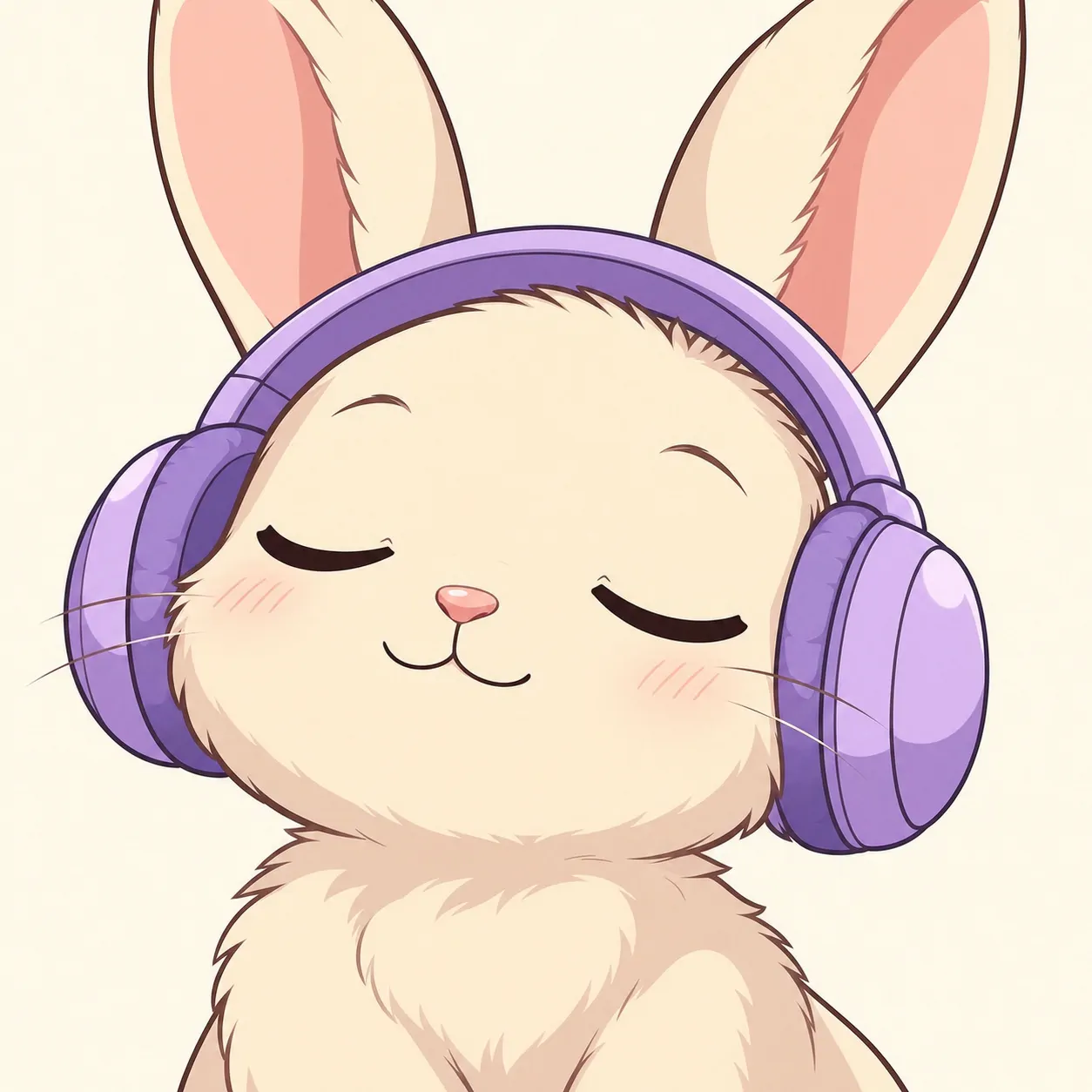
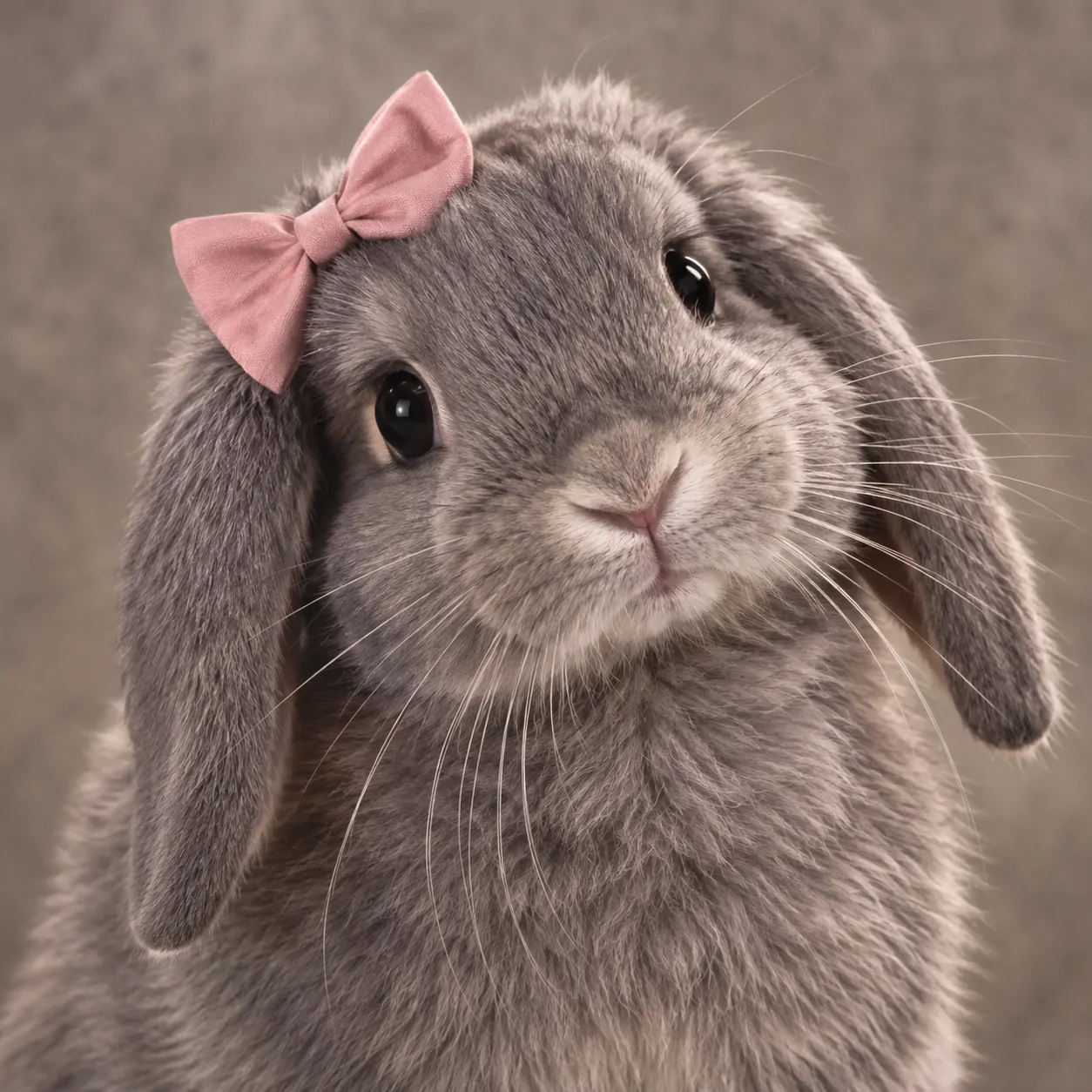
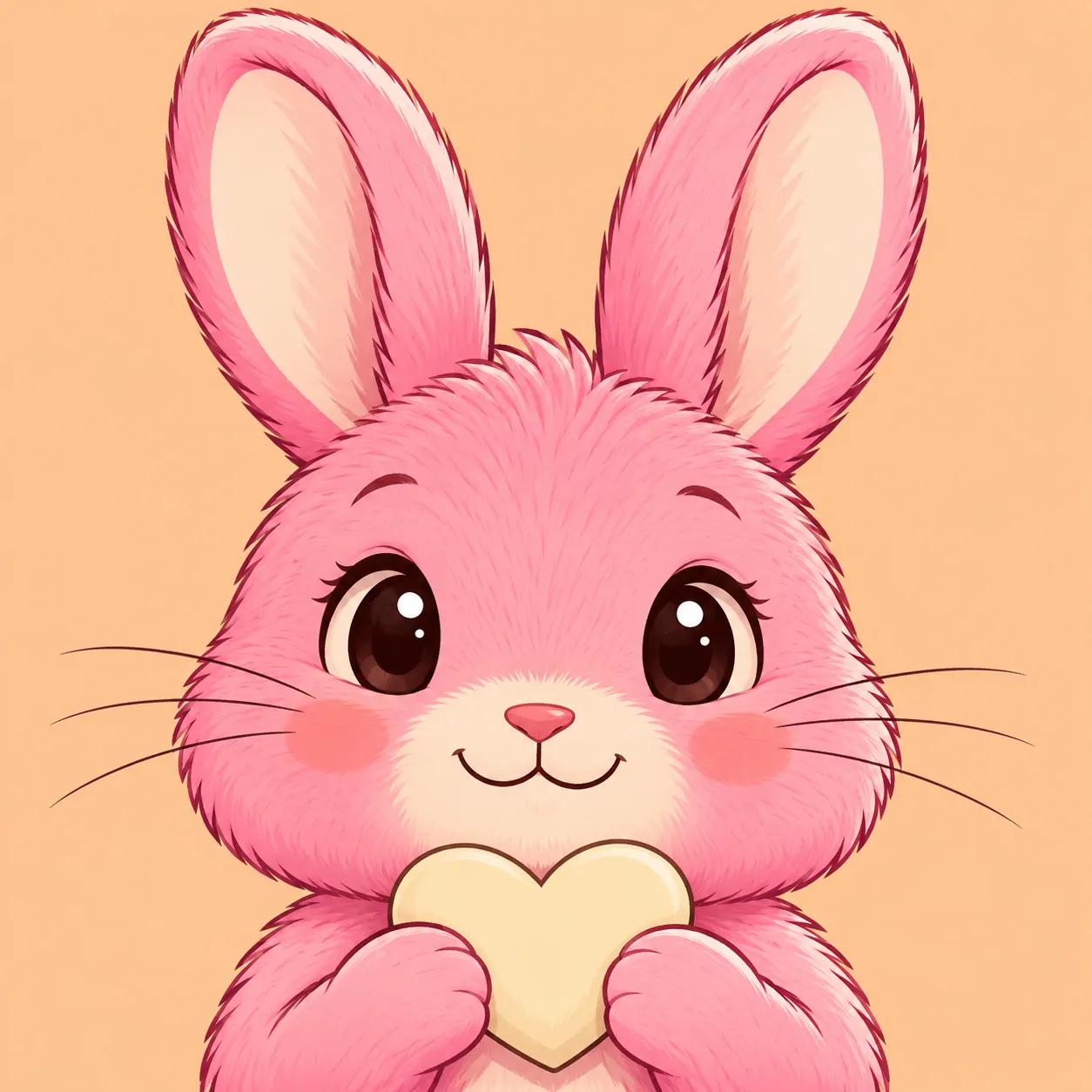
Cute Bunny PFP
Cute Bunny PFP ideas here focus on fluffy faces, small paws, and curious expressions. These six photo-style portraits keep the rabbit close.
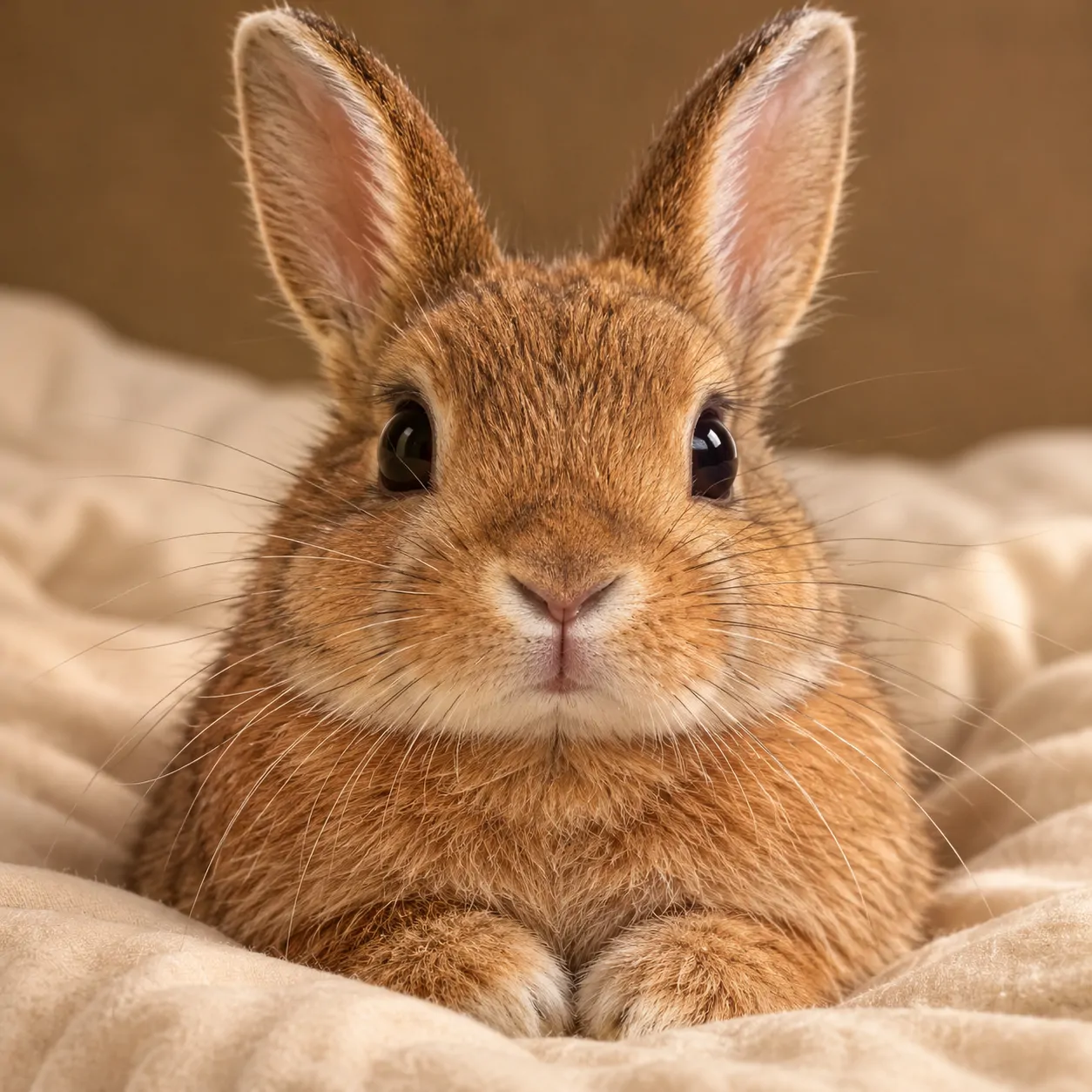
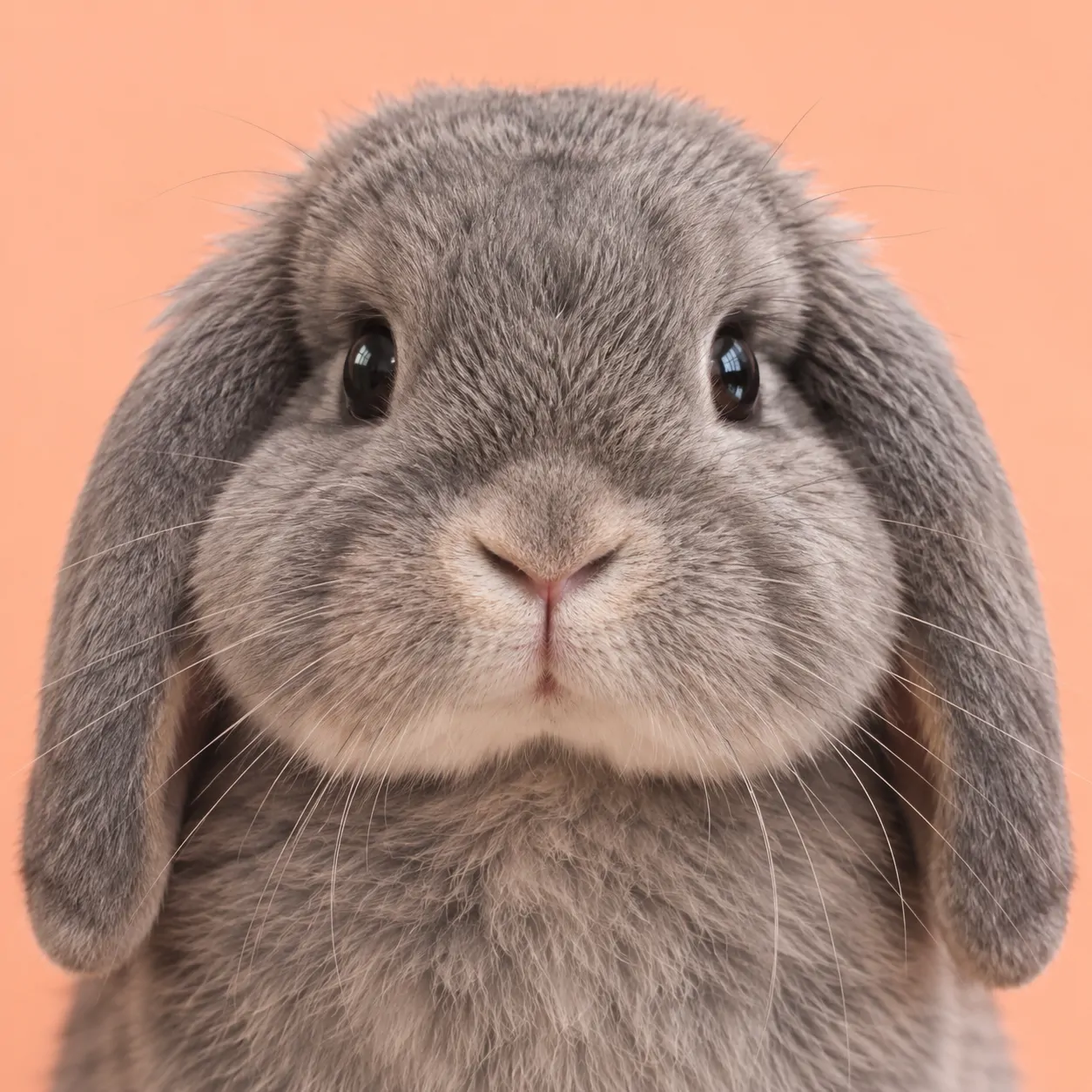
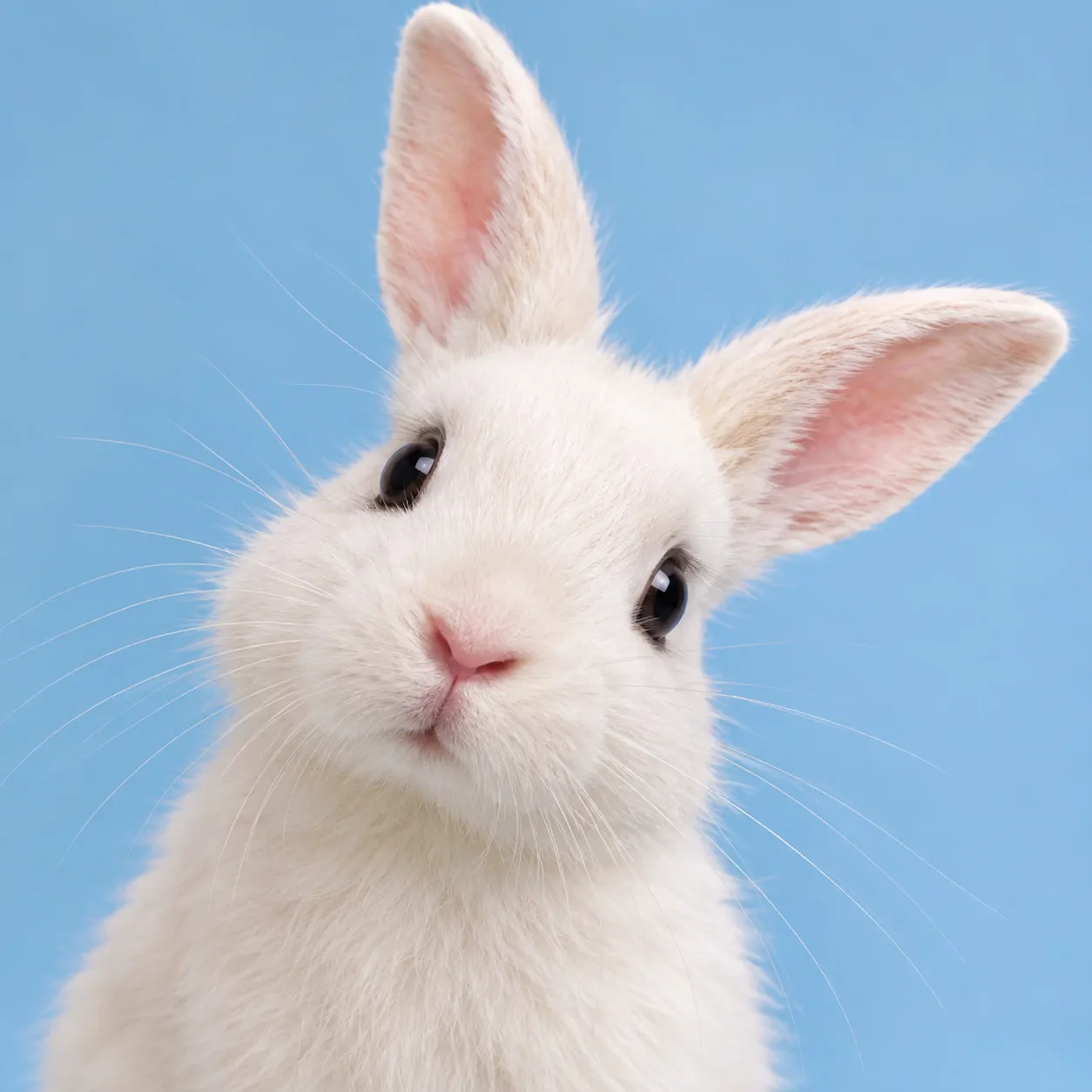
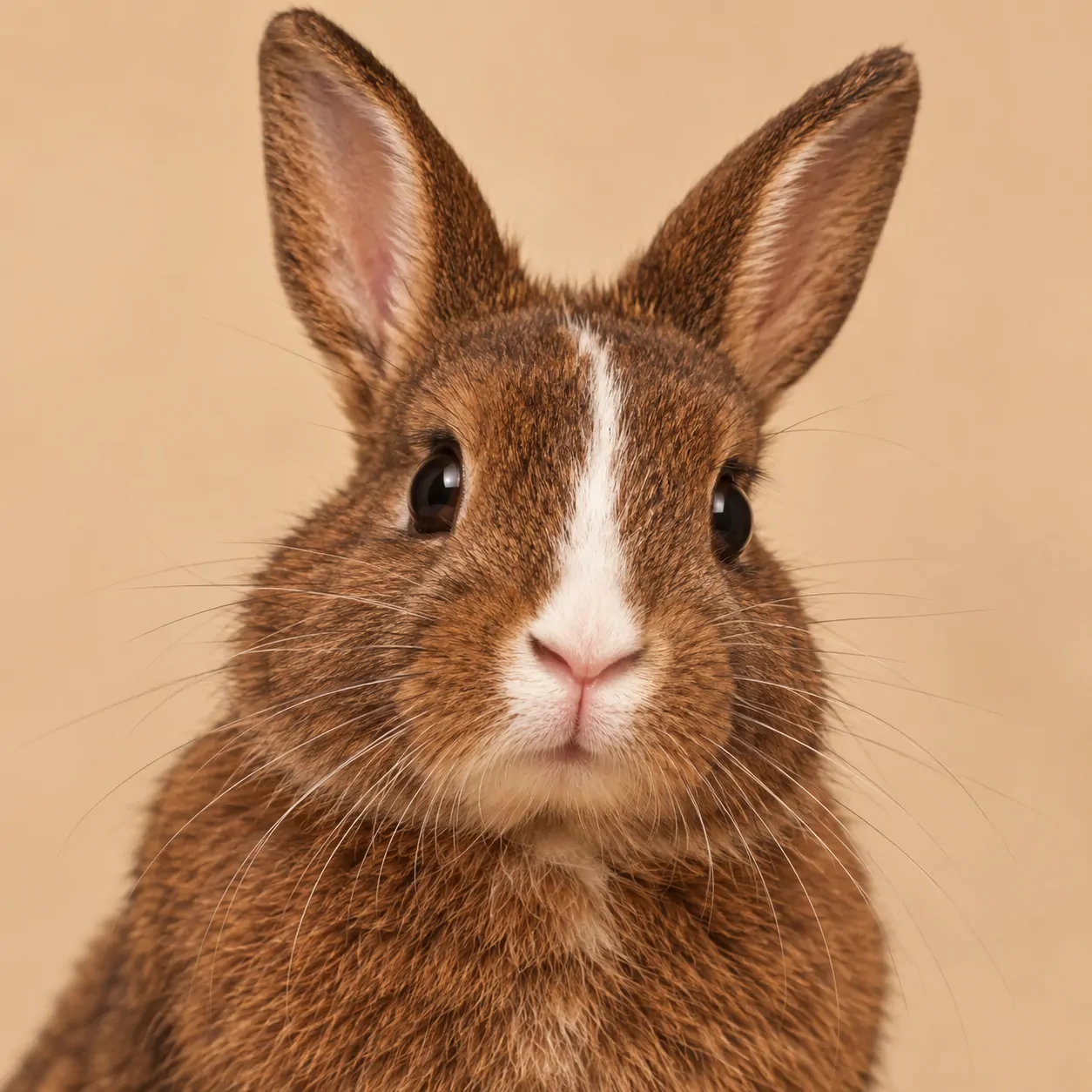
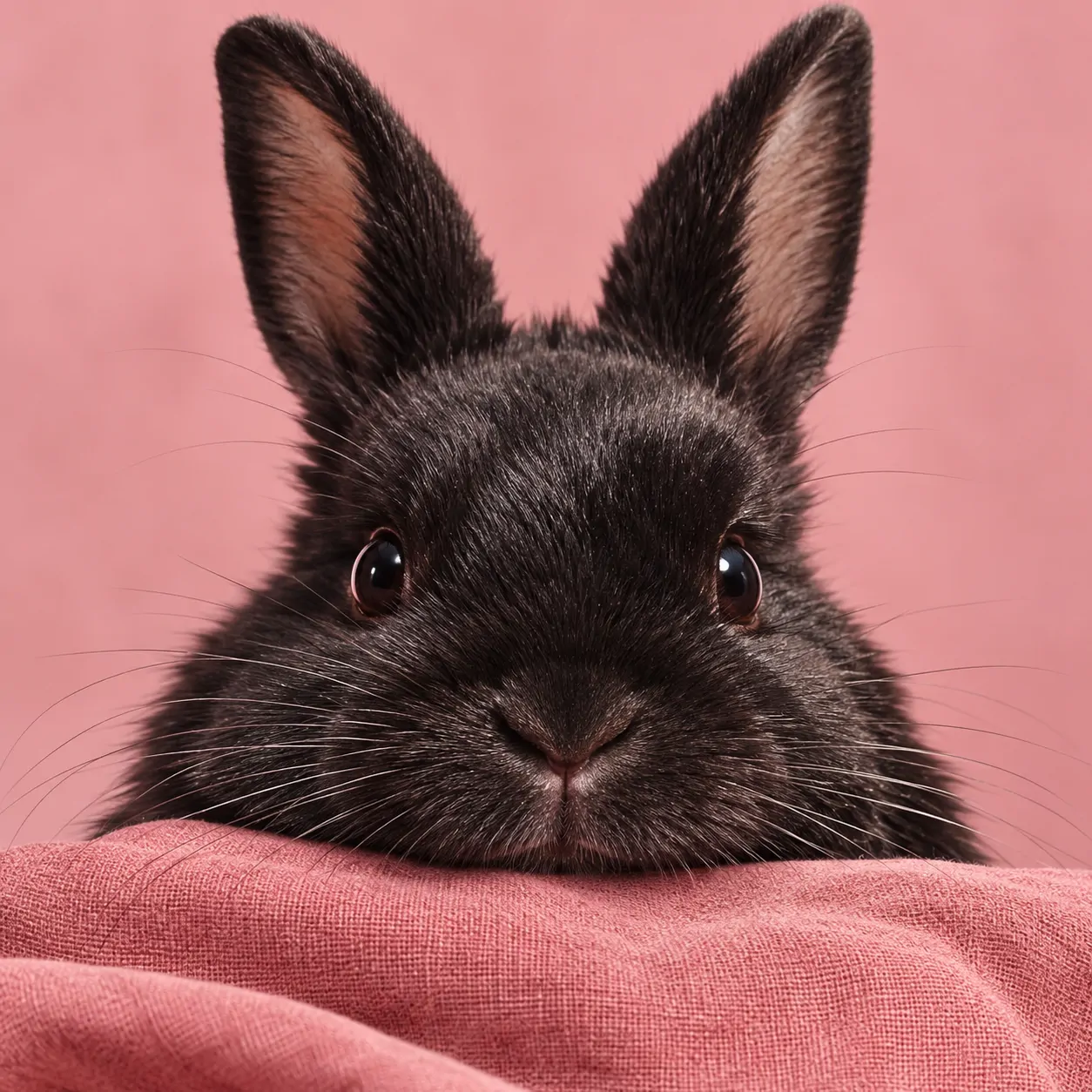
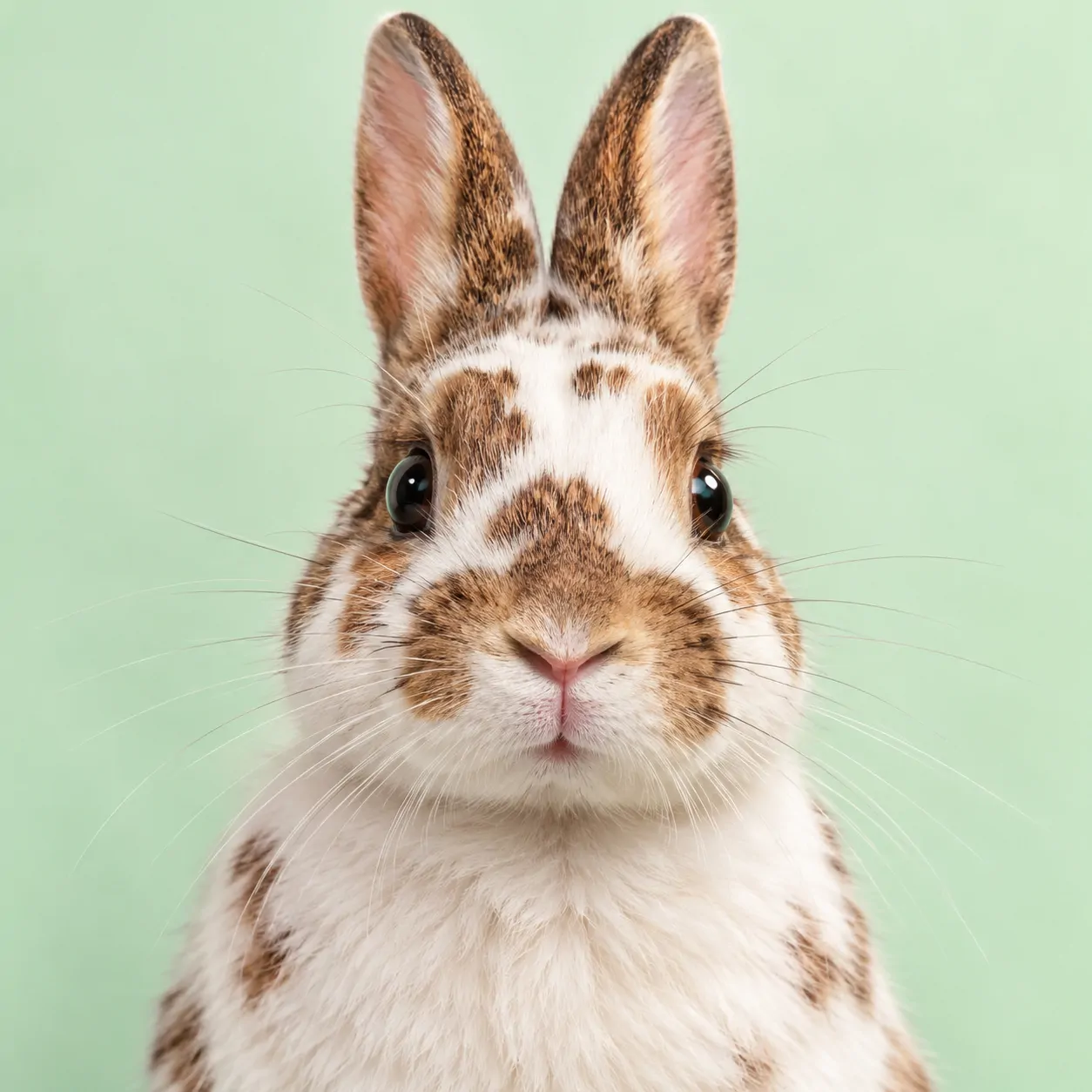
Rounded cheeks and visible paws give this group its friendly feel. The pictures use real rabbit shapes rather than oversized cartoon eyes. Hanging ears make a wider outline, while upright ears create a taller one. Both work when the eyes remain the clearest part of the picture.
The set moves between fawn, grey, white, black, brown, and spotted fur. That range helps you choose an animal that stays visible against your profile theme. A Cute Bunny PFP can feel shy or curious without needing a large prop. Small changes in head angle carry the mood.
Choose the expression before choosing the background colour. Then check whether the nose stays clear at thumbnail size. Leave space around upright ears so a circular display does not remove their shape.
Aesthetic Bunny PFP
Aesthetic Bunny PFP portraits pair rabbit faces with muted colour, fabric texture, and uncluttered settings. This set moves through sage, rose, lavender, and warm neutrals.
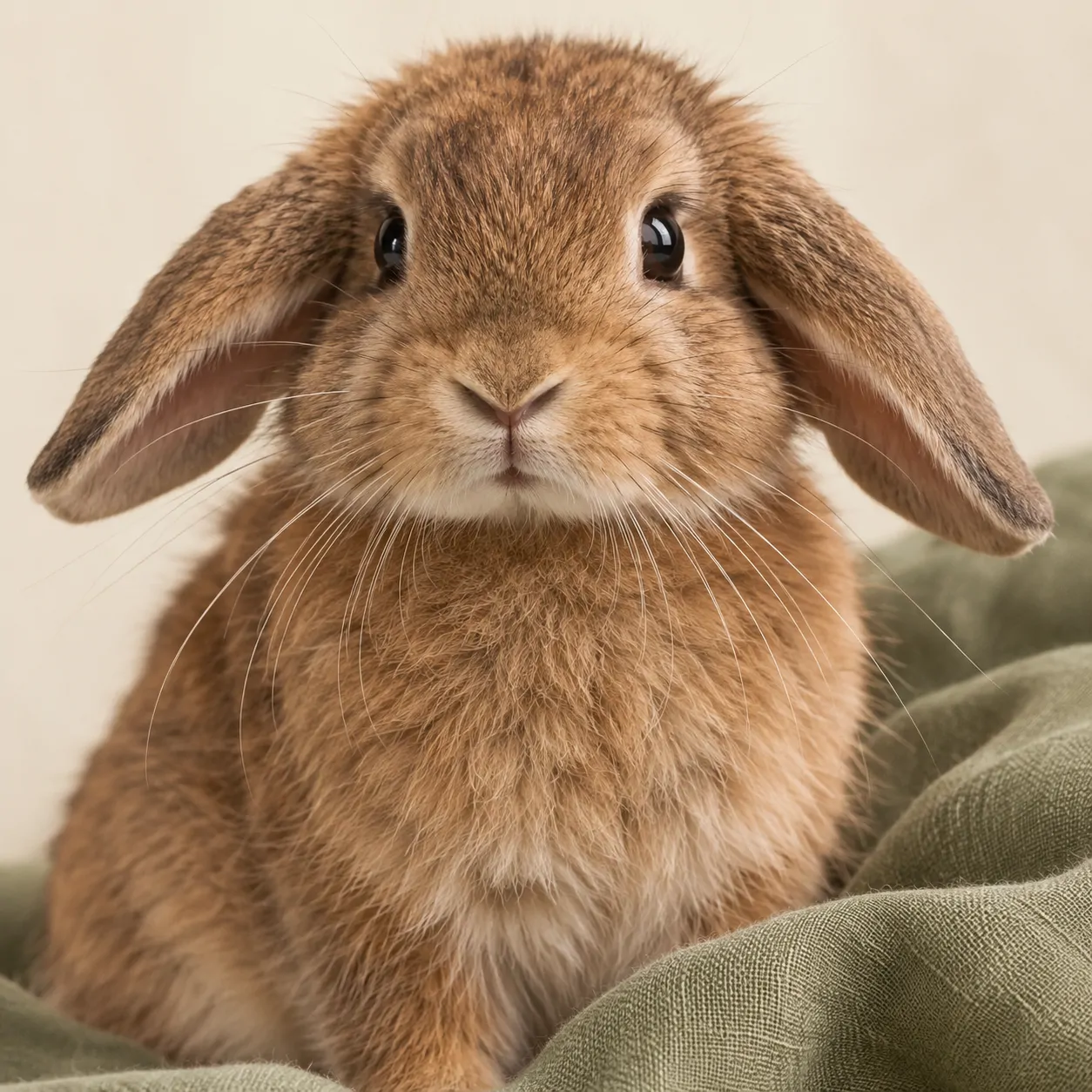
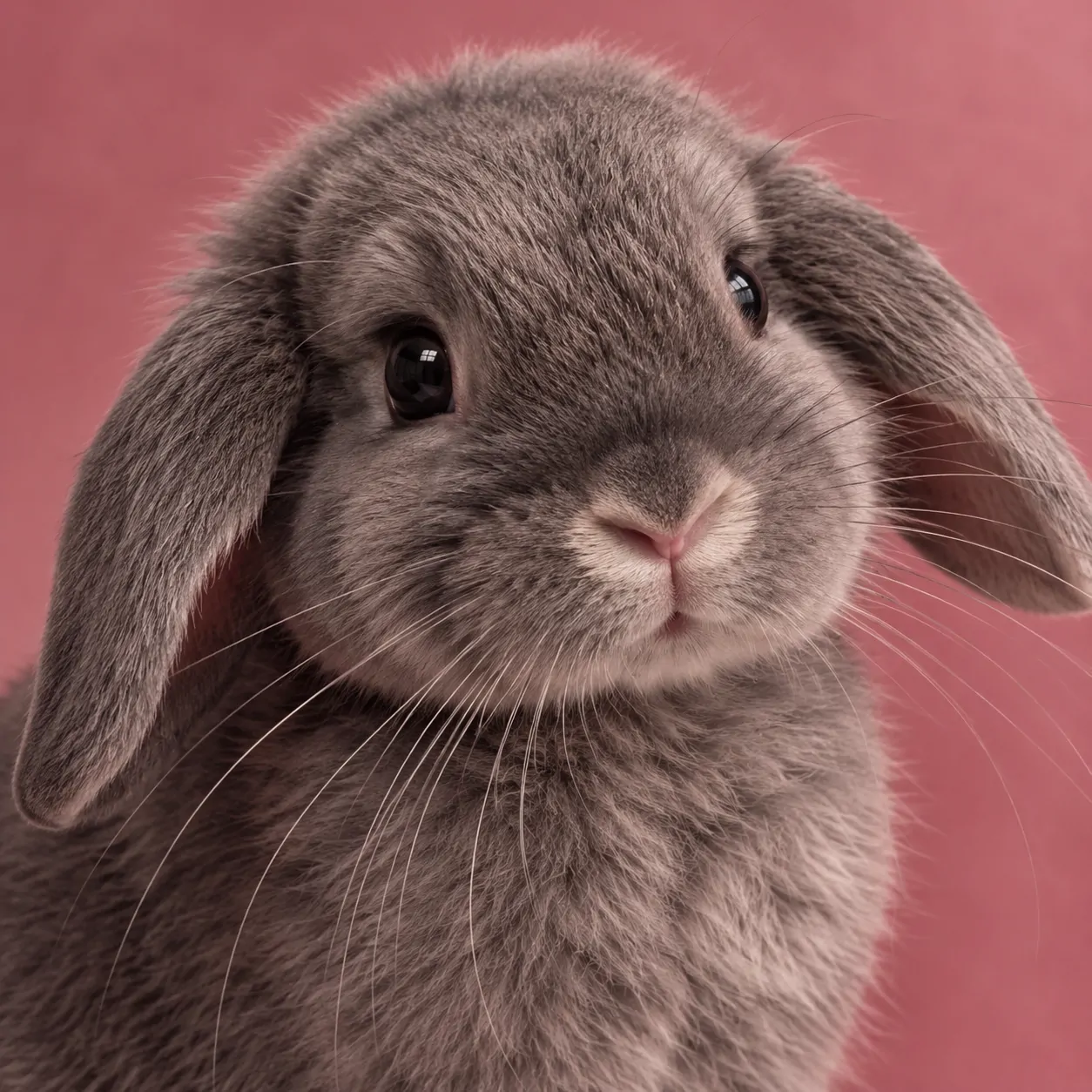
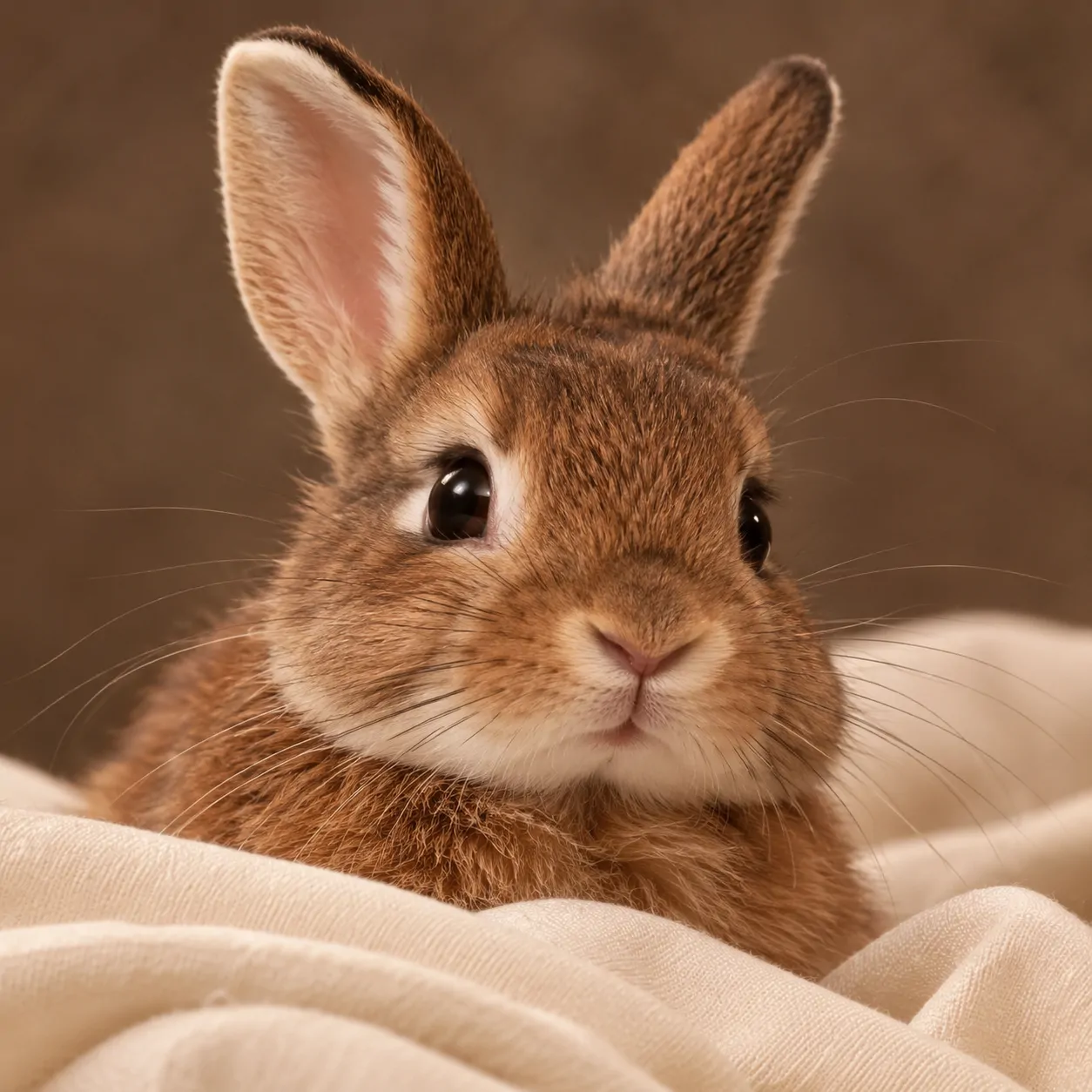
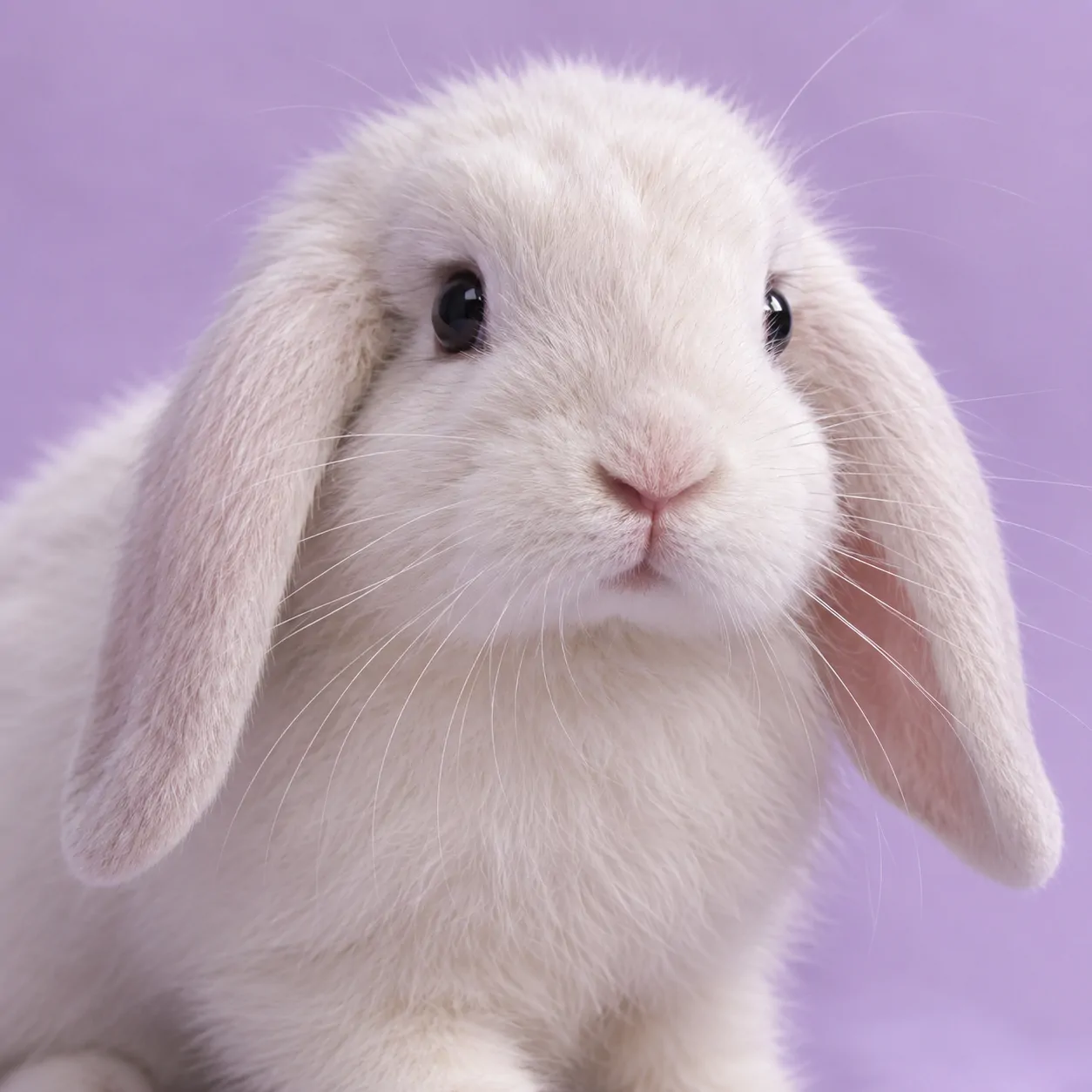
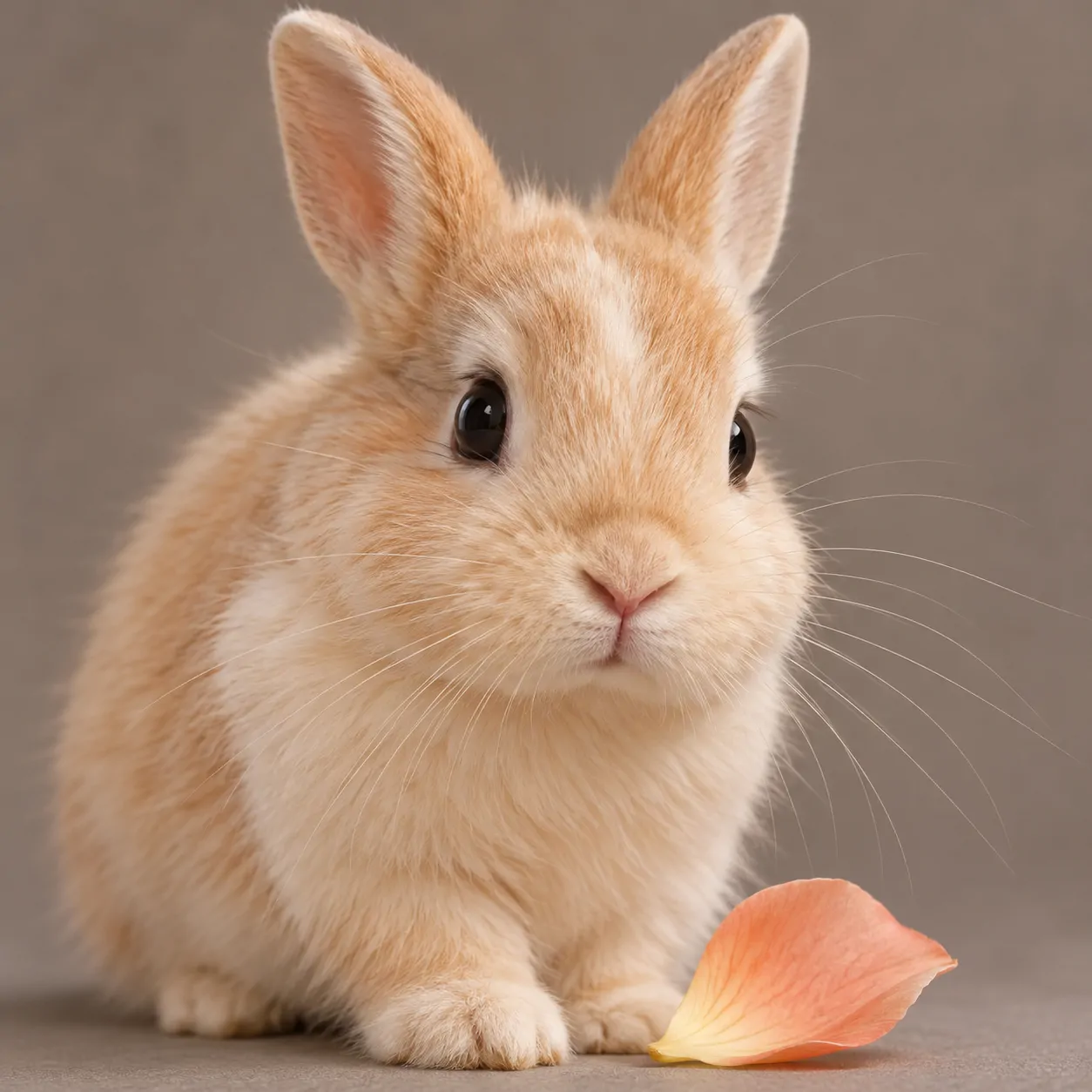
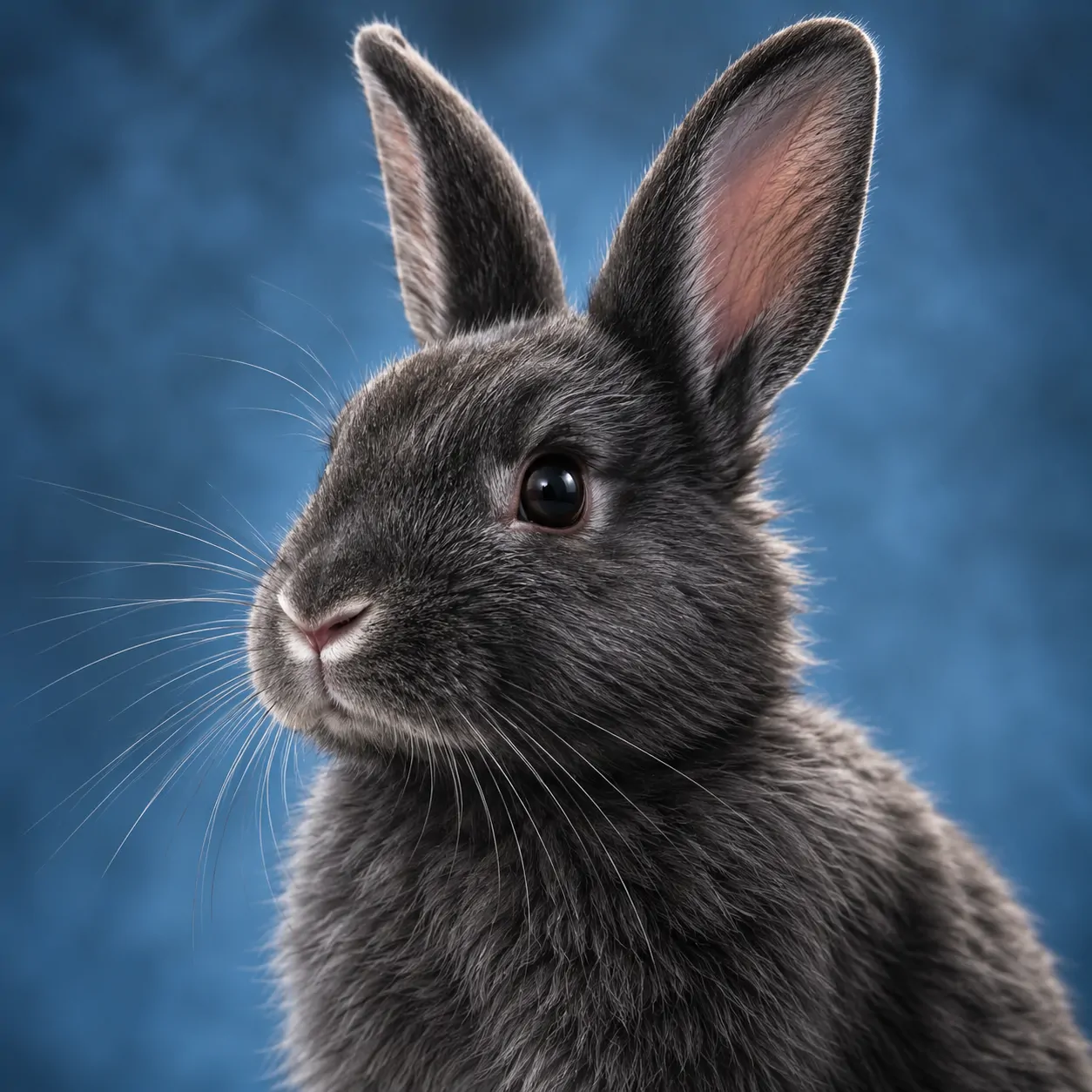
Sage and dusty rose create a muted green-and-pink pairing without making either colour loud. Cream fabric adds warmth, while lavender shifts white fur toward a cooler look. These choices keep the setting calm. They also give each rabbit a different outline against the background.
Texture matters here, but it stays away from the eyes. A linen fold or single petal provides enough detail without filling every corner. Choose an Aesthetic Bunny PFP if you prefer a quiet account page with a limited palette. The expression can remain small because the colour does more work.
For a balanced profile, repeat one background shade in your banner. Avoid adding several extra flower or sparkle layers. A clear rabbit face will hold together better than a busy collection of decorations.
Cartoon Bunny PFP
Cartoon Bunny PFP designs use clear outlines, simple faces, and brighter expressions. These six illustrated rabbits favour readable shapes over realistic fur.
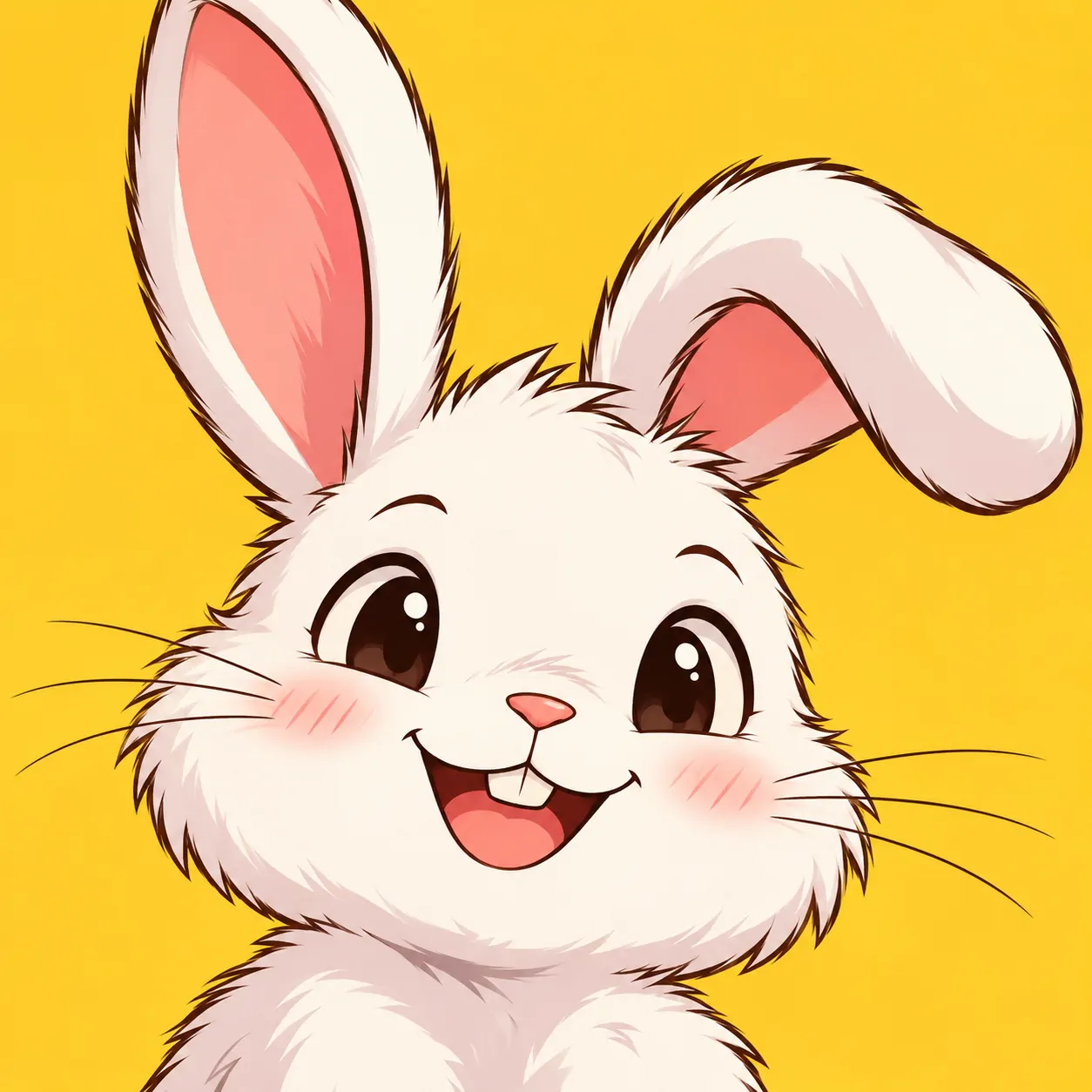
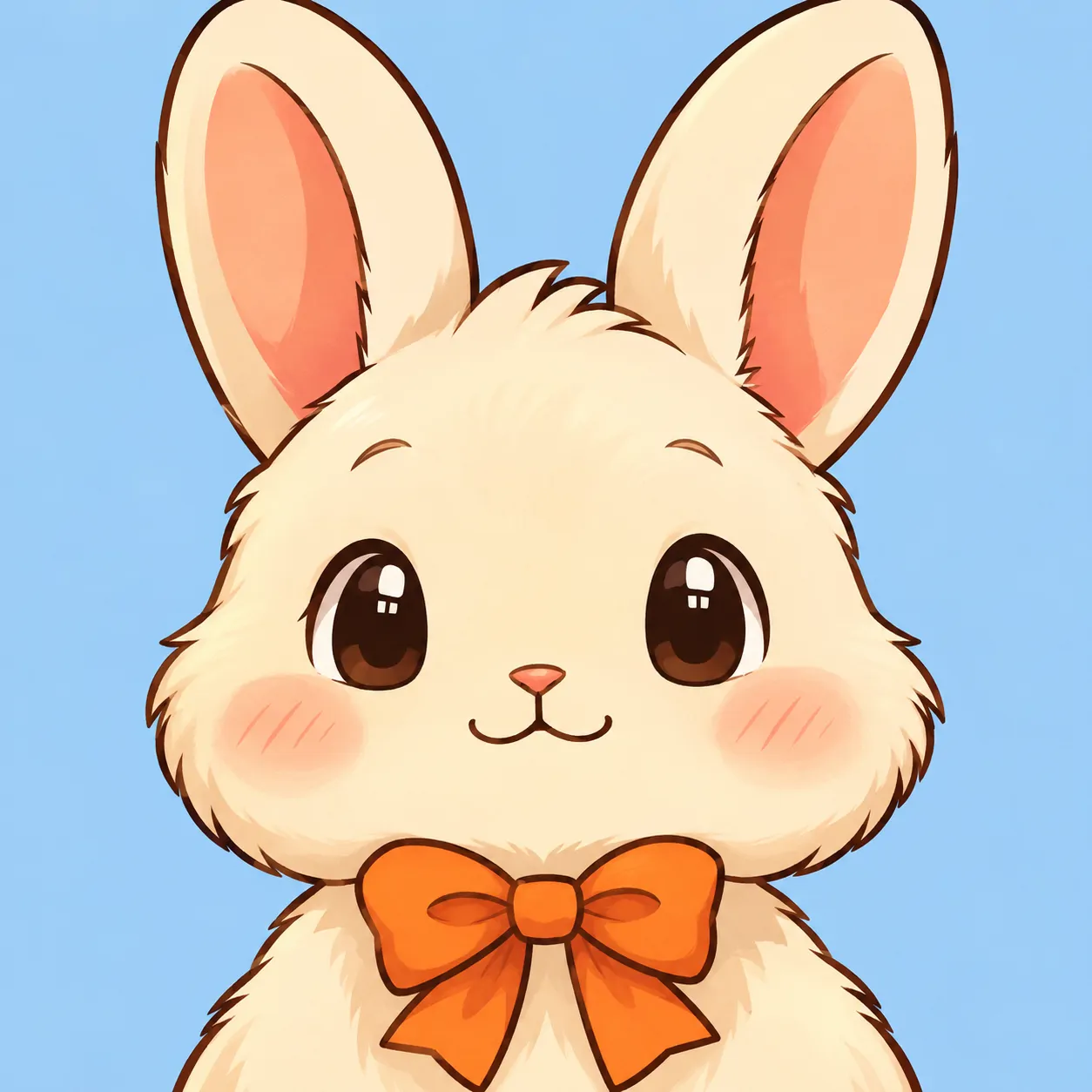
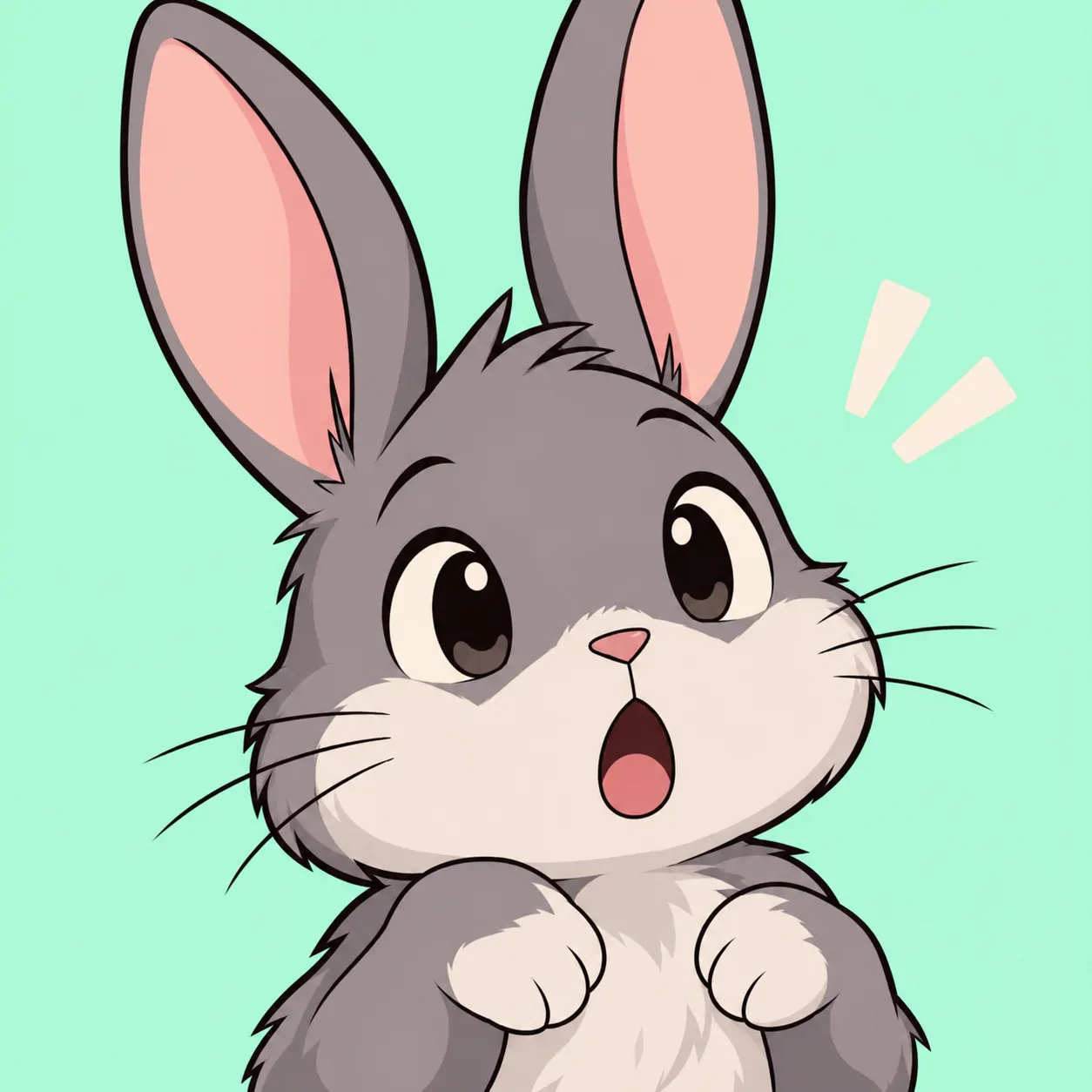
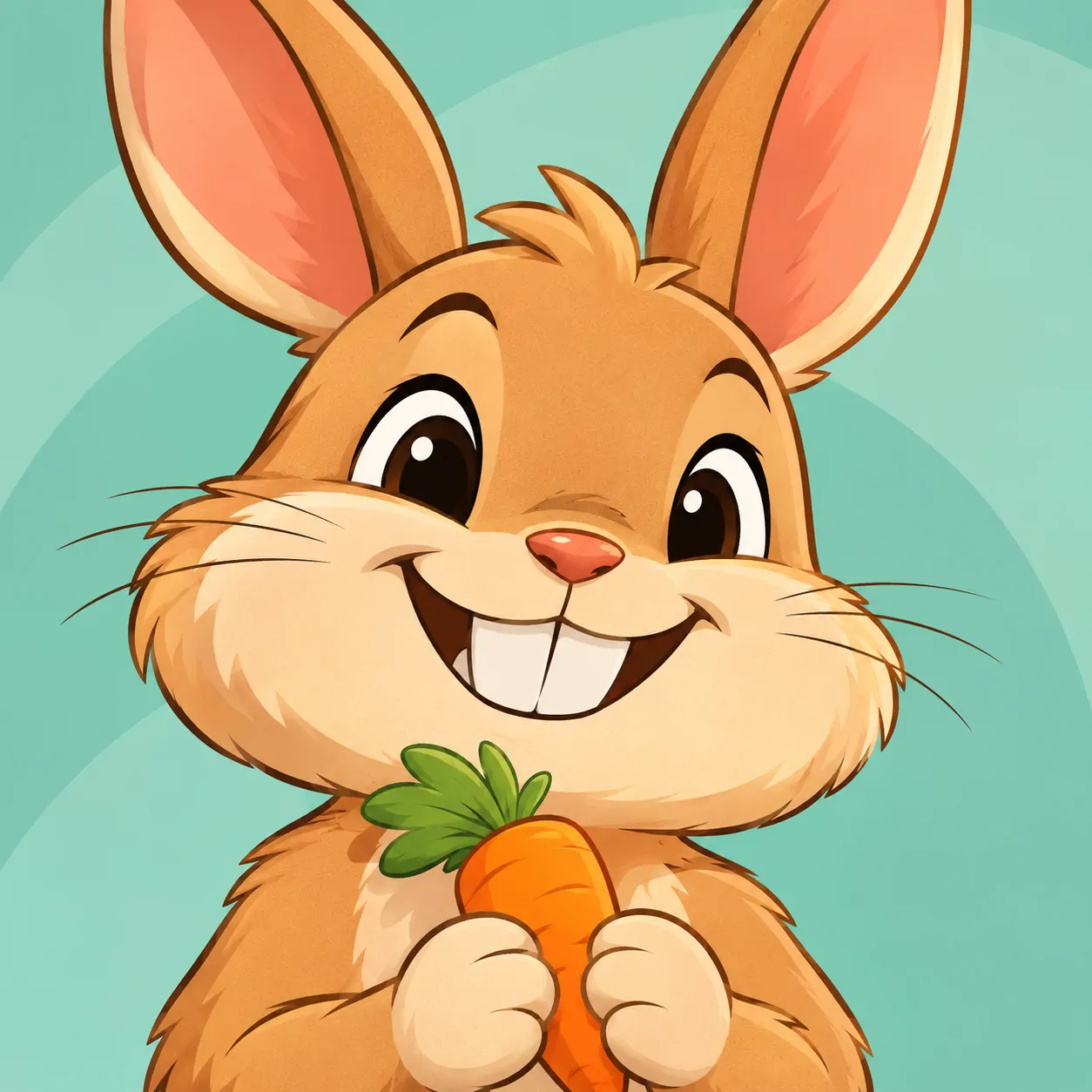
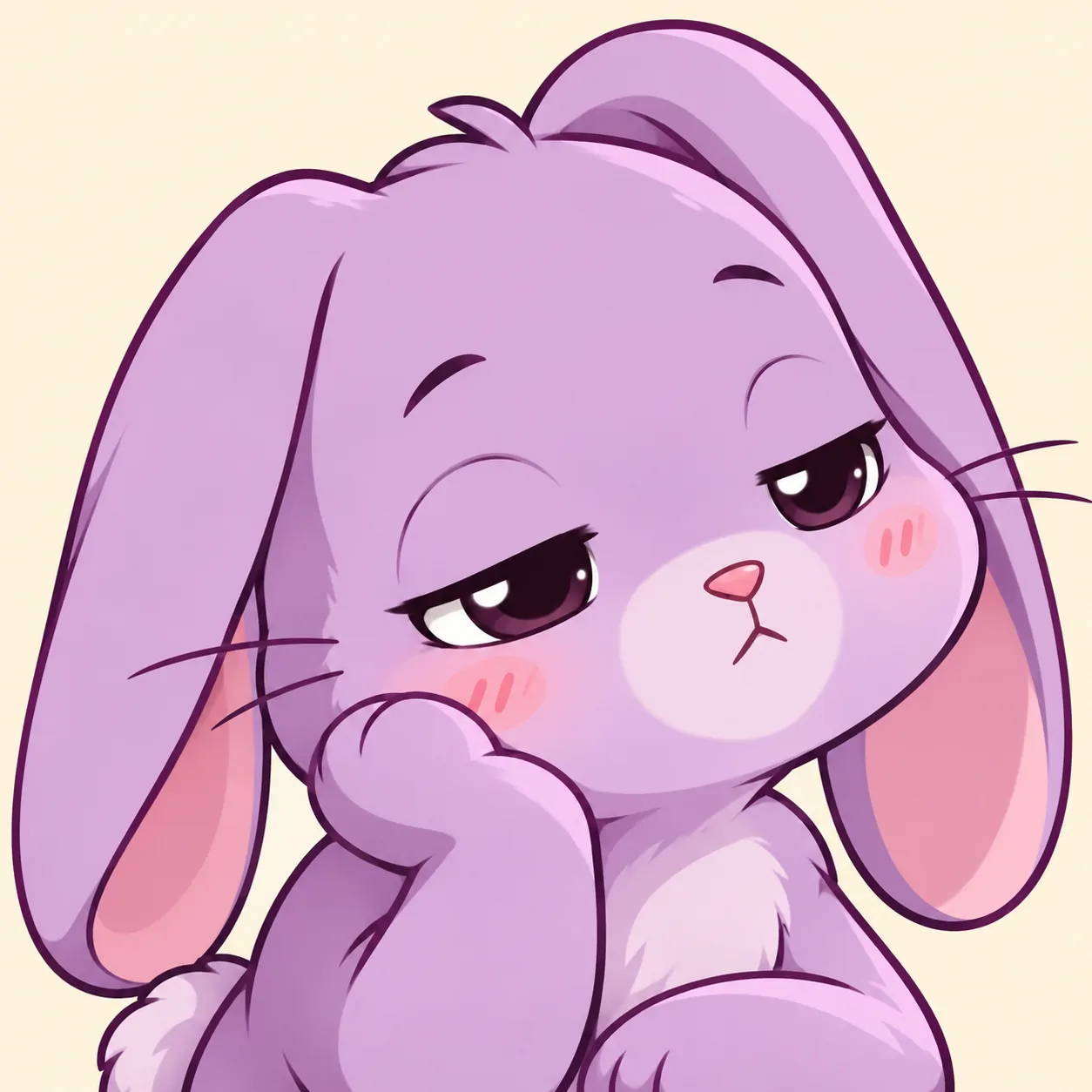
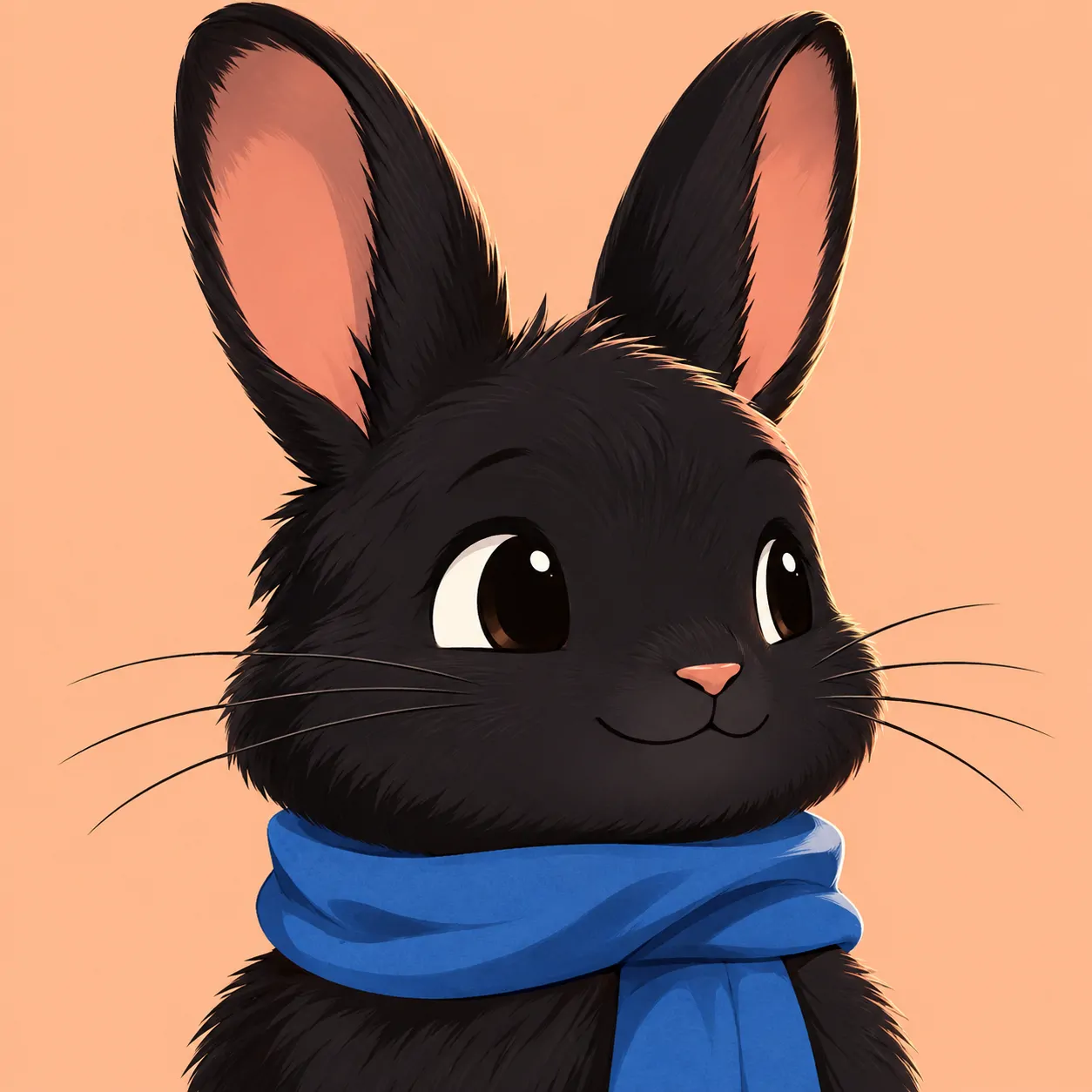
A dark outline gives pale shapes a clear edge. That is why a white rabbit can remain readable against yellow or cream. This group uses broad curves and small facial features rather than layers of fur. The ears often carry as much expression as the mouth.
Unlike the quieter portraits, these pictures show surprise, a grin, or a sleepy gesture more directly. The carrot, bow, and scarf each support one clear idea. Pick a Cartoon Bunny PFP if you want a friendly icon that reads quickly. Keep the accessory smaller than the head.
Check the outline against your app’s background before saving. Very thin lines may disappear when the icon shrinks. A simple eye shape and visible nose usually matter more than extra cheek marks or decorative symbols.
Anime Bunny PFP
Anime Bunny PFP illustrations here feature rabbit characters with expressive eyes, shaded fur, and everyday accessories. These are original animal designs, not human bunny-ear portraits.
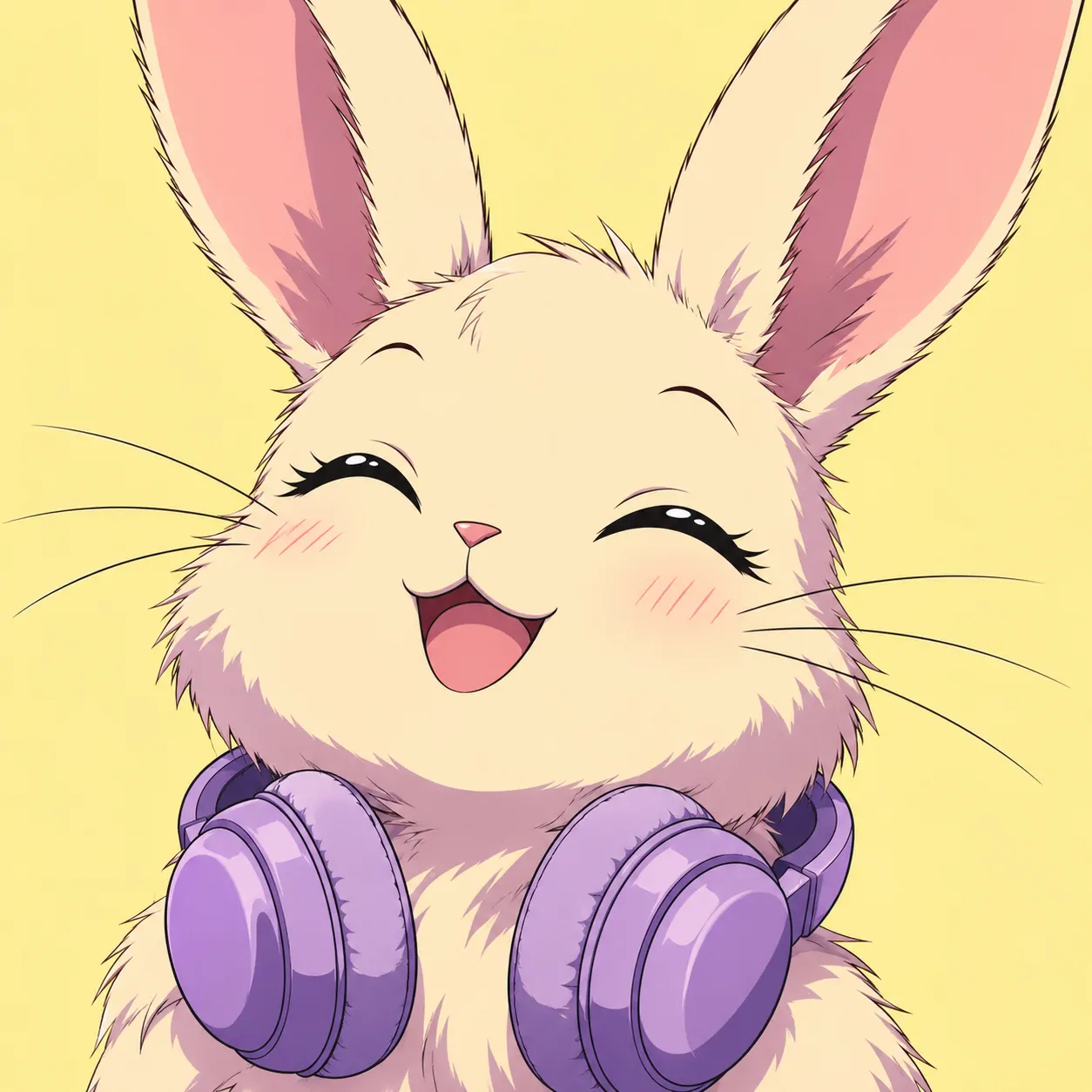
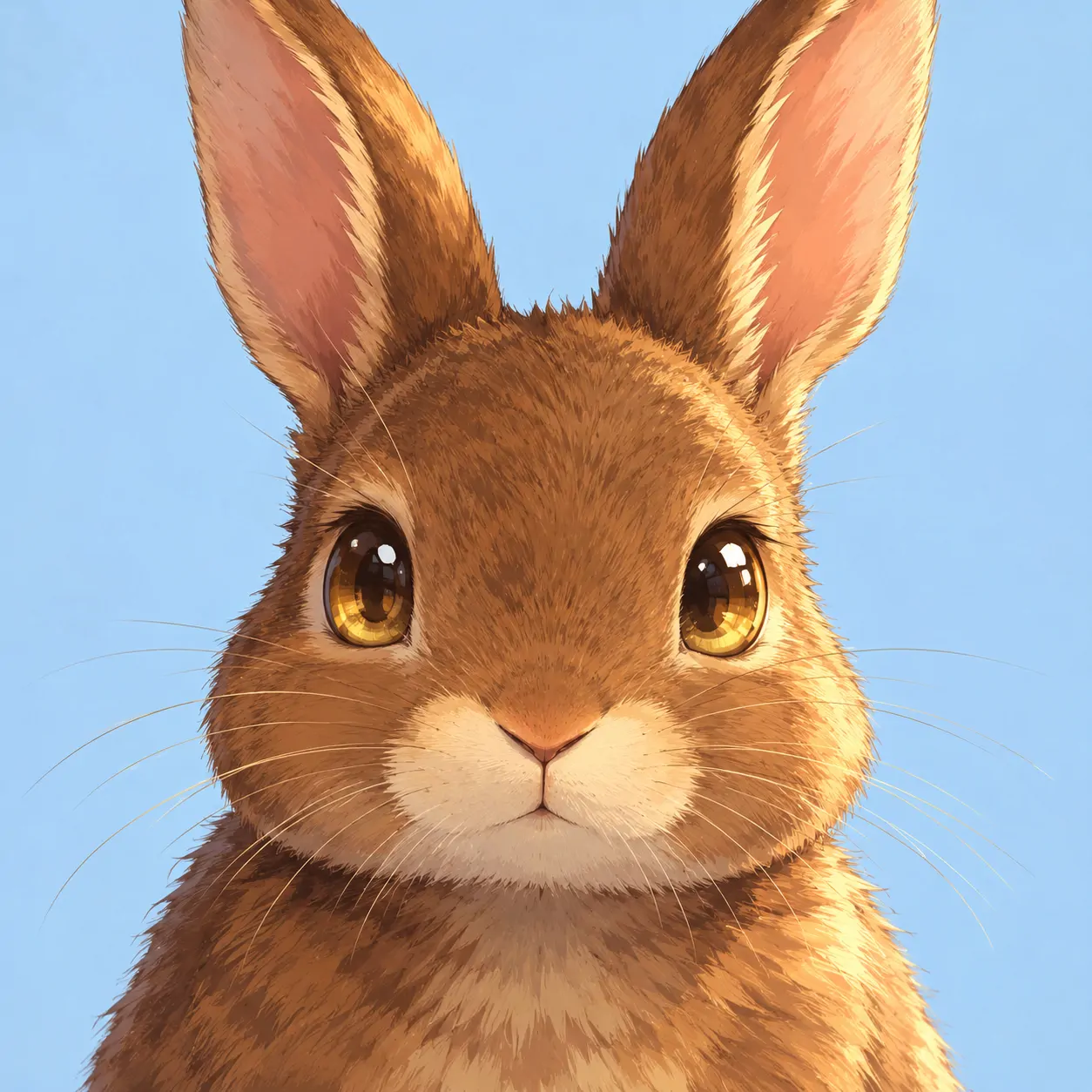
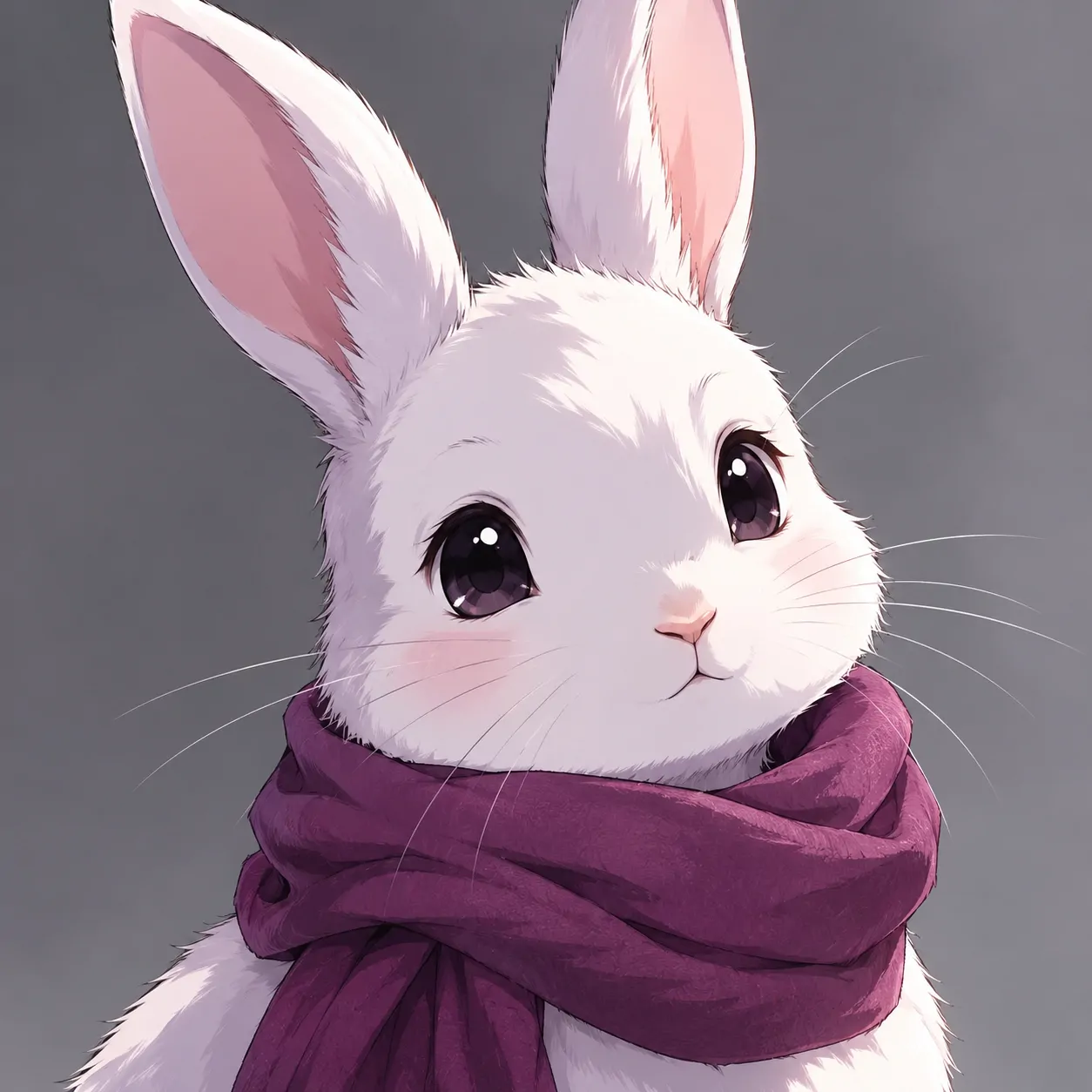
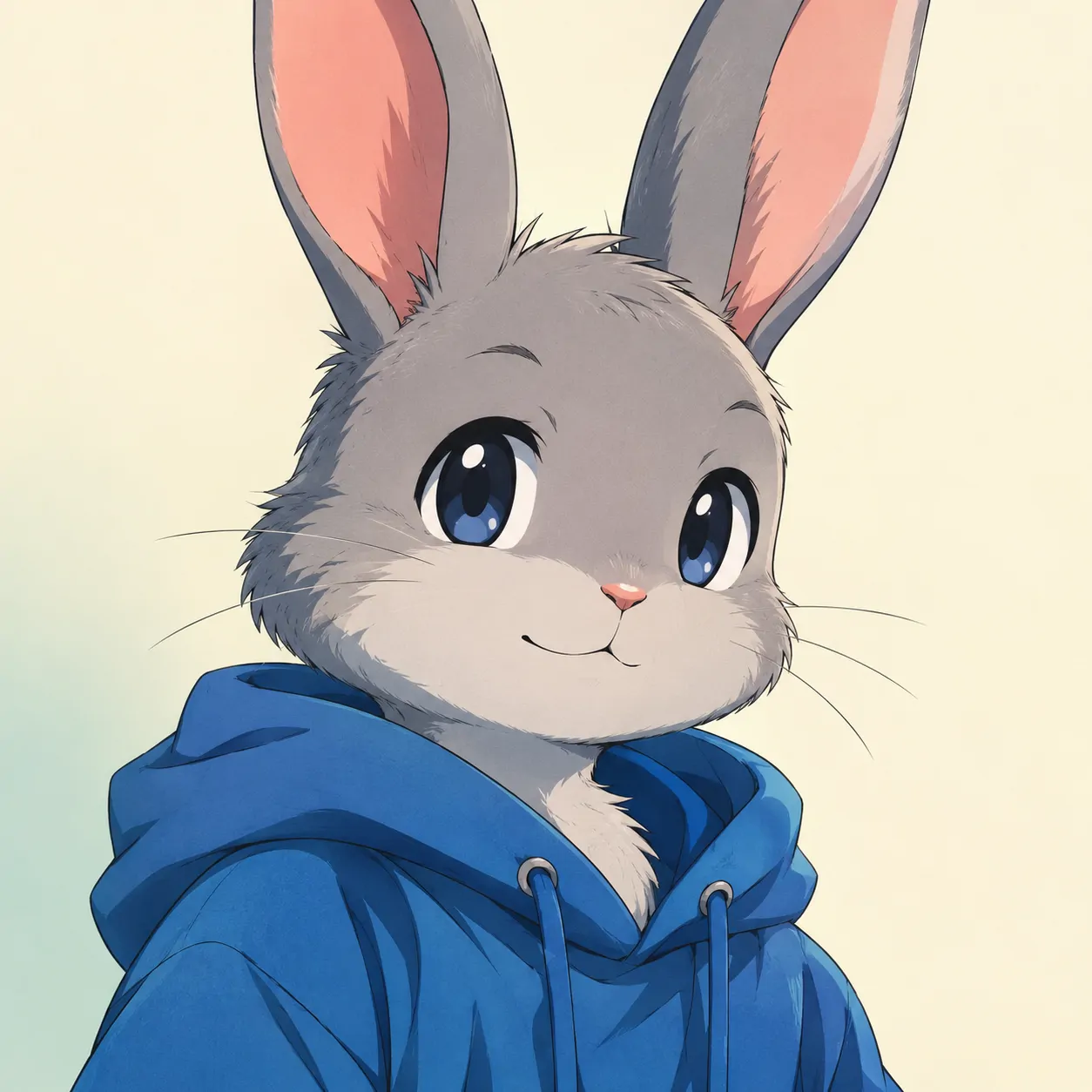
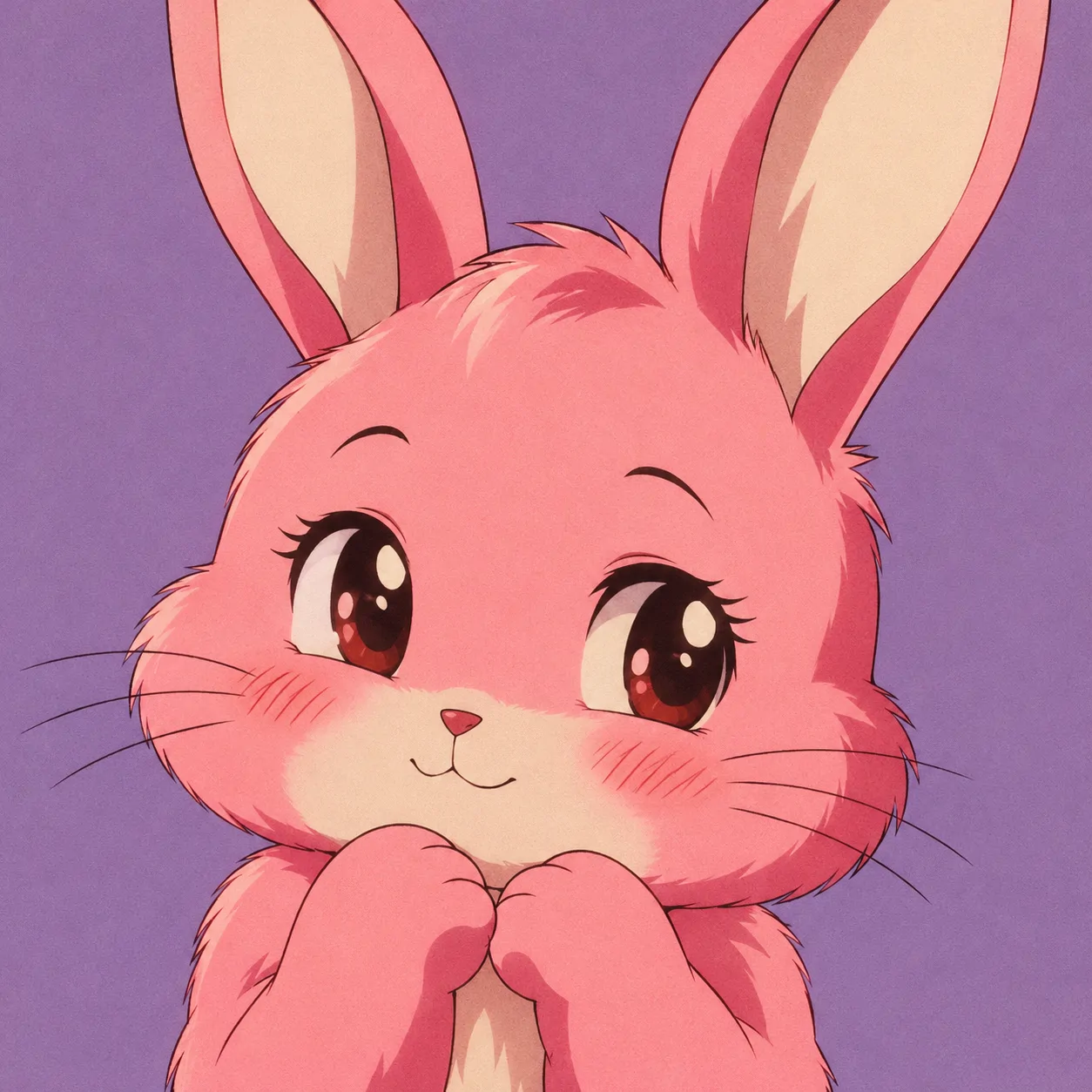
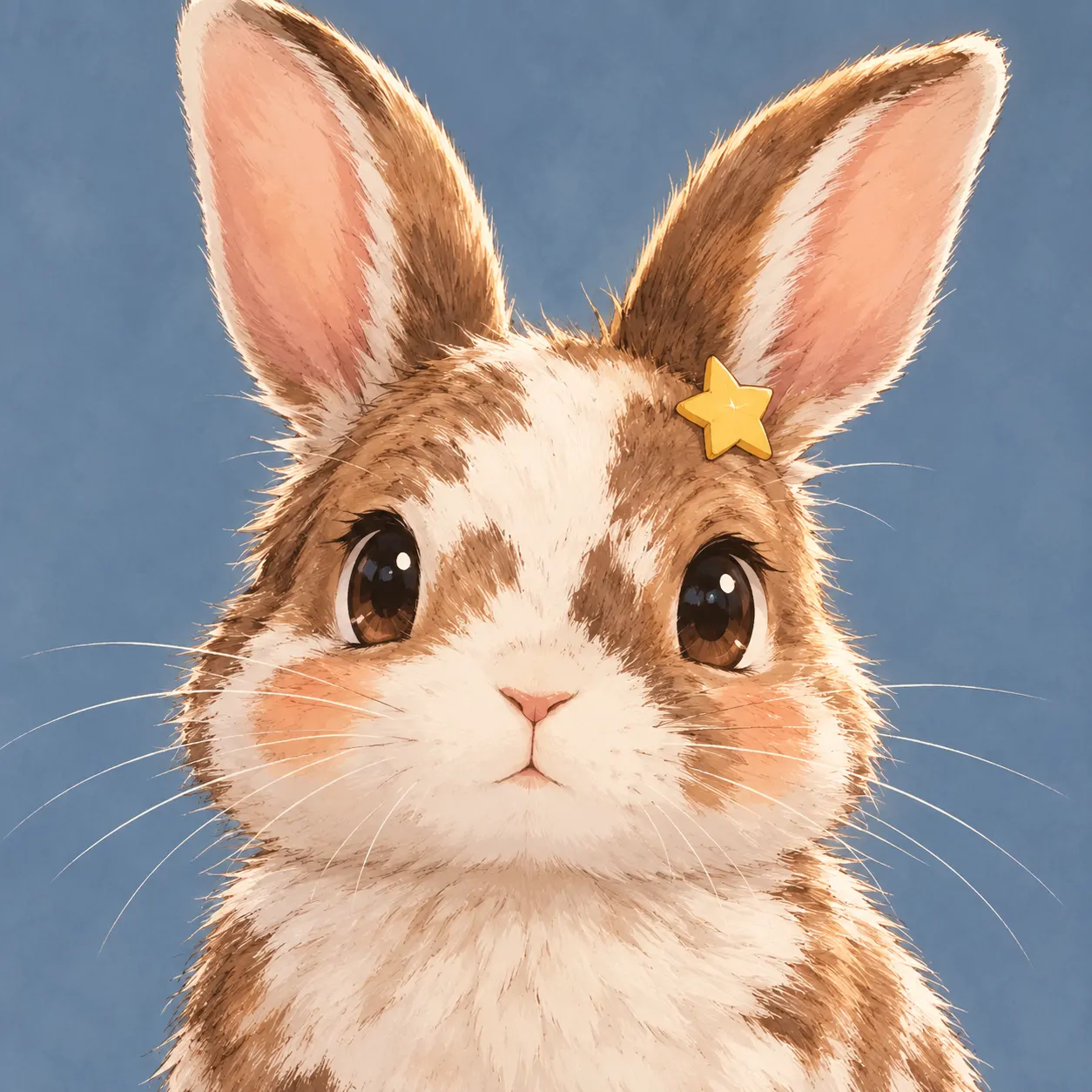
The eye reflections and shaped shadows give these rabbits more facial detail than the cartoon group. Clean linework keeps the ears and muzzle readable. The designs remain animal characters, even when they wear a hoodie or scarf. That choice keeps the rabbit itself central to the picture.
Headphones suggest a listening mood, while tucked paws make an expression feel hesitant. Golden eyes bring a warmer point of focus to brown fur. An Anime Bunny PFP suits you if you enjoy illustrated character portraits without choosing a named franchise. Each design has a different expression and accessory.
Keep the eye highlights small enough to leave the pupil visible. Too many bright marks can blur together at thumbnail size. If you add a banner, repeat the scarf or headphone colour rather than introducing another strong accent.
Pink Bunny PFP
Pink Bunny PFP ideas range from rabbit portraits on rose backgrounds to fully pink illustrations. Each uses blush, coral, or berry tones differently.
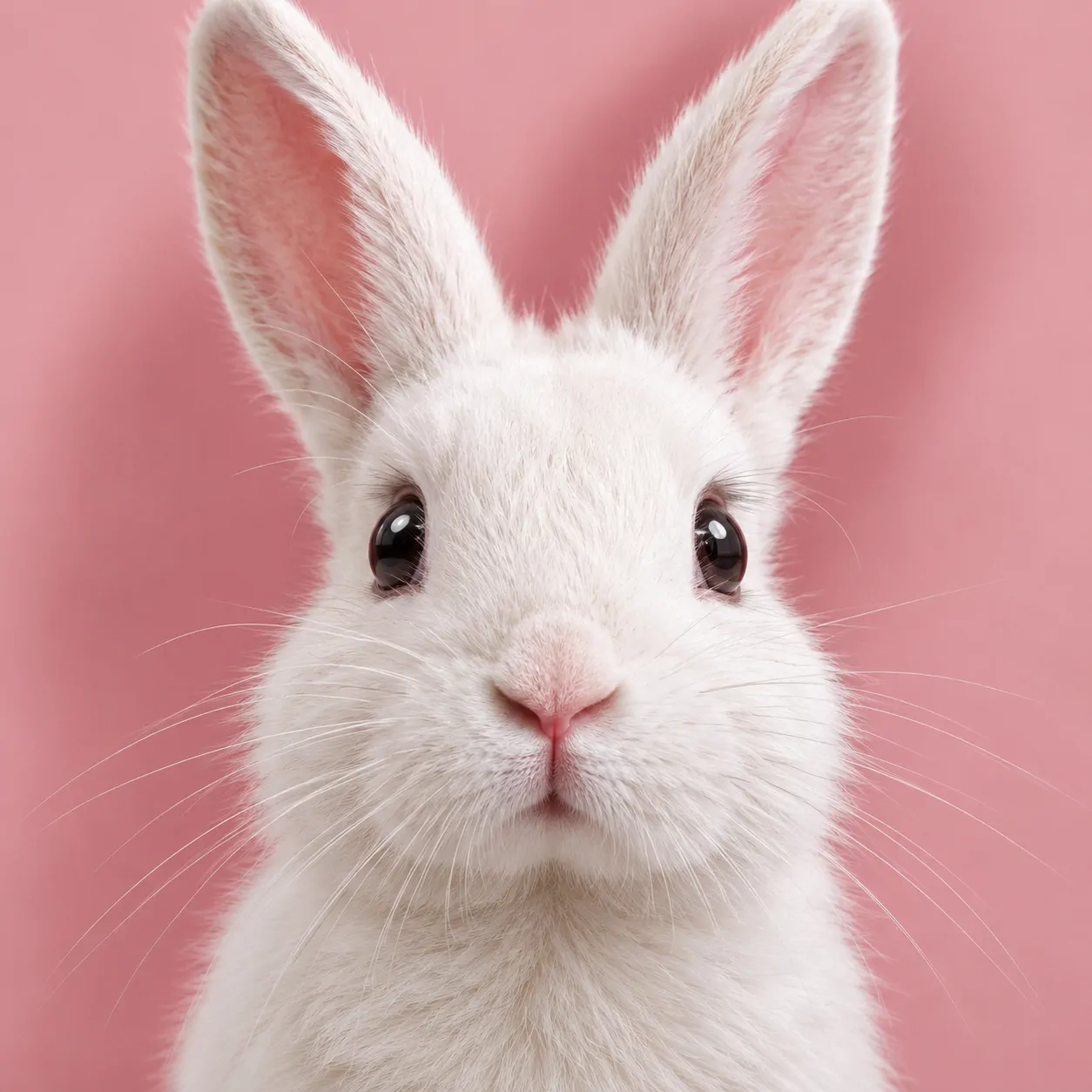
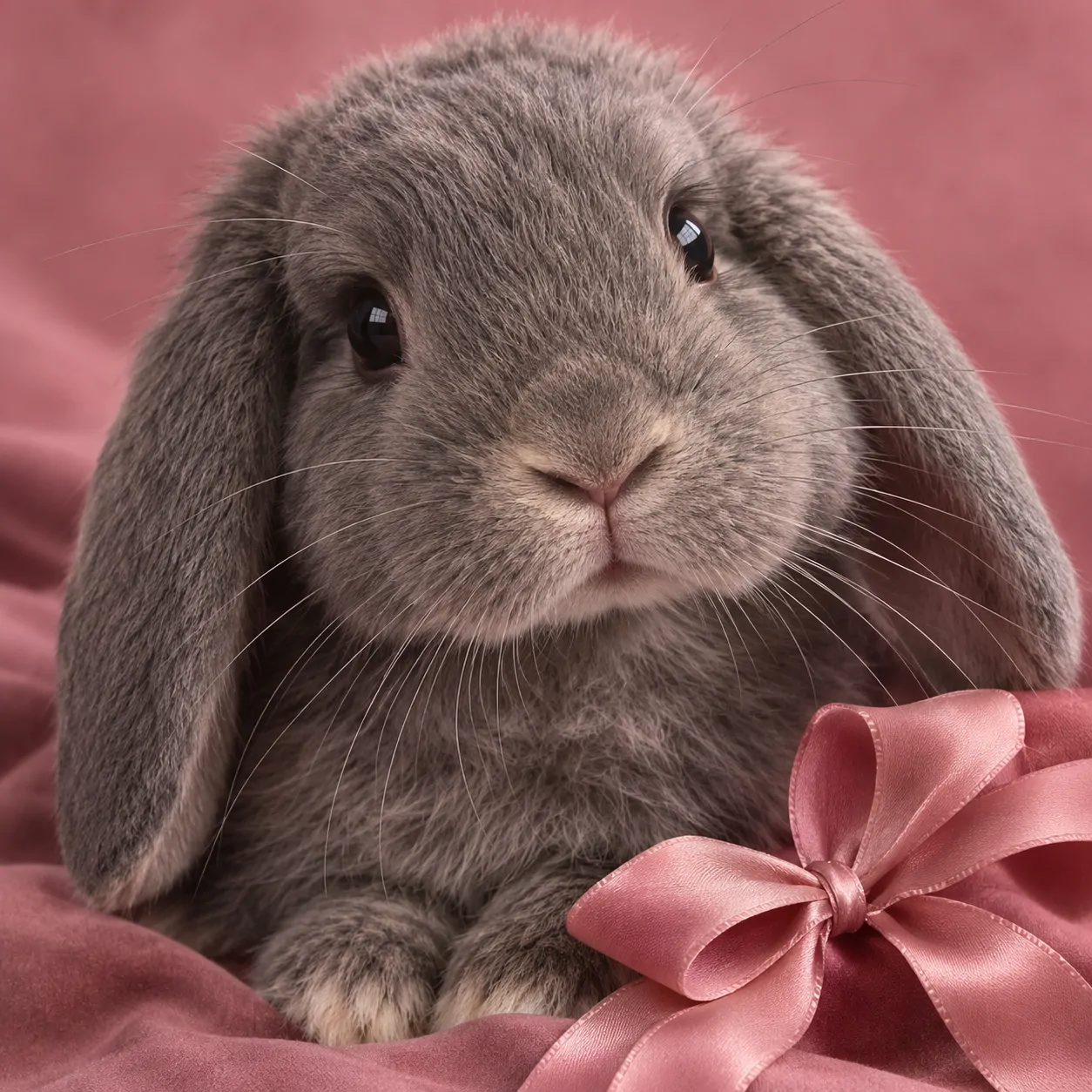
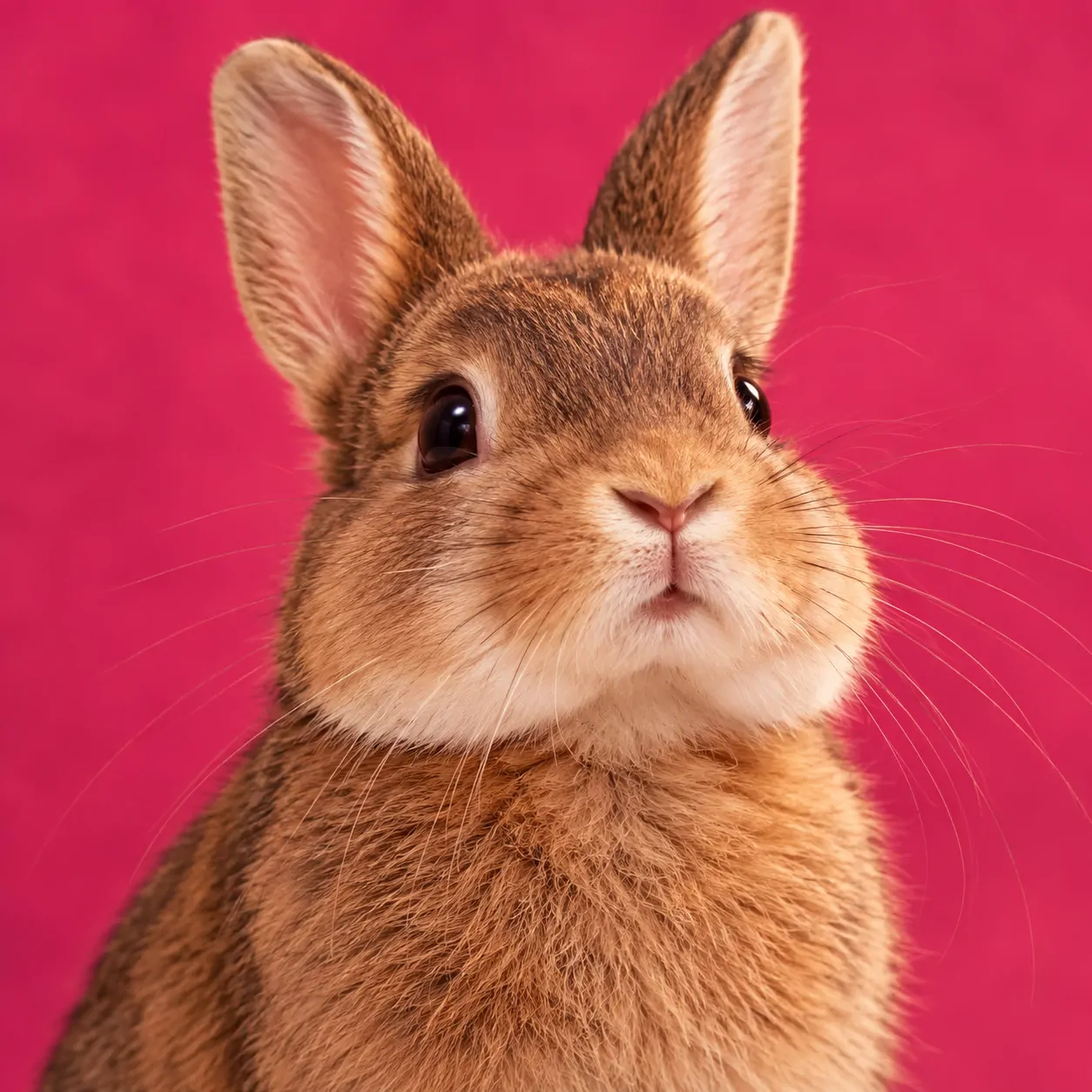
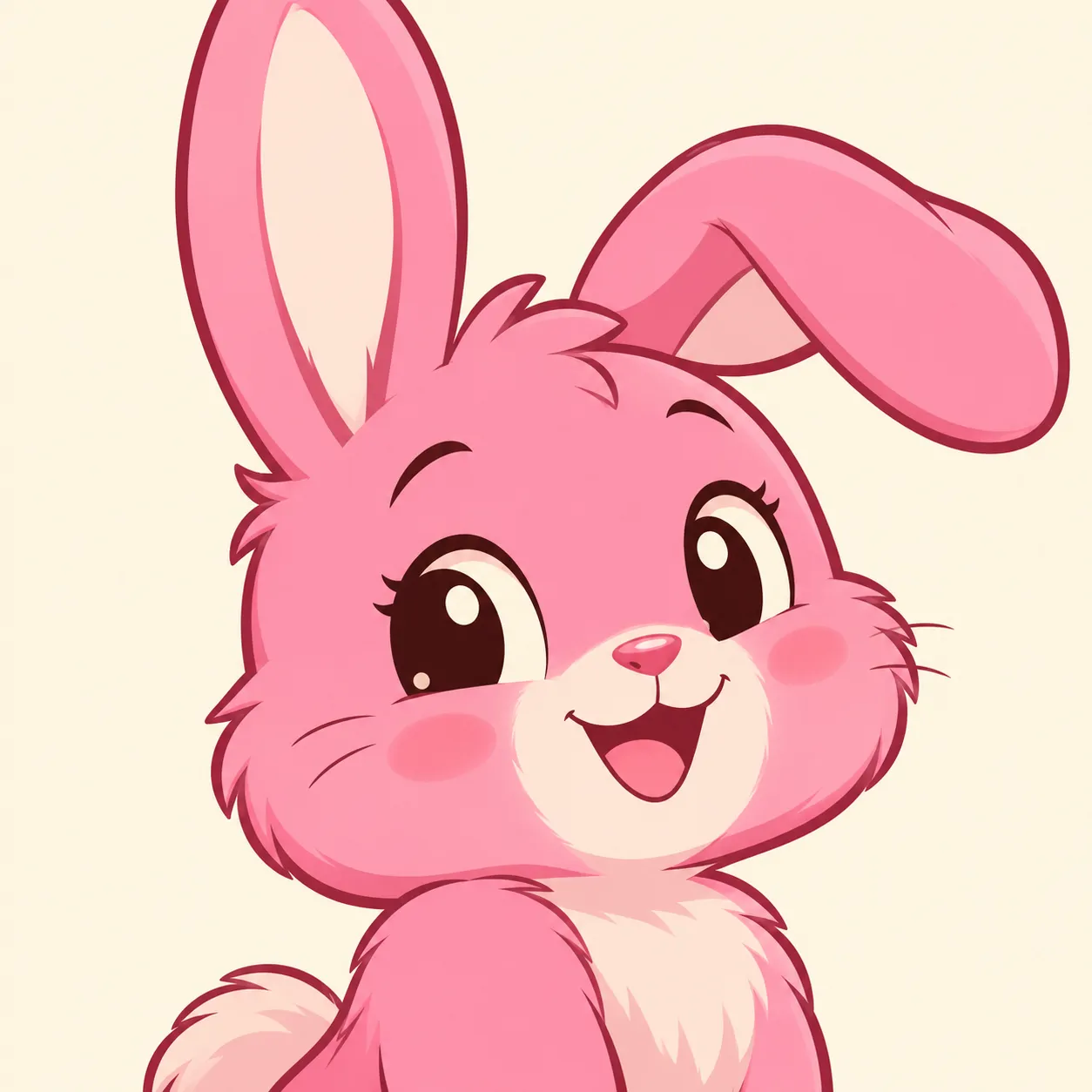
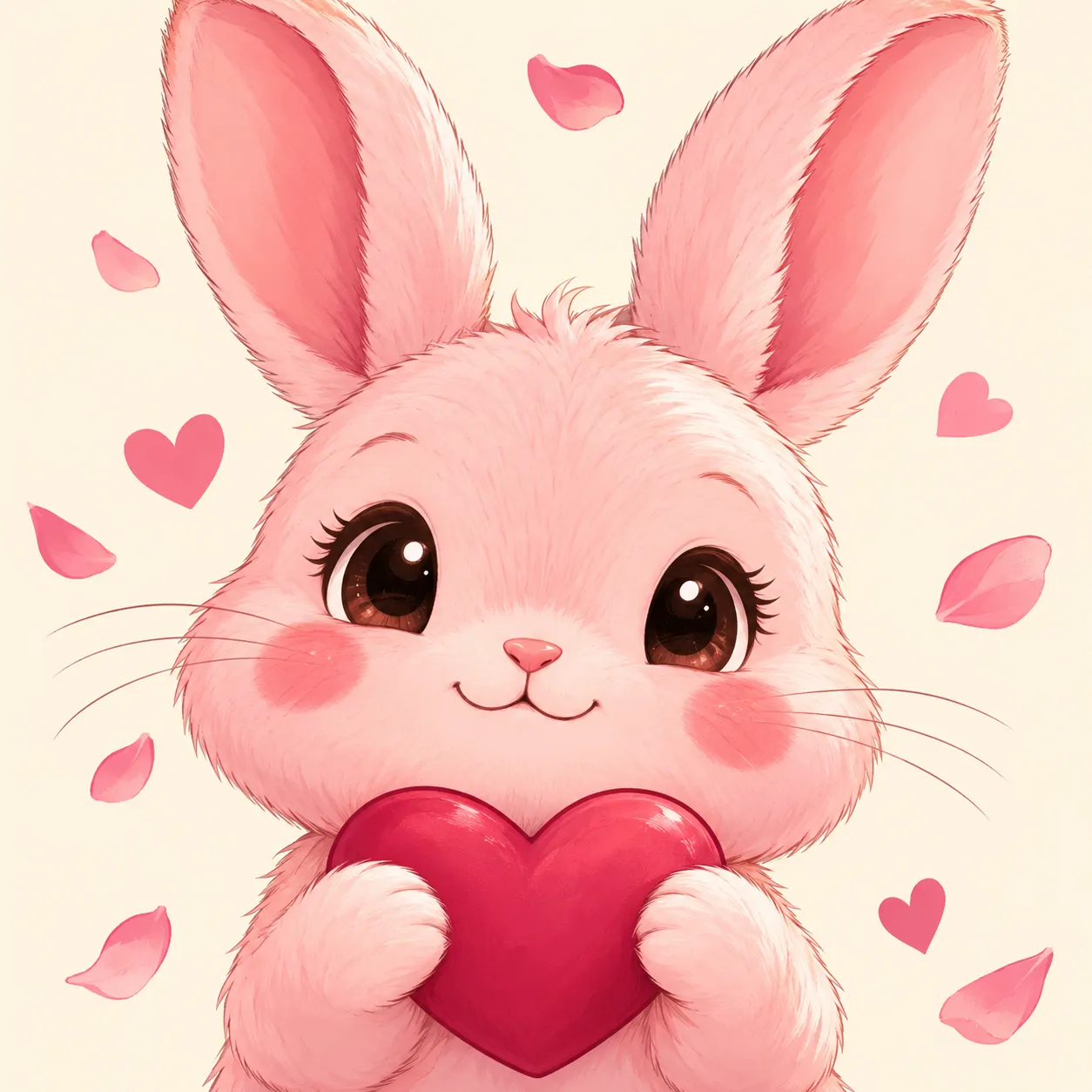
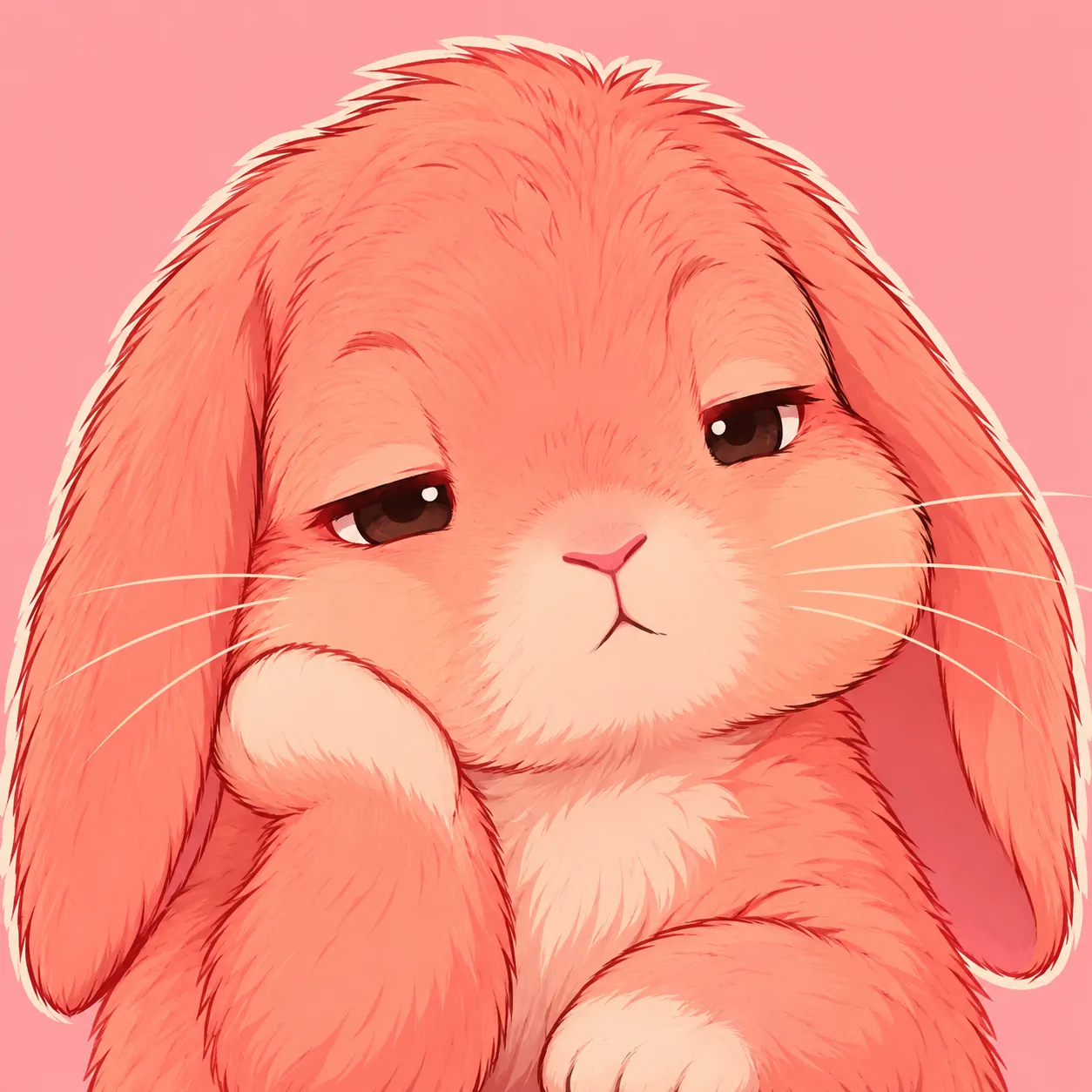
Pink can sit behind the rabbit or become the rabbit’s main colour. Those choices create different results. A white animal against powder pink stays light and simple. A coral illustration feels warmer because its face, ears, and shadows all belong to the same colour family.
Dusty rose is more muted than candy pink, while berry shades add a deeper background. This set lets you compare those differences without changing the subject. Choose a Pink Bunny PFP by looking at the face first. The strongest option keeps the eyes readable within the pink palette.
For a coordinated page, pair blush with cream or muted grey. Use berry as a smaller accent if your banner already contains pink. Too many similar pale tones can make the face merge into its surroundings.
White Bunny PFP
White Bunny PFP portraits place pale fur against backgrounds that preserve its outline. These six rabbits differ through ear shape, expression, shadows, and small markings.
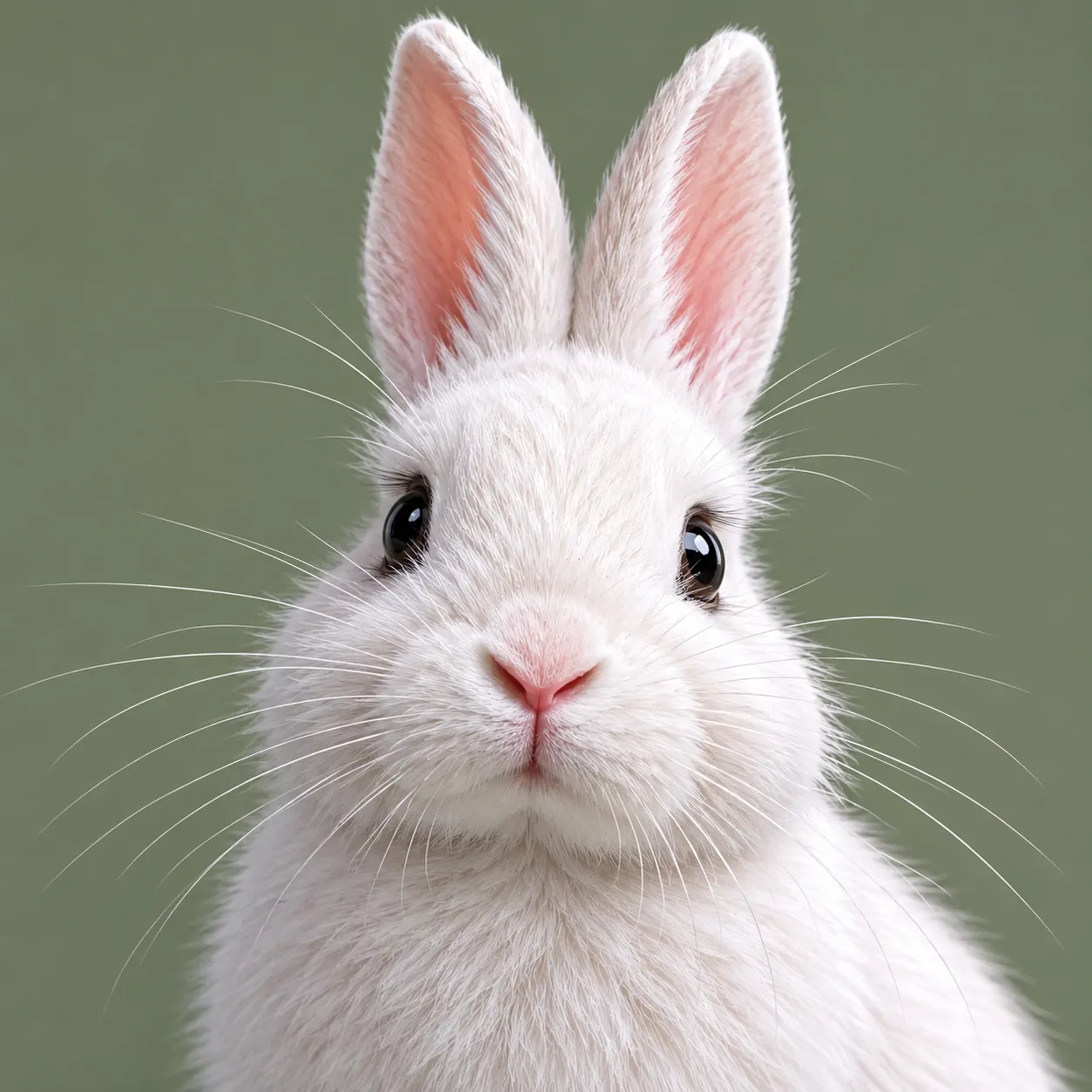
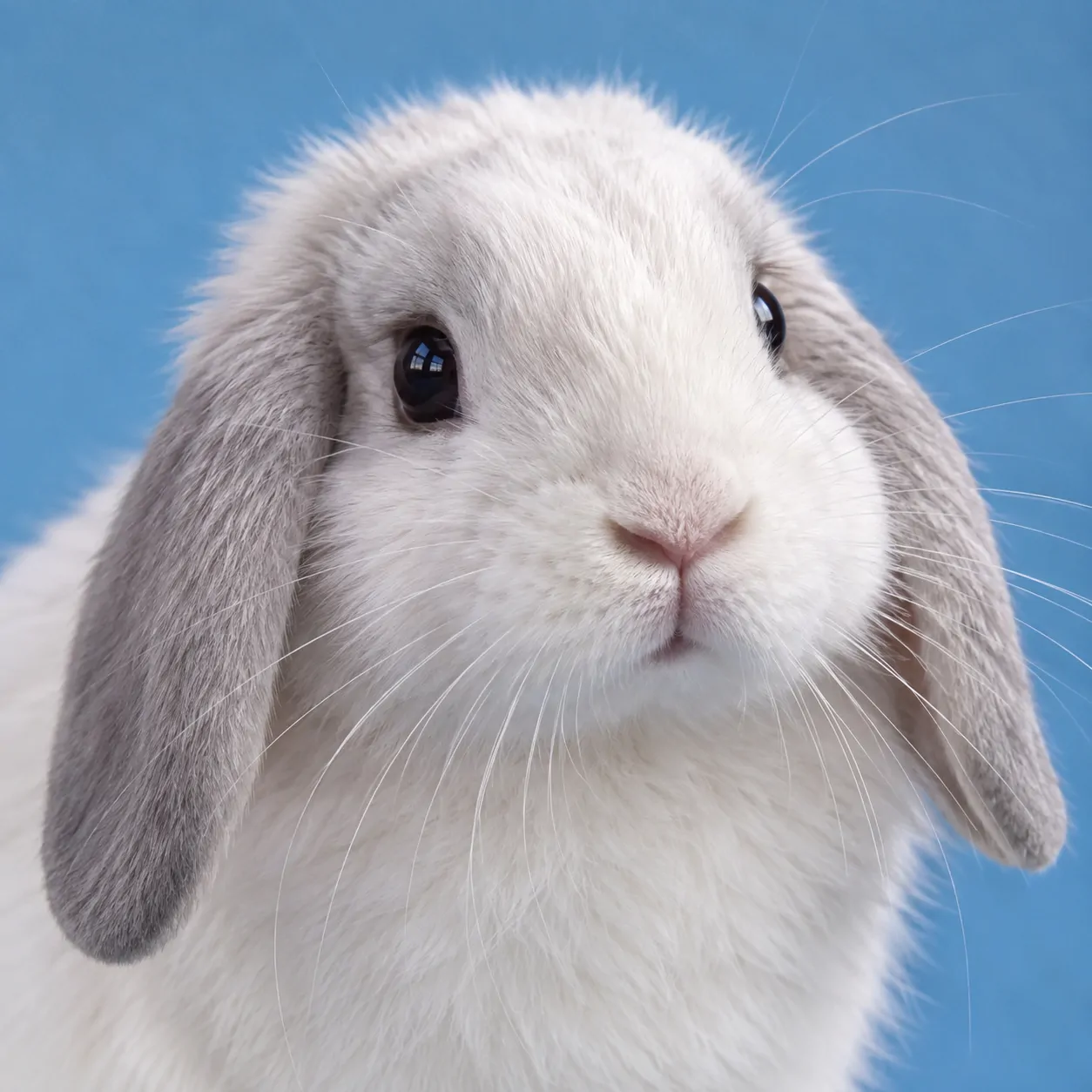
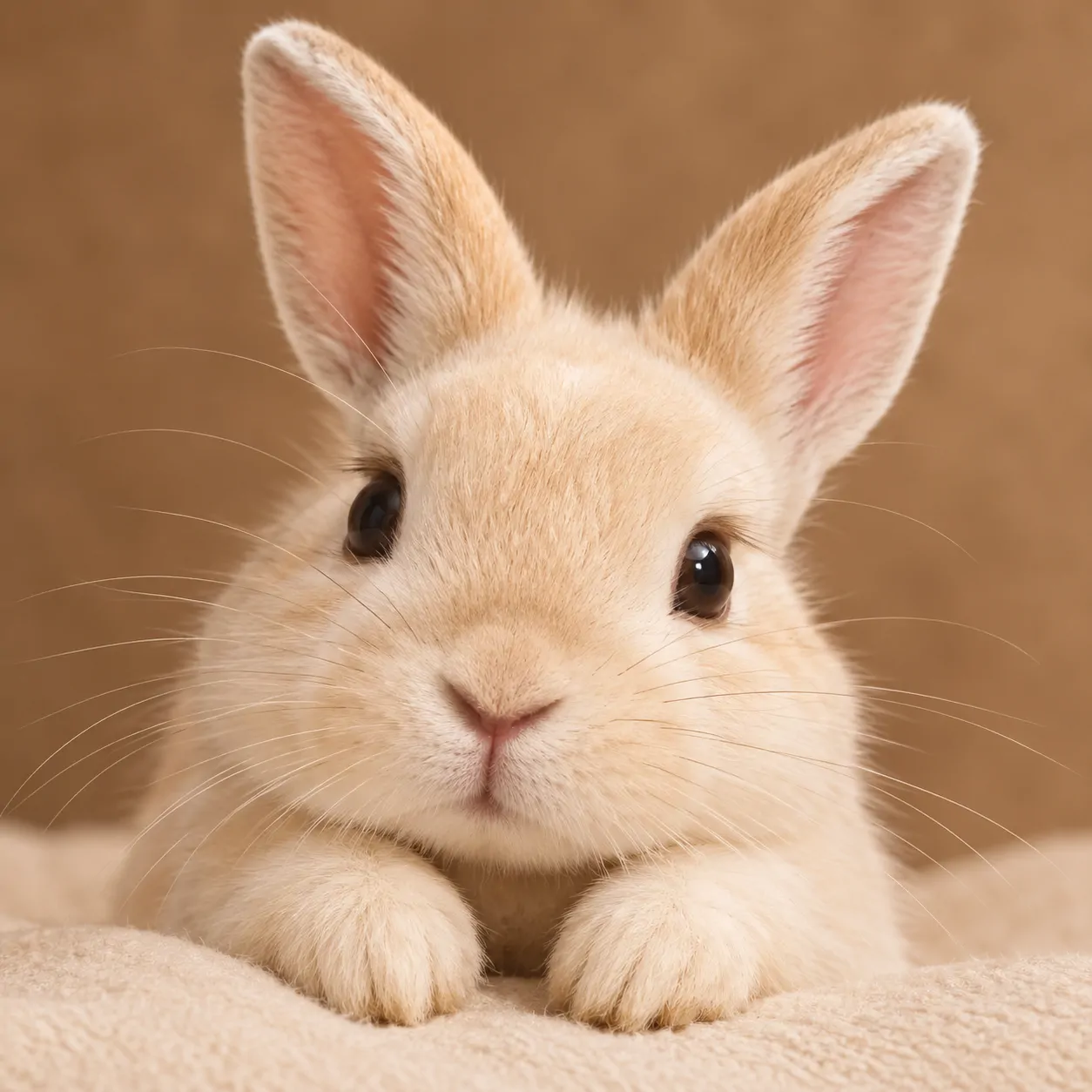
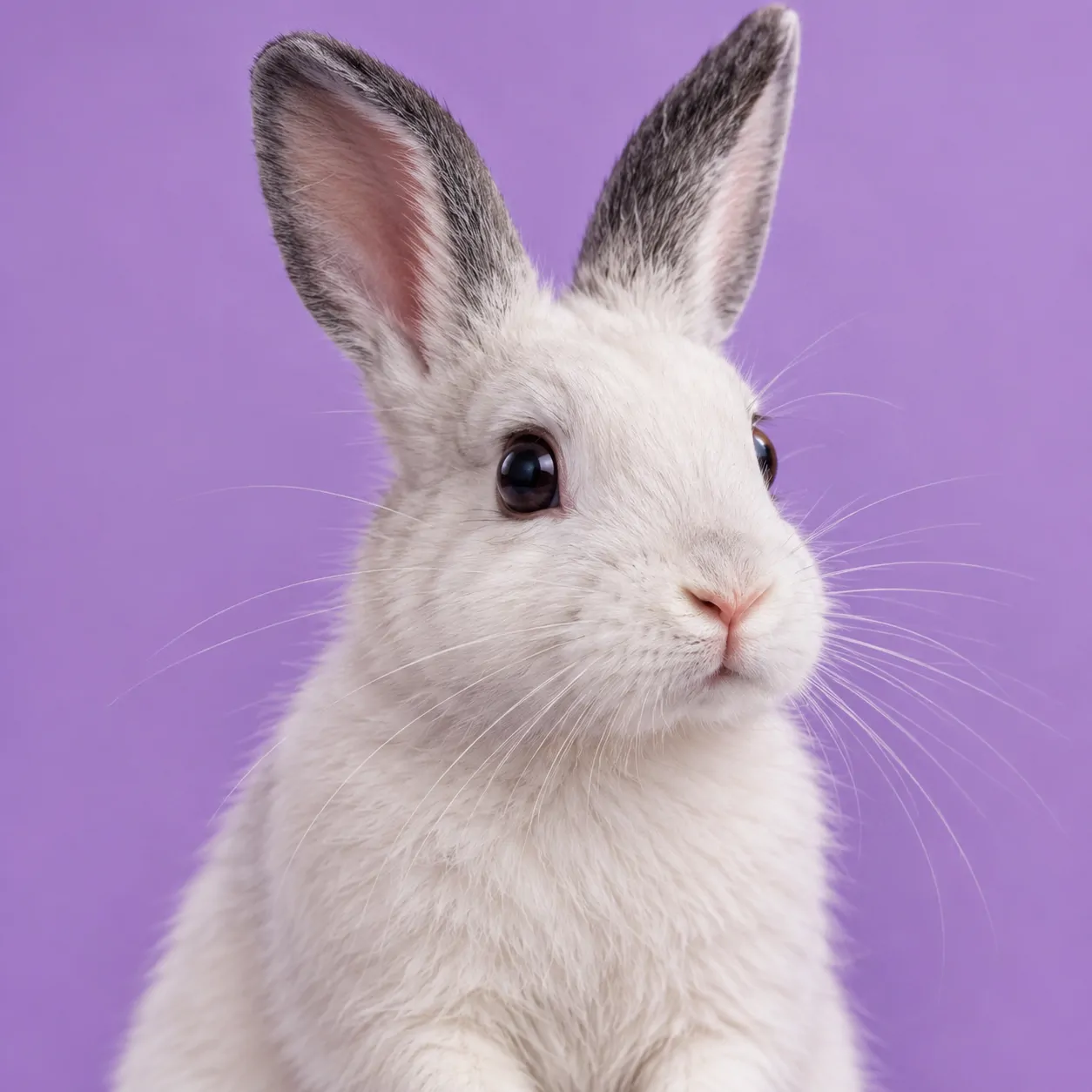
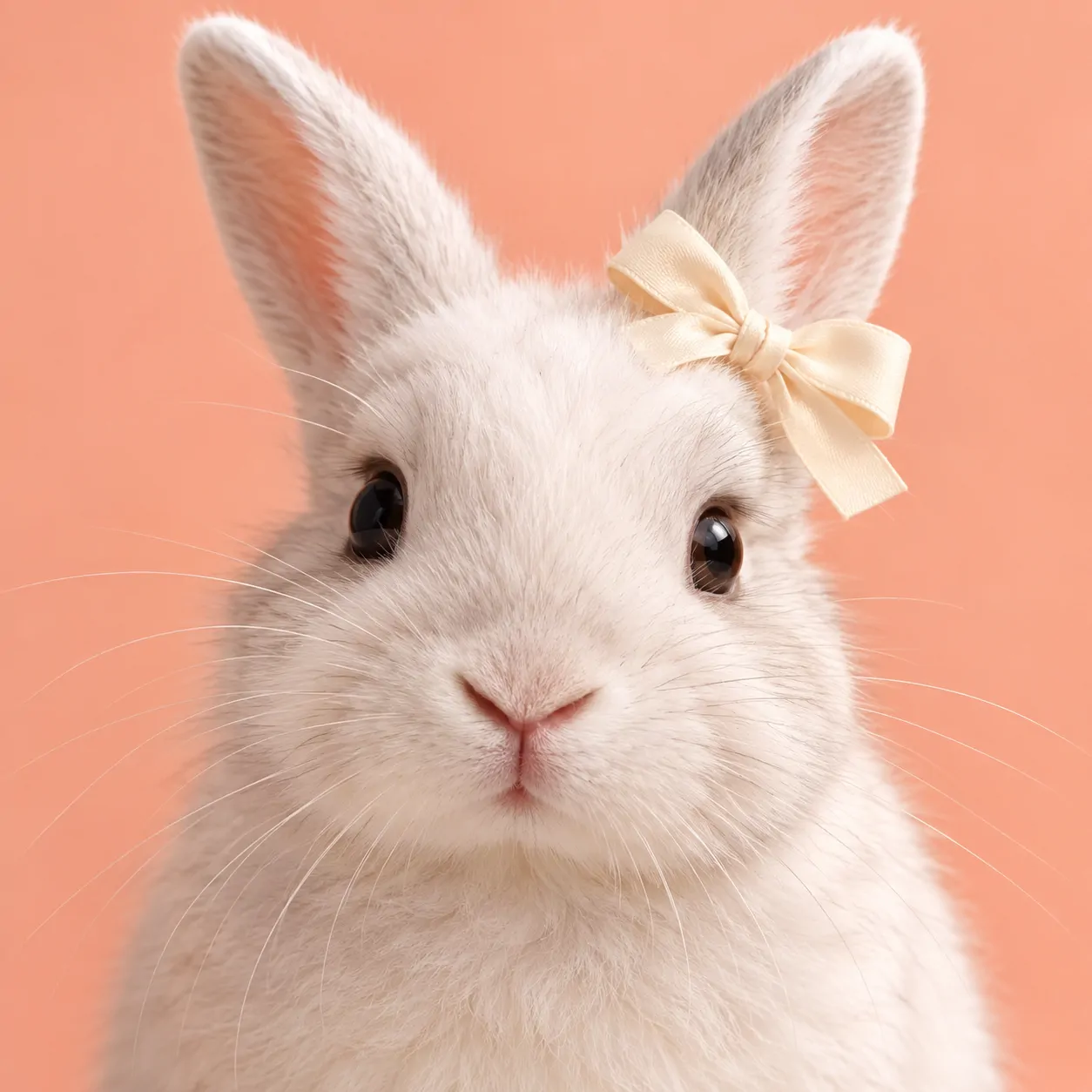
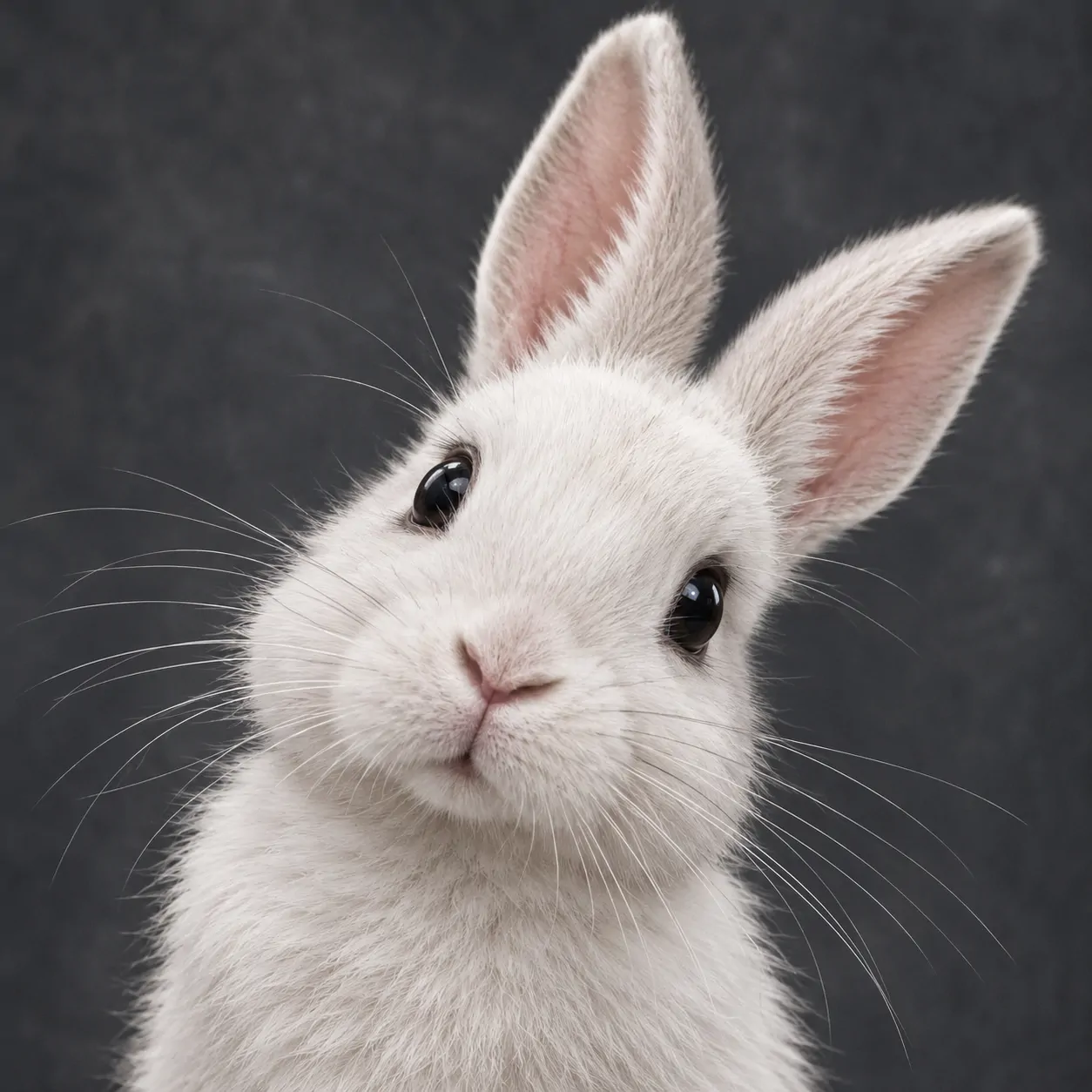
White fur needs more than a white background to show its shape. Grey shading beneath the cheeks helps separate the nose from the rest of the face. Sage, slate, and lilac provide different levels of separation. The darker options give the ears a clearer edge.
This group changes the outline through hanging ears, upright ears, and a tilted head. Pearl-grey tips add another useful detail without taking away the pale look. A White Bunny PFP suits a clean profile, but it does not need to feel blank. The expression and shadows provide enough interest.
Preview your choice against both light and dark app themes. A pale ear may disappear into a white interface. Keep a little background visible around the head so the rabbit remains separate from the page.
Matching Bunny PFP
Matching Bunny PFP options form three coordinated pairs with mirrored poses and shared colours. Each picture contains one complete rabbit and works on its own.
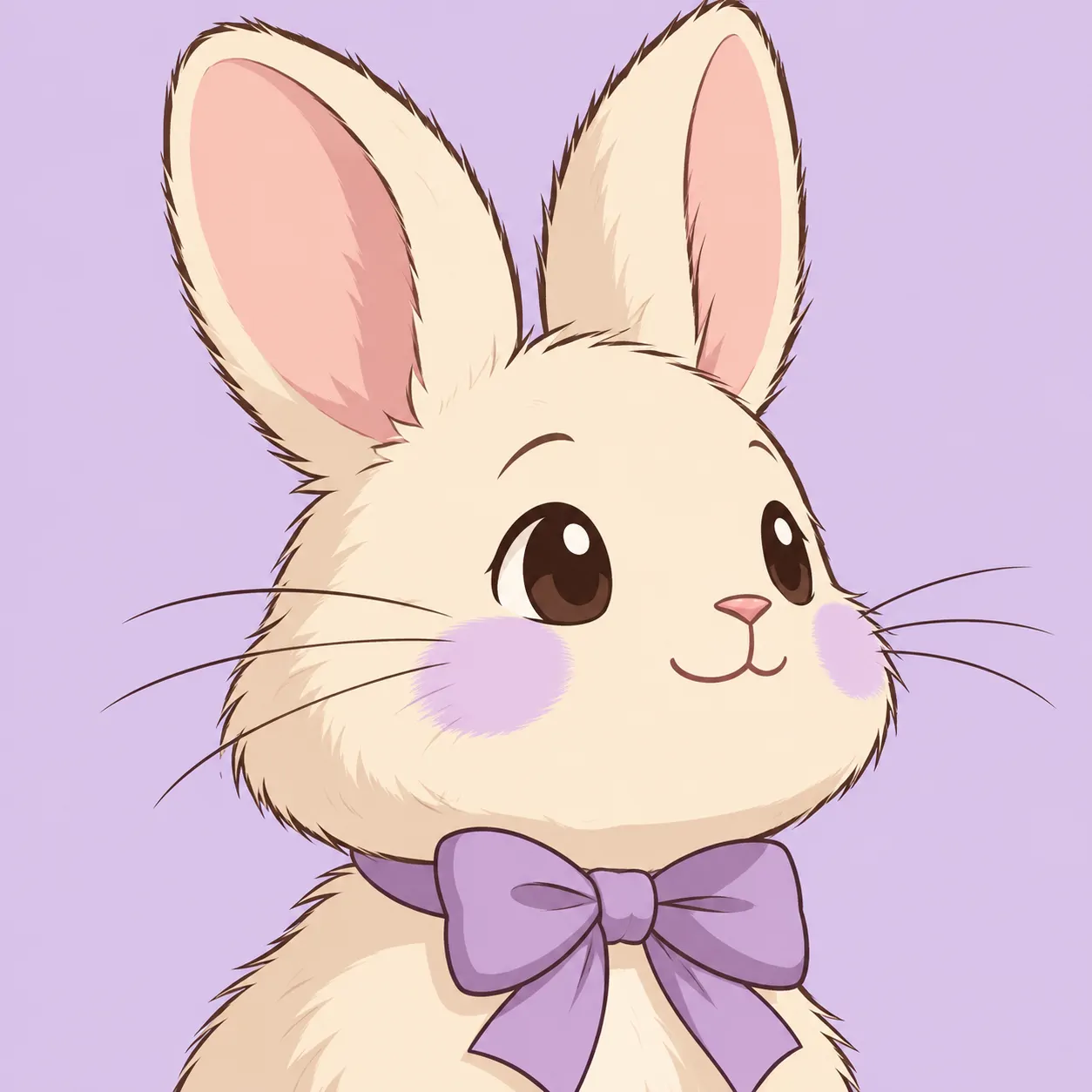
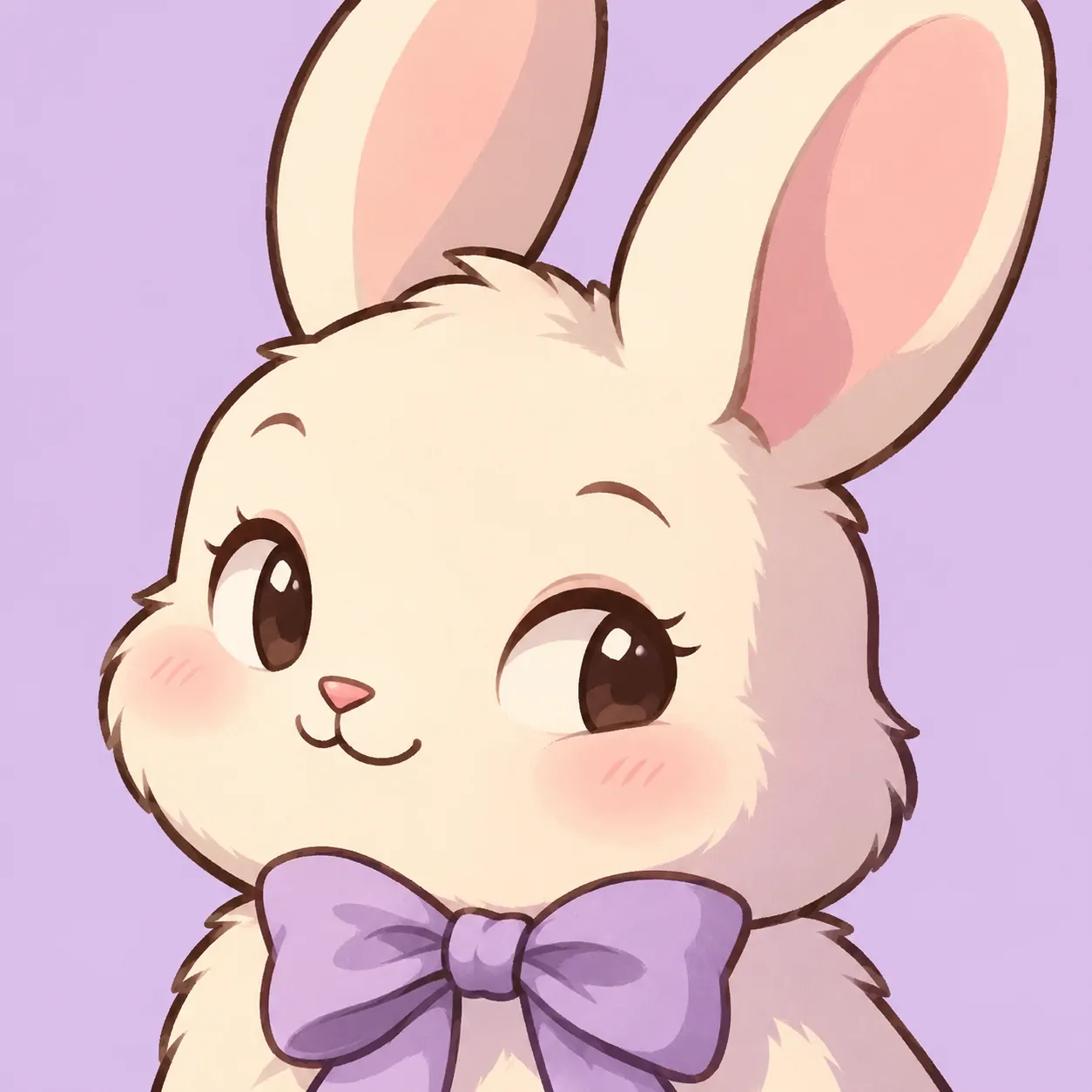
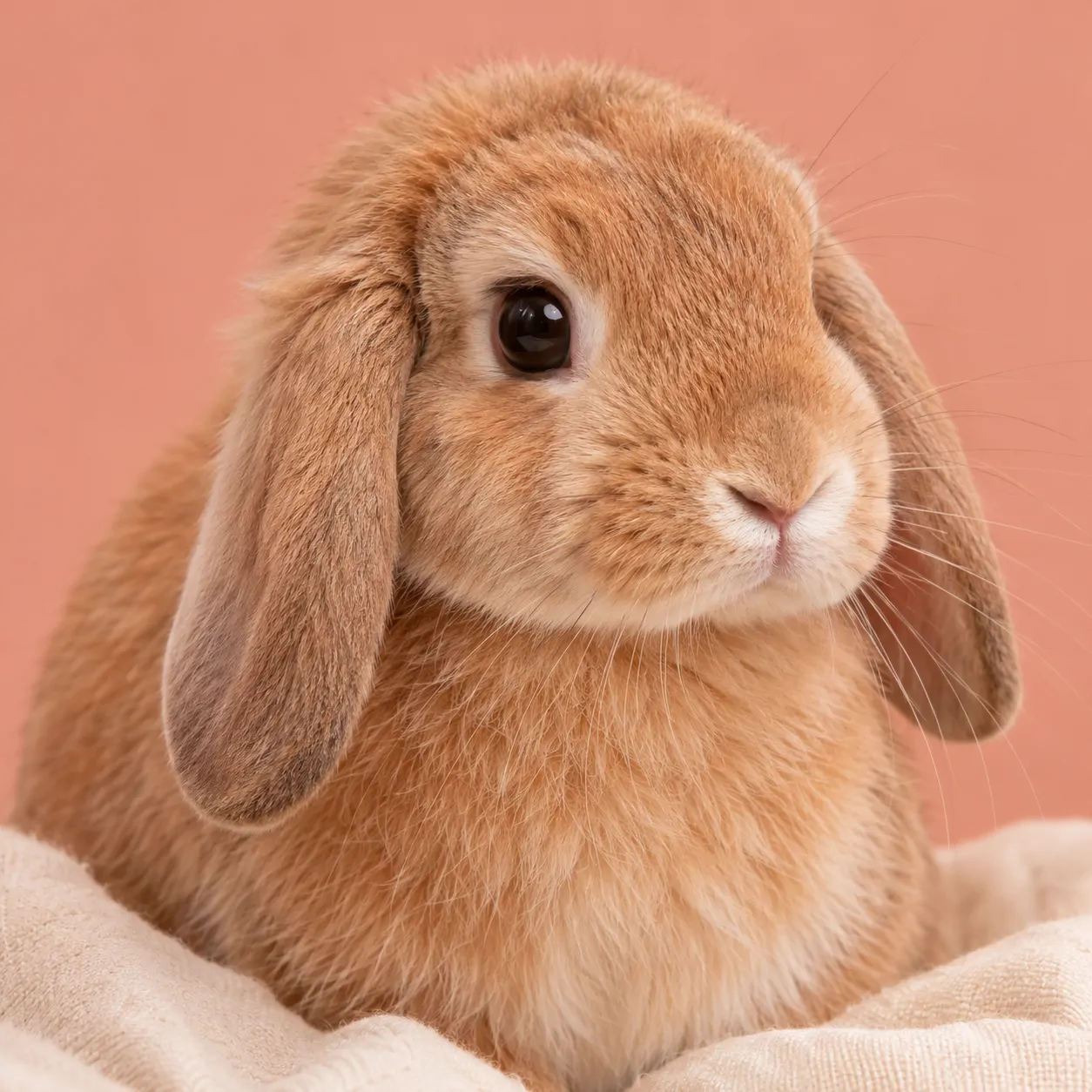
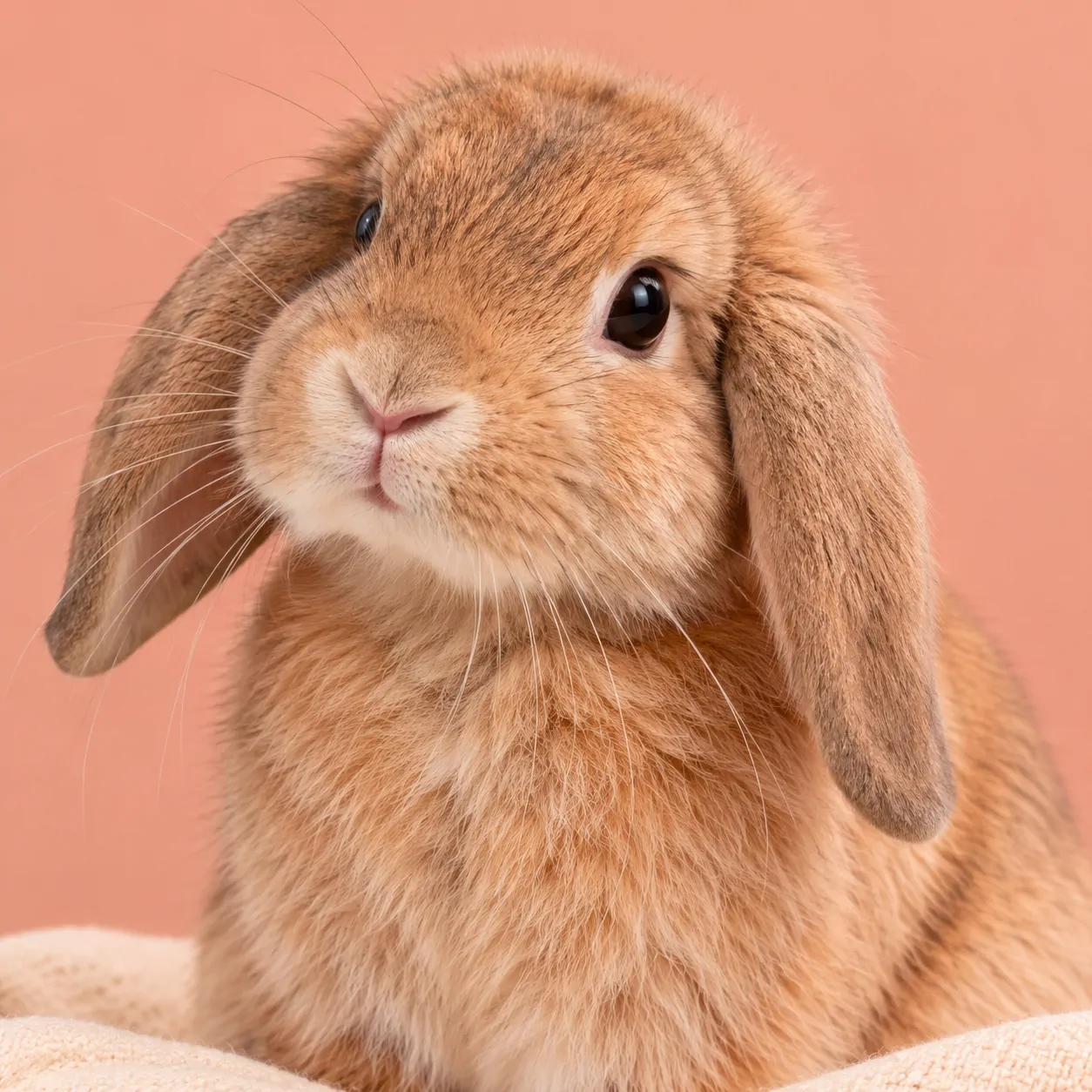
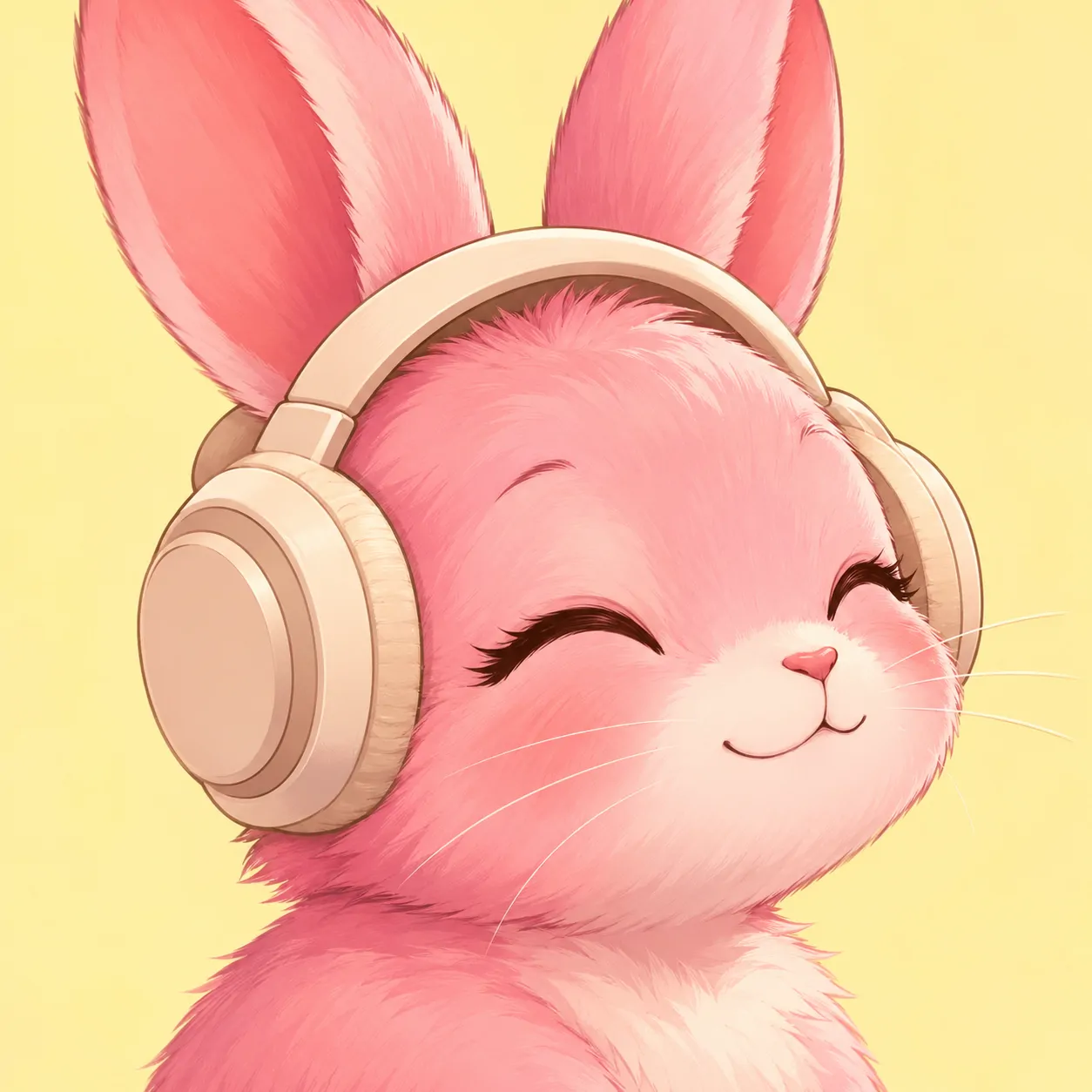
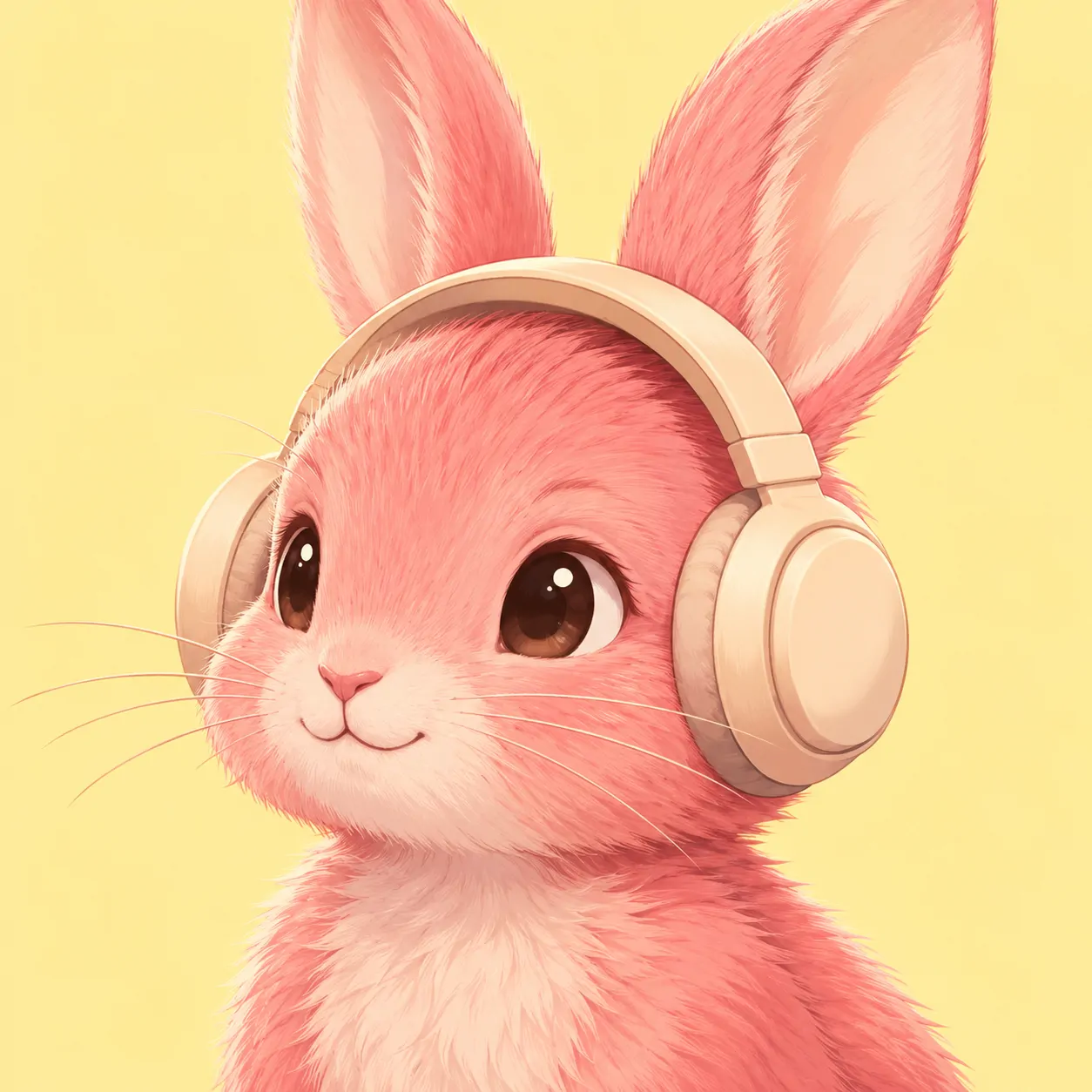
Each of the three pairs shares a background colour, face size, and style. The slight inward turns create a connection without splitting one picture. Both people receive a complete rabbit portrait that remains useful on its own.
The lilac pair uses simple cartoon shapes. The peach pair keeps the rabbits photo-style, while the headphone pair adds an illustrated music detail. Choose a Matching Bunny PFP set that both people would enjoy separately. Shared colours matter more than making every expression exactly the same.
Keep each face at a similar height when you upload the pair. Check both circular previews before confirming. You can also repeat the shared background shade in two different banners without making the whole accounts identical.
How to Use Your Bunny PFP
| Platform | Recommended upload size | How it is shown |
| Discord | At least 128 × 128 px (512 × 512 px keeps it sharp) | Circle |
| 320 × 320 px | Circle | |
| TikTok | At least 200 × 200 px | Circle |
| X (Twitter) | 400 × 400 px | Circle |
| No official size (640 × 640 px works well) | Circle |
Centre the face for the circular display, then check the ears in the preview. Upright ears need more space above the eyes than hanging ears. Keep the nose near the middle rather than pushing the face downward to fit every ear tip. Save the original file in full quality instead of taking a screenshot.
For a bunny portrait, the eyes and ear outline should stay readable at a glance. Remove extra stickers if they cover either feature. Pair your picture with a matching banner or wallpaper that repeats one background colour. A sage portrait can use a cream-and-sage banner, while pink headphones can share their rose accent with a simple wallpaper.
Find Your Mood
Your Bunny PFP can feel curious, sleepy, cheerful, or calm without changing the whole profile. Start with the fluffy portraits if you prefer animal faces. Choose cartoon or anime drawings for clearer gestures and accessories. Pink adds warmth, white keeps the palette light, and matching pairs give two accounts a shared detail.
Before saving a favourite, view it at the size your app actually shows. Check the eyes, nose, and space around the ears. Keep the version that still feels clear without opening it. Then carry one colour into your banner and leave the rest of the page simple.
Love bows and soft colours? The Coquette PFP collection includes more gentle bunny looks, and the Cute PFP gallery adds other friendly animals. For a pastel mix of mascots and anime faces, see our newest Cutecore PFP gallery.
FAQ
Should I use anime or cartoon bunny styles?
Choose cartoon art for simpler shapes and a more direct expression. Choose anime-style art for shaded faces, eye reflections, and character accessories. Preview both at a small size before deciding.
What makes matching bunny PFPs work visually?
Shared colours, similar face sizes, and coordinated poses make the connection clear. Each picture should still show a complete subject. The three pairs here use those details without splitting a face or prop.
Which Bunny PFP style works best for a cosy profile?
A calm rabbit portrait in cream, sage, or dusty rose is a useful starting point. Sleepy cartoon faces can create a similar mood with fewer details. Keep the background quiet and the expression easy to read.
Can I use a bunny profile picture on Discord?
Yes, you can upload a bunny picture as your Discord avatar. Check the circular preview so the eyes remain centred and the ears have enough space. Use an image you created, own, or have permission to use.
How do I keep white rabbit fur visible on a light background?
Choose a background with some colour or darker shading around the head. Pale sage, lavender, and warm grey can separate white fur from a white interface. Avoid removing all the shadows from the face.
Can I use any bunny picture I find online?
No, finding a picture online does not automatically give you permission to reuse it. Check the creator’s licence or ask for permission. Keep any required credit and do not remove an artist’s watermark.